
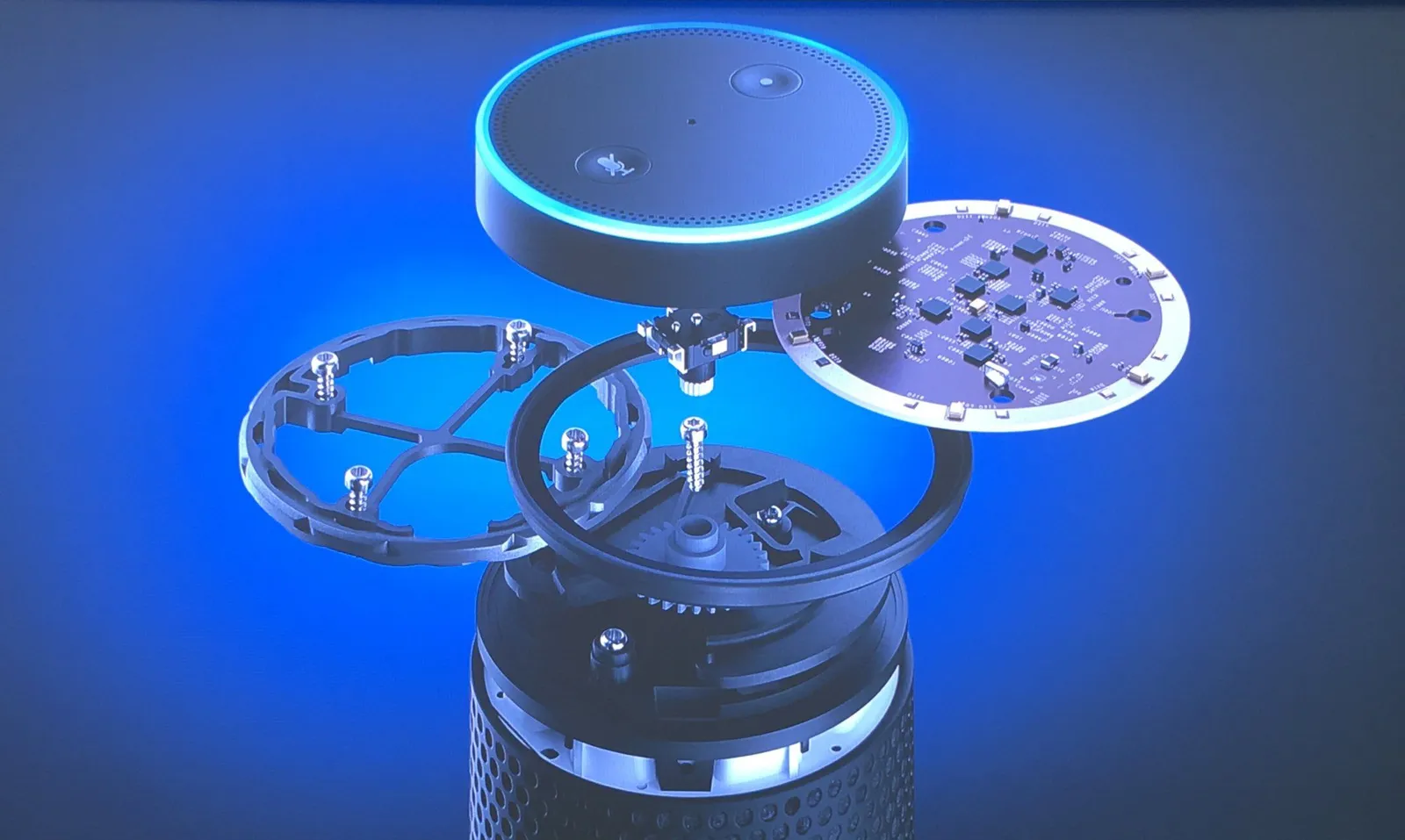
The Ultimate Guide to Alexa: Unlocking Its Full Potential
Are you ready to unleash the full power of Alexa in your life? Look no further! In this comprehensive guide, we’ll delve into the world of Amazon’s popular virtual assistant, exploring its features, capabilities, and potential uses.
What is Alexa?
Alexa is a cloud-based artificial intelligence (AI) service developed by Amazon. It’s designed to make life easier, providing a convenient way to control smart home devices, play music, set reminders, and more. With Alexa, you can talk to your device using natural language, just like you would with a human.
How Does Alexa Work?
To get started with Alexa, you’ll need a compatible device, such as an Amazon Echo speaker or a Fire TV. Once connected, you can access Alexa’s features through voice commands, the Alexa app on your smartphone or tablet, or even through the web interface.
The Power of Alexa: A Closer Look
- Smart Home Control: With Alexa, you can control various smart devices in your home, such as lights, thermostats, security cameras, and more.
- Music And Entertainment: Enjoy endless music options with Amazon Music, play games, watch movies and TV shows on Fire TV, or listen to podcasts.
- Information And News: Get updates on the weather, news, traffic, and more.
- Personalization: Customize your experience with skills, which are like apps for Alexa, designed to perform specific tasks or provide entertainment.
- Multi-room Audio: Seamlessly control music across multiple Echo devices in different rooms.
Choosing The Right Alexa Device
With a range of Alexa-enabled devices available, selecting the right one can be overwhelming. Here’s a brief overview:
- Echo Dot: The smallest and most affordable option, perfect for a bedside table or small space.
- Echo: A compact speaker with decent sound quality, ideal for everyday use.
- Echo Show 5: A display-equipped device that shows visuals like videos, photos, and more.
- Echo Show 8: A larger display version, great for video calls and entertainment.
- Echo Show 10: The most advanced model with a 10.1-Inch HD display.
Integrating Alexa With Other Devices
Alexa can integrate seamlessly with various smart devices, including:
- Smart Tvs: Use the Fire TV Stick or Cube to access Alexa’s features on your TV.
- Cars: Install the Echo Car device for hands-free control while driving.
- Home Security Systems: Integrate Alexa with security cameras and other devices for added convenience.
Conclusion
In this comprehensive guide, we’ve explored the world of Alexa, highlighting its capabilities, features, and potential uses. Whether you’re looking to simplify your smart home experience or enjoy endless entertainment options, Alexa has something to offer. By understanding how Alexa works, choosing the right device, and integrating it with other devices, you’ll be able to unlock its full potential and make life easier.
Frequently Asked Questions
- Q: What is The Minimum Operating System Required For Alexa?
A: The minimum operating system required is Android 8.0 Or iOS 14. - Q: Can I Use Alexa on my Pc?
A: Yes, Alexa can be used on Windows 10 and Windows 11 devices using the Alexa app. - Q: What Are Skills in Alexa?
A: Skills are like apps for Alexa, designed to perform specific tasks or provide entertainment. - Q: Can I Use Alexa With a Smart Tv?
A: Yes, you can use the Fire TV Stick or Cube to access Alexa’s features on your TV. - Q: How do I Integrate Alexa With my Car?
A: Install the Echo Car device for hands-free control while driving.
Tips And Tricks
- Use Alexa to Control Multiple Smart Devices Simultaneously.
- Take Advantage of Alexa’s Skills to Automate Tasks or Provide Entertainment.
- Use The Alexa App on Your Smartphone or Tablet to Access Features On-the-go.
- Experiment With Different Voice Commands to Discover New Capabilities.
- Explore The Vast Library of Alexa-compatible Devices And Integrations.
By following this guide, you’ll be well on your way to unlocking the full potential of Alexa and making life easier through technology!


