
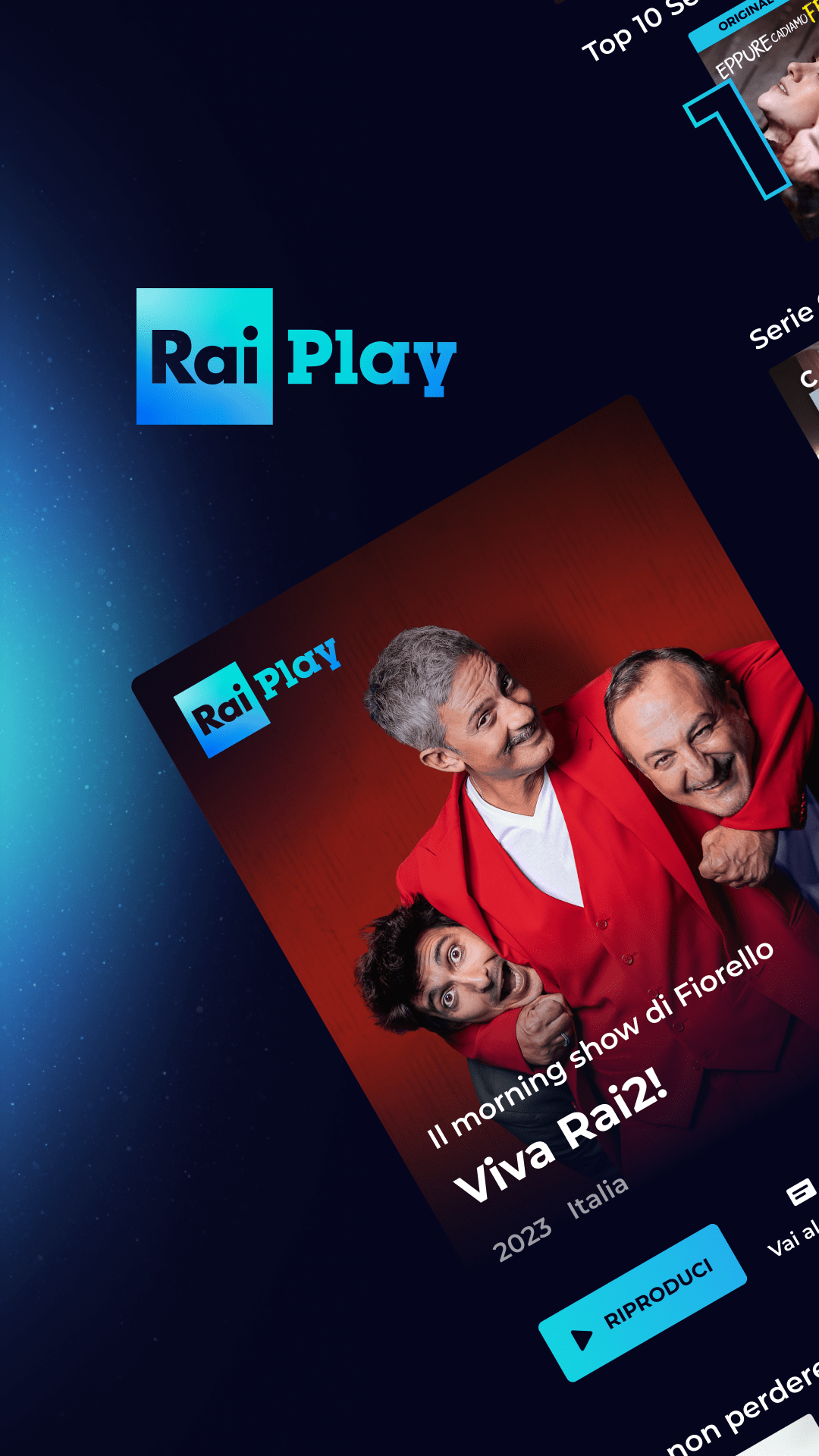
Accessing Raiplay on Your Smart Tv: A Step-by-step Guide
Are you tired of missing your favorite Rai TV shows and programs? Do you wish you could access them on your smart TV without having to navigate through a complex menu? Look no further! In this article, we will guide you through the process of accessing RaiPlay on your smart TV.
Benefits of Using Raiplay
Before we dive into the steps, let’s take a look at the benefits of using RaiPlay. By accessing RaiPlay on your smart TV, you can:
- Watch your favorite Rai programs and shows whenever you want
- Access a vast library of content, including movies, TV series, and documentaries
- Enjoy high-quality video and audio streaming
- Use a user-friendly interface to navigate through the content
Step 1: Create an Account on Raiplay
To access RaiPlay on your smart TV, you first need to create an account. This is a simple process that can be completed in just a few minutes.
- Go to the RaiPlay website and click on the “Create an account” button
- Fill out the registration form with your personal details, including name, surname, email address, and password
- Read and agree to the terms of service
Step 2: Connect Your TV to The Internet
Before you can access RaiPlay on your smart TV, you need to connect it to the internet. This is a crucial step that will allow you to stream content from RaiPlay.
- Use an Ethernet cable to connect your TV to your router
- If your TV has Wi-Fi connectivity, make sure it’s enabled and connected to your network
Step 3: Install Raiplay on Your Smart TV
Once your TV is connected to the internet, you can install RaiPlay on your smart TV.
- Go to the app store on your TV (e.G. LG Content Store)
- Search for RaiPlay and select it from the search results
- Click on the “Install” button to download and install the app
Step 4: Log In to Your Account
After installing RaiPlay, you need to log in to your account to access the content.
- Open the RaiPlay app on your smart TV
- Enter your email address and password to log in
- If you’ve forgotten your password, click on the “Forgot password” link to reset it
Step 5: Browse And Watch Content
Now that you’re logged in, you can browse and watch content on RaiPlay.
- Use the menu to navigate through different categories (e.G. TV series, movies, documentaries)
- Select a program or show to watch
- Use the remote control to play, pause, or stop the video
Accessing Raiplay Without a Smart TV
If you don’t have a smart TV, there are still ways to access RaiPlay.
- You can use a device like Chromecast to stream content from your smartphone or tablet to your TV
- Alternatively, you can download the RaiPlay app on your smartphone or tablet and watch content on the go
Conclusion
Accessing RaiPlay on your smart TV is easy and straightforward. By following these steps, you can enjoy a wide range of content, including TV shows, movies, and documentaries.
Faqs
Q: Do I need to create an account to access RaiPlay?
A: Yes, creating an account is required to access RaiPlay.
Q: How do I connect my smart TV to the internet?
A: You can use an Ethernet cable or enable Wi-Fi on your TV.
Q: Can I install RaiPlay on other devices besides my smart TV?
A: Yes, you can download the RaiPlay app on your smartphone or tablet and watch content on the go.
Q: What are the benefits of using RaiPlay?
A: By using RaiPlay, you can enjoy high-quality video streaming, a wide range of content, and a user-friendly interface.
Q: Can I access RaiPlay without a smart TV?
A: Yes, you can use devices like Chromecast or download the RaiPlay app on your smartphone or tablet to watch content.
Q: How do I log in to my account on RaiPlay?
A: Simply enter your email address and password to log in.
Q: Can I reset my password if I forget it?
A: Yes, click on the “Forgot password” link to reset your password.


