
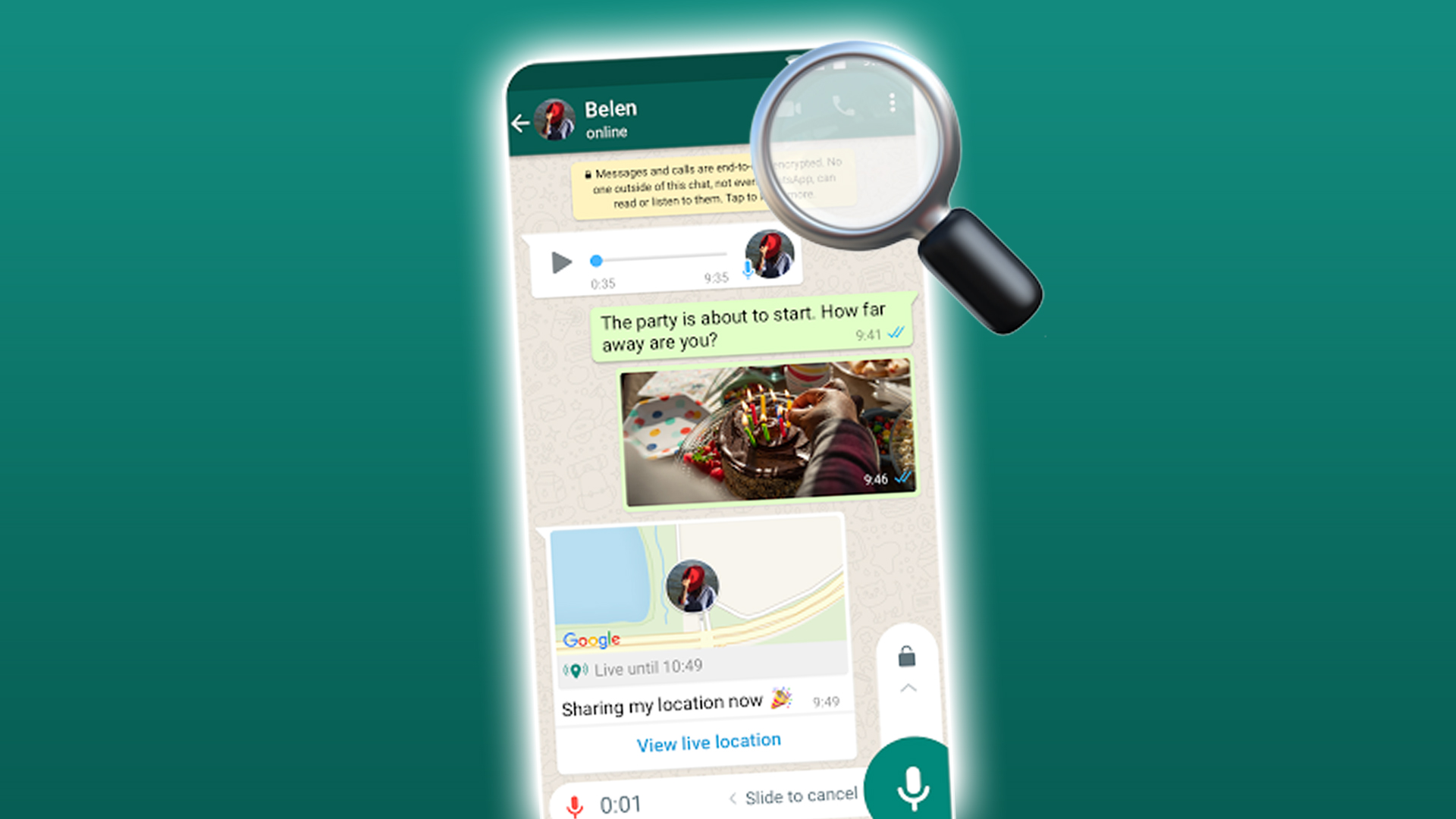
How to See What Messages Are in a Chat: A Step-by-step Guide
Are you curious about how many messages are exchanged between you and your contacts on WhatsApp, Telegram, or other messaging apps? You’re not alone! In this article, we’ll explore the various ways to see what messages are in a chat across different platforms.
Why Do I Want to See What Messages Are in a Chat?
There could be several reasons why you might want to know how many messages are exchanged between you and your contacts. Perhaps you’re trying to keep track of conversations, or maybe you’re curious about the number of interactions happening within a particular chat group.
How to See What Messages Are in a Chat on Whatsapp (Android)
To see what messages are in a chat on WhatsApp for Android, follow these steps:
- Initiate Whatsapp: Open WhatsApp on your Android device.
- Access Settings: Tap the three vertical dots in the top-right corner and select “Settings.”
- Go to Storage And Data: In the new screen that appears, tap “Storage and data” and then “Use date.”
- View Messages: Scroll down to the section labeled “Messages.” Here, you’ll find the total number of messages forwarded and received by means of a dedicated statistical display.
- Reset Statistics: If you want to reset this counter, press the “Azzera statistics” button located at the bottom.
How to See What Messages Are in a Chat on Whatsapp (iPhone)
To see what messages are in a chat on WhatsApp for iPhone, follow these steps:
- Initiate Whatsapp: Open WhatsApp on your iPhone.
- Access Settings: Tap the gear icon in the top-right corner and select “Settings.”
- Go to Blank And Data: In the new screen that appears, tap “Blank and data” and then “Use net.”
- View Messages: Scroll down to the section labeled “Messages.” Here, you’ll find the total number of messages forwarded and received by means of a dedicated statistical display.
- Reset Statistics: If you want to reset this counter, press the “Azzera statistics” button located at the bottom.
How to See What Messages Are in a Chat on Whatsapp (PC)
Unfortunately, it is not possible to see what messages are in a chat on WhatsApp when using a PC. Neither WhatsApp Web nor the Windows client contemplate a function adapted to this aim.
However, if you use WhatsApp for macOS, you can export a chat and then open the file with a text editor like Notepad++ or TextMate.
How to See What Messages Are in a Chat on Telegram
To see what messages are in a chat on Telegram, follow these steps:
- Initiate Telegram: Open Telegram on your device (Android or iOS/iPadOS).
- Access The Chat: Open the chat of interest.
- Search For Messages: On Android, tap the three vertical dots in the top-right corner and select “Search.” On iOS, tap the magnifying glass icon.
- View Messages: If you’re on iOS, enter the symbol + on the keyboard. In the inferior part of the monitor, you’ll see a display showing the total number of messages in the chat.
How to See What Messages Are in a Chat on Instagram
Unfortunately, it is not possible to see what messages are in a chat on Instagram at this time. However, if Instagram decides to implement a helpful function to this aim, we will update the article accordingly.
How to See What Messages Are in a Chat on Messenger
Unfortunately, it is not possible to visualize the amount of messages that are in a chat on Messenger.
Conclusion
In this article, we’ve explored how to see what messages are in a chat across different platforms. From WhatsApp and Telegram to Instagram and Messenger, we’ve provided step-by-step guides on how to access message statistics. Whether you’re trying to keep track of conversations or simply curious about the number of interactions happening within a particular chat group, this guide has got you covered.
Frequently Asked Questions (FAQs)
- Can I See What Messages Are in a Chat on Whatsapp?
Yes, you can see what messages are in a chat on WhatsApp for both Android and iPhone devices.
2. How do I Reset The Message Statistics Counter on Whatsapp?
On both Android and iPhone devices, press the “Azzera statistics” button located at the bottom of the settings screen to reset the counter.
3. Can I See What Messages Are in a Chat on Telegram?
Yes, you can see what messages are in a chat on Telegram for both Android and iOS/iPadOS devices.
4. How do I Export a Chat on Whatsapp?
On both Android and iPhone devices, go to the chat of interest, tap the name in high, and select “Export chat” from the menu.
5. Can I See What Messages Are in a Chat on Instagram?
Unfortunately, it is not possible to see what messages are in a chat on Instagram at this time.
6. How do I Reset The Message Statistics Counter on Telegram?
On both Android and iOS/iPadOS devices, you cannot reset the counter directly. However, you can erase a chat and then recover it later, which will display the total number of present messages.
7. Can I See What Messages Are in a Chat on Messenger?
Unfortunately, it is not possible to visualize the amount of messages that are in a chat on Messenger at this time.
8. How do I Export a Chat on Whatsapp (PC)?
On macOS devices, you can export a chat by going to the chat of interest, tapping the name in high, and selecting “Export chat” from the menu.
I hope this guide has been helpful in answering your questions about seeing what messages are in a chat across different platforms!


