
How to Read Messages Erased on Whatsapp, Messenger, Instagram, And More
Are you struggling to recover deleted messages from your favorite messaging apps? Don’t worry, we’ve got you covered! In this article, we’ll guide you through the process of reading erased messages on popular platforms like WhatsApp, Messenger, Instagram, and more.
The Problem With Erased Messages
When you delete messages on these apps, they’re not actually deleted from your device. Instead, they’re moved to a hidden folder or “trash can” that’s difficult to access. This means that even if you think you’ve erased a message forever, it might still be recoverable.
Method 1: Recovering Messages Through Backup
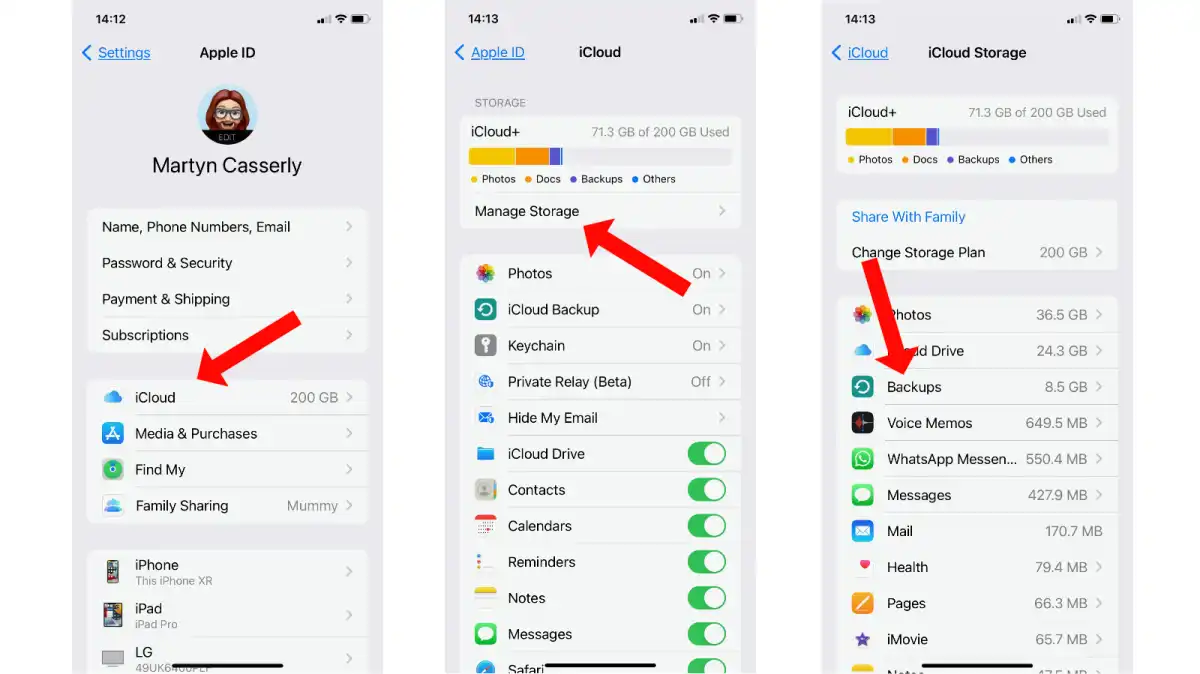
One of the most effective ways to recover deleted messages is by using backups. Most messaging apps, including WhatsApp and Messenger, automatically back up your conversations on a regular basis.
- Whatsapp: On Android devices, you can recover backed-up messages from Google Drive. To do this, reinstall WhatsApp and follow the setup process. The app will ask if you want to restore a backup from Google Drive.
- Messenger: Unfortunately, Messenger doesn’t offer a built-in backup feature. However, you can try requesting a copy of your conversations from Facebook.
Method 2: Using Recovery Apps
If the above method doesn’t work, you might need to resort to using data recovery apps like EaseUS MobiSaver or Wondershare Dr. Fone. These tools can scan your device and retrieve deleted messages from WhatsApp, Messenger, Instagram, and other apps.
- Easeus Mobisaver: This app is specifically designed for Android devices and offers a free version that you can test before upgrading to the paid version.
- Wondershare Dr. Fone: This software supports both Android and iOS devices and provides a comprehensive solution for recovering deleted data, including WhatsApp messages.
Method 3: Using File Managers
On Android devices, you can also try using file managers like Row Master + or ES File Explorer to access the hidden folders where your deleted messages are stored. Be careful when navigating through these files, as they might be encrypted and require a specific password to access.
- Row Master+: This app is designed for managing rows and folders on your device. You can use it to locate the folder containing your WhatsApp data.
- ES File Explorer: This file manager offers advanced features like encryption and backup capabilities. Use it to navigate through the hidden folders on your device.
Recovering Messages on Messenger
If you’ve deleted messages on Messenger, you might be able to recover them by requesting a copy of your conversations from Facebook. To do this:
- Go to Facebook’s settings and select “Download Your Information.”
- Choose the messages option and select the conversations you want to recover.
- Click “Create File” to download a ZIP file containing your conversations.
Recovering Messages on Instagram
Unfortunately, Instagram doesn’t offer a built-in backup feature for messages. However, you can try recovering your deleted data by:
- Going to Instagram’s settings
- Selecting “Download Data”
- Choosing the messages option
- Clicking “Create File” to download a ZIP file containing your conversations
Recovering Deleted Sms on Android
If you’ve deleted SMS messages on an Android device, you can try recovering them using data recovery apps like EaseUS MobiSaver or Wondershare Dr. Fone.
Conclusion
Recovering erased messages from popular messaging apps can be a challenging task, but it’s not impossible. By trying the methods outlined above, you might be able to recover deleted messages and avoid losing important conversations.
Faqs:
- What happens when I delete messages on WhatsApp or Messenger?
- Messages are moved to a hidden folder or “trash can” that’s difficult to access.
- How do I recover backed-up messages from Google Drive?
- Reinstall WhatsApp, follow the setup process, and select the option to restore a backup from Google Drive.
- Can I recover deleted messages on Messenger without using data recovery apps?
- Unfortunately, no. Messenger doesn’t offer a built-in backup feature.
- How do I access hidden folders where my deleted messages are stored on Android devices?
- Use file managers like Row Master + or ES File Explorer to navigate through the hidden folders.
By following these steps and using the right tools, you might be able to recover erased messages from your favorite messaging apps. Good luck!


