
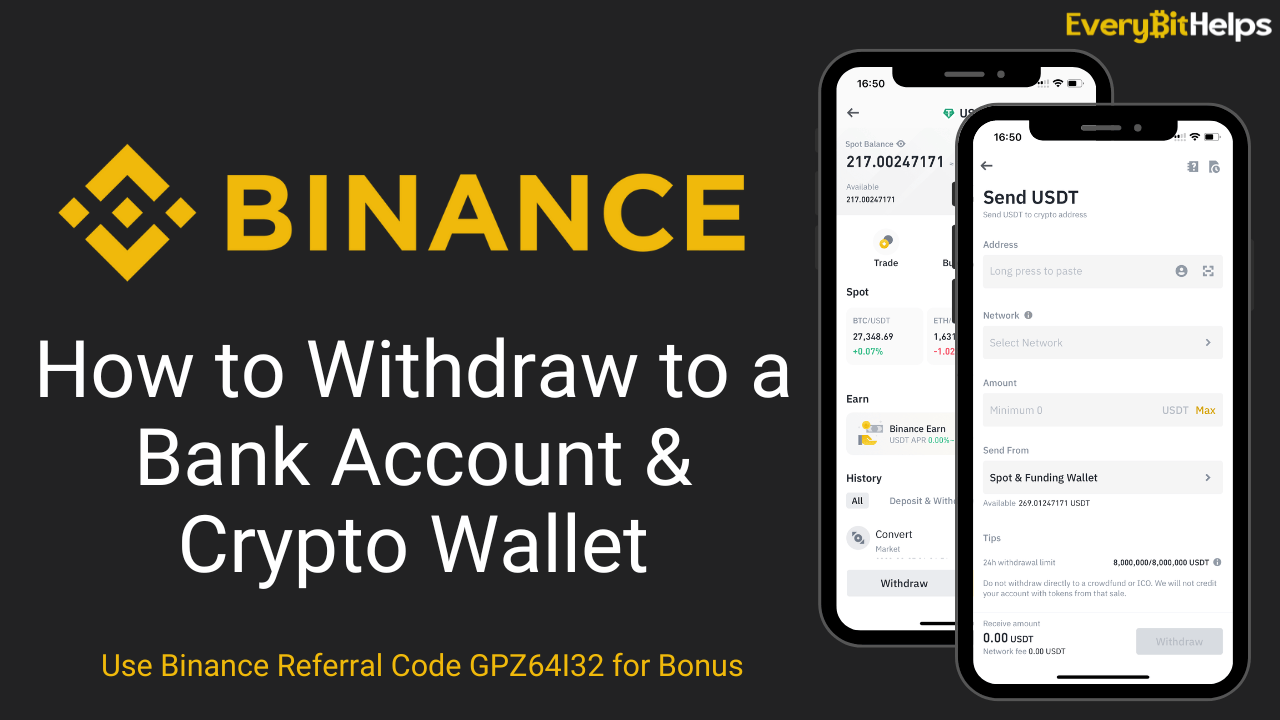
Converting Binance Funds Into Euros: A Step-by-step Guide
Are you a Binance user eager to convert your digital coins into euros, ready to spend or transfer them to your bank account? You’ve come to the right place! In this article, we’ll walk you through the process of converting your Binance funds into euros and transferring them to your desired destination.
Why Convert Your Funds?
Before we dive into the nitty-gritty details, let’s quickly discuss why converting your Binance funds into euros is a great idea. By doing so, you can:
- Transfer your profits to your bank account or card
- Use your converted funds for daily expenses
- Take advantage of lower fees compared to transferring cryptocurrencies directly
How to Convert Your Funds
Converting your Binance funds into euros is a straightforward process that requires a few simple steps. Here’s what you need to do:
Converting Cryptocurrencies Into Euros on The Binance Website
To convert your cryptocurrencies into euros, follow these steps:
- Log in to your Binance account using the web platform.
- Navigate to the Wallet section and select the cryptocurrency you want to convert.
- Click on the “Convert” button next to the selected cryptocurrency.
- Enter the amount of cryptocurrency you want to convert into euros.
- Review the conversion rate and confirm your transaction.
Converting Cryptocurrencies Into Euros Using The Binance Mobile App
If you prefer using the mobile app, here’s how you can convert your cryptocurrencies into euros:
- Open the Binance app on your smartphone or tablet.
- Navigate to the Wallet section and select the cryptocurrency you want to convert.
- Tap on the “Convert” button next to the selected cryptocurrency.
- Enter the amount of cryptocurrency you want to convert into euros.
- Review the conversion rate and confirm your transaction.
Transferring Your Funds
Once you’ve converted your cryptocurrencies into euros, you can transfer them to your desired destination. Here’s how:
Transferring Euros to a Bank Account
To transfer your converted funds to a bank account, follow these steps:
- Log in to your Binance account using the web platform.
- Navigate to the Wallet section and select the euro balance.
- Click on the “Transfer” button next to the selected currency.
- Enter the amount of euros you want to transfer.
- Review the transaction details and confirm your transfer.
Transferring Euros to a Card
To transfer your converted funds to a card, follow these steps:
- Log in to your Binance account using the web platform.
- Navigate to the Wallet section and select the euro balance.
- Click on the “Transfer” button next to the selected currency.
- Select the card you want to transfer the funds to.
- Enter the amount of euros you want to transfer.
- Review the transaction details and confirm your transfer.
Conclusion
Converting your Binance funds into euros is a straightforward process that requires a few simple steps. By following the guidelines outlined in this article, you can easily convert your digital coins into euros and transfer them to your desired destination.
Frequently Asked Questions (FAQs)
Here are some frequently asked questions related to converting Binance funds into euros:
- Q: Can I convert my cryptocurrencies into euros on the Binance mobile app?
- A: Yes, you can convert your cryptocurrencies into euros using the Binance mobile app.
- Q: How do I transfer my converted euros to a bank account?
- A: To transfer your converted euros to a bank account, follow the steps outlined in this article.
- Q: Can I use a credit card to transfer my converted euros?
- A: Yes, you can use a credit card to transfer your converted euros, but be aware that there may be fees associated with this transaction.
- Q: How long does it take to convert and transfer my funds?
- A: The conversion and transfer process typically takes a few minutes to an hour, depending on the speed of your internet connection and the volume of transactions being processed.
Please note that these FAQs are for informational purposes only and may not be applicable in all situations.


