
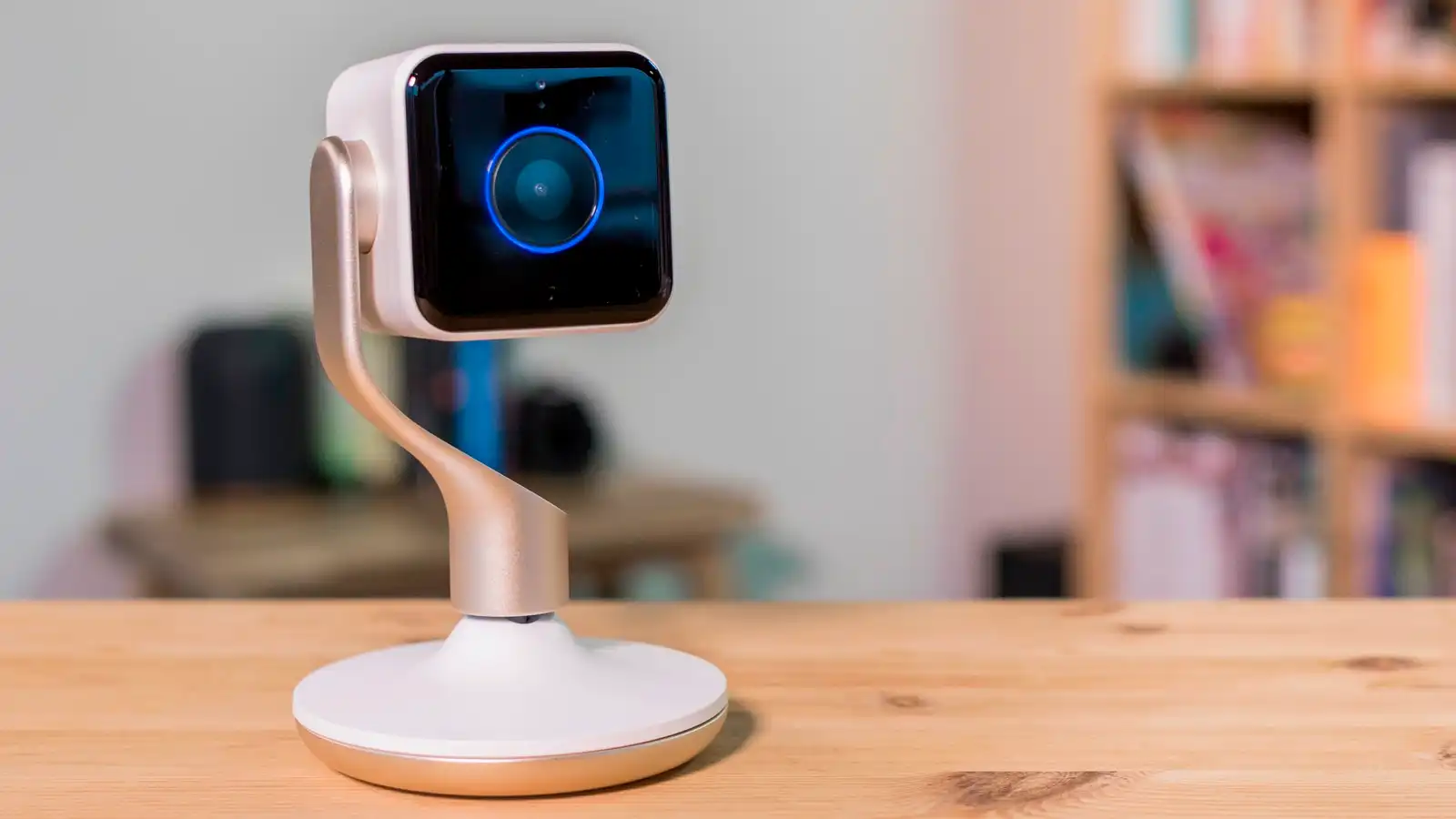
Hive View: A Smart Video Camera For Home Security
Are you looking for an advanced solution to monitor your home at arm’s length? Look no further than Hive View, a smart video camera that is part of the Hive smart home system.
What is Hive View And How Does it Function?
Hive View is a compact, lightweight, and easy-to-use smart video camera that allows you to monitor your home from anywhere using your smartphone or tablet. With its 130° field of view and night vision, you can keep an eye on every corner of your property.
Key Features of Hive View
- Records video in HD quality
- Has motion detection and alerts you when someone enters your home
- Allows you to see live footage from anywhere using your smartphone or tablet
- Can be controlled remotely using the Hive app
- Has a built-in battery that lasts for over an hour on a single charge
How to Install Hive View
To install Hive View, follow these simple steps:
- Download and install the Hive app on your smartphone or tablet.
- Create an account with Hive and link your video camera to it.
- Place the video camera in a safe location where it can see every corner of your home.
How to Configure Hive View
To configure Hive View, follow these steps:
- Open the Hive app and tap on the icon of the video camera.
- Tap on the “Install devices” option and select “Hive View”.
- Follow the instructions to connect your video camera to the internet.
- Set up your video camera’s motion detection settings.
How to Use Hive View
To use Hive View, follow these steps:
- Open the Hive app and tap on the icon of the video camera.
- Tap on the “Live view” option to see live footage from your video camera.
- Tap on the “Motion alerts” option to receive notifications when someone enters your home.
- Tap on the “Recordings” option to review recorded videos.
How to Program Hive View
To program Hive View, follow these steps:
- Open the Hive app and tap on the icon of the video camera.
- Tap on the “Program” option and select a day of the week.
- Choose a time interval and set up your motion detection settings.
Common Questions About Hive View
Q: What is the resolution of Hive View’s video recordings?
A: Hive View records video in HD quality (720p) by default, but can be upgraded to 1080p (Full HD).
Q: How long do Hive View’s battery last?
A: Hive View’s built-in battery lasts for over an hour on a single charge.
Q: Can I control Hive View remotely?
A: Yes, you can control Hive View remotely using the Hive app.
Q: What is the range of Hive View’s motion detection feature?
A: Hive View’s motion detection feature has a range of up to 5 meters (16.4 Feet).
Q: How do I reset my Hive View video camera?
A: To reset your Hive View video camera, press and hold the power button for 10 seconds.
Q: What is the difference between Hive View and other smart home security cameras?
A: Hive View is a compact, lightweight, and easy-to-use smart video camera that integrates with the Hive smart home system.
Conclusion
Hive View is a powerful smart video camera that offers advanced features like motion detection, live footage streaming, and remote control. With its compact design, long battery life, and HD video quality, it’s the perfect solution for anyone looking to monitor their home at arm’s length.
Faqs
Q: What are the system requirements for Hive View?
A: Hive View requires a wireless Wi-Fi router (802.11 B/g/n), an internet connection of at least 1.5 Mbps, and a device with iOS or Android operating system.
Q: How much does Hive View cost?
A: The single unit price of Hive View is €199, while the couple pack costs €339.
Q: Can I use Hive View in portable mode?
A: Yes, you can use Hive View in portable mode by disconnecting it from its magnetic base and using it on a flat surface.
Q: How do I troubleshoot issues with my Hive View video camera?
A: You can try restarting your Hive View video camera, checking its Wi-Fi connection, or contacting the Hive support team for assistance.


