
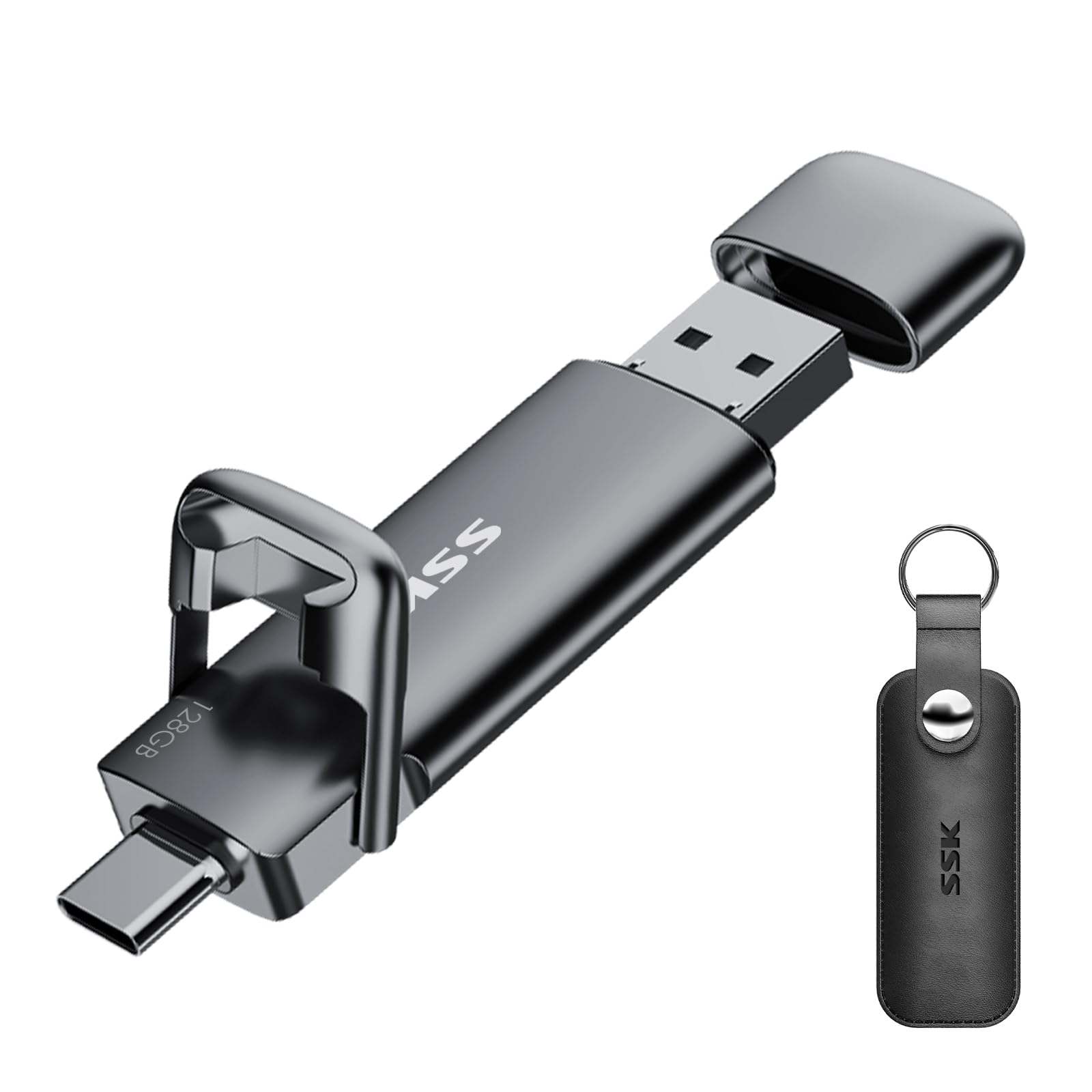
The article aims to help users choose the best USB drive that meets their storage needs.
What is a Chiavetta Usb?
A chiavetta USB is a portable external storage device that uses the Universal Serial Bus (USB) interface to transfer data between devices.
Choosing The Right Capacity
When choosing a chiavetta USB, one should consider the capacity needed. For small files like documents and photos, an 8GB or 16GB drive may suffice, but for video, audio, or large image collections, a higher-capacity drive like 128GB or more is recommended.
Types of Usb Standards
The article lists different types of USB standards, each offering varying speeds:
- Usb 2.0: The oldest and slowest standard.
- Usb 3.0: A faster standard that transfers data at up to 5Gbps.
- Usb 3.1: An even faster standard that transfers data at up to 10Gbps.
- Usb 3.2: The latest and fastest standard, which transfers data at up to 20Gbps.
Types of Usb Connectors
The article mentions different types of USB connectors:
- Usb-a: The standard connector used on most computers and devices.
- Usb-c: A newer connector that’s reversible and faster than the traditional USB-A.
- Micro-usb: A smaller connector used on some smartphones and tablets.
Additional Features
Some chiavetta USBs come with features like:
- Led Indicators: A light indicator showing when the drive is in use or has completed a transfer.
- Wear Leveling: A technology that helps extend the life of the drive by distributing write operations across memory sectors.
- Backup on The Cloud: Some drives have built-in cloud backup features, allowing automatic online backups.
Top Chiavetta Usb Recommendations
The article suggests three top chiavetta USB recommendations:
- Kingston Datatraveler Exodia Onyx: A 128GB drive with a fast USB 3.2 Interface and wear leveling technology.
- Lexar Chiavetta Usb 3.2 128GB: A high-capacity drive with a fast USB 3.2 Interface and rugged design.
- Sandisk Ultra Fit 64GB: A compact drive with a fast USB 3.1 Interface and wear leveling technology.
Conclusion
The article concludes by emphasizing the importance of considering factors like capacity, USB standard, and connector type when choosing a chiavetta USB. It also provides recommendations based on the analysis.
Frequently Asked Questions (FAQs)
The article answers four FAQs:
- Q: What is The Difference Between a 64GB And a 128GB Chiavetta Usb?
A: The main difference is capacity; a 128GB drive can store more data than a 64GB drive. - Q: Can I Use a Chiavetta Usb With my Smartphone or Tablet?
A: Yes, many chiavetta USBs come with mobile adapters or have built-in OTG (USB on the go) technology. - Q: What is Wear Leveling And How Does it Help Extend The Life of The Drive?
A: Wear leveling helps distribute write operations across memory sectors, reducing wear and tear on the drive. - Q: Can I Use a Chiavetta Usb to Back up my Data Online?
A: Some drives come with built-in cloud backup features; check the specifications before purchasing.
Additional Tips
The article provides additional tips:
- Choose a drive that matches your computer’s USB standard for optimal performance.
- Consider purchasing a rugged or waterproof drive if you plan to use it in harsh environments.
- Back up your data regularly, even with a chiavetta USB that has built-in backup features.


