
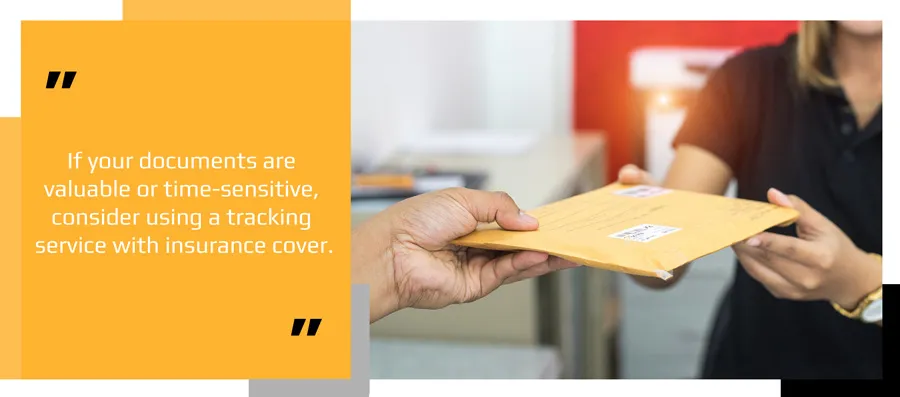
How to Send Documents by Mail Online: A Step-by-step Guide
Are you looking for a convenient way to send documents by mail without having to physically visit a postal office? Look no further! In this article, we will guide you through the process of sending documents online using Italian Mails services.
Overview of Italian Mails Services
Italian Mails offers three different services that allow you to send documents online: Letter, Recommended, and Put Delivery Web. Each service has its own unique features and prices, which we will discuss in more detail below.
Differences Among The Three Services
Before choosing a service, it’s essential to understand the differences among them.
- Letter: This service allows you to type a letter using pre-made templates and enclose documents up to 18 pages in A4 format. The cost is split at 1.12 Euros.
- Recommended: Similar to Letter, but also includes digital retract features. The addressee can retract online without recapitating domicile and visualizing the delivery or postal office receipt. The cost is split at 3.70 Euros.
- Put Delivery Web: Ideal for forwarding large quantities of documents. This service involves dispatching packages with prenotazione retract to domicile. The cost is split at 8.50 Euros.
Sending Documents From a Computer
To send documents online using Italian Mails services, follow these steps:
- Login to Your Account: Go to the official Italian Mails website and log in to your account. If you don’t have an account, create one or use SPID credentials.
- Access Services: Click on the “Personal Area” button located at the top right corner of the page. Insert your access data (username and password) and click on the “Access” button to log in.
- Choose a Service: Once logged in, select the service you want to use from the menu: Letter, Recommended, or Put Delivery Web.
- Insert Your Data: Fill out the required information for the chosen service.
Sending Documents From a Smartphone or Tablet
If you prefer using your smartphone or tablet, download the Italian Mails app (available for Android and iOS devices).
- Access The App: Launch the app and log in to your account or create one if needed.
- Choose a Service: Select the service you want to use: New Letter, New Recommended, or Forward Package.
- Insert Your Data: Fill out the required information for the chosen service.
Sending Packages
If you need to send packages, follow these steps:
- Prepare Your Package: Ensure your package is ready and contains the documents you want to send.
- Choose a Service: Select Put Delivery Web from the menu in the Italian Mails app.
- Insert Your Data: Fill out the required information for the chosen service.
Conclusion
Sending documents online using Italian Mails services offers convenience, flexibility, and security. By following these step-by-step guides, you can easily send letters, recommended documents, or packages from your computer, smartphone, or tablet.


