
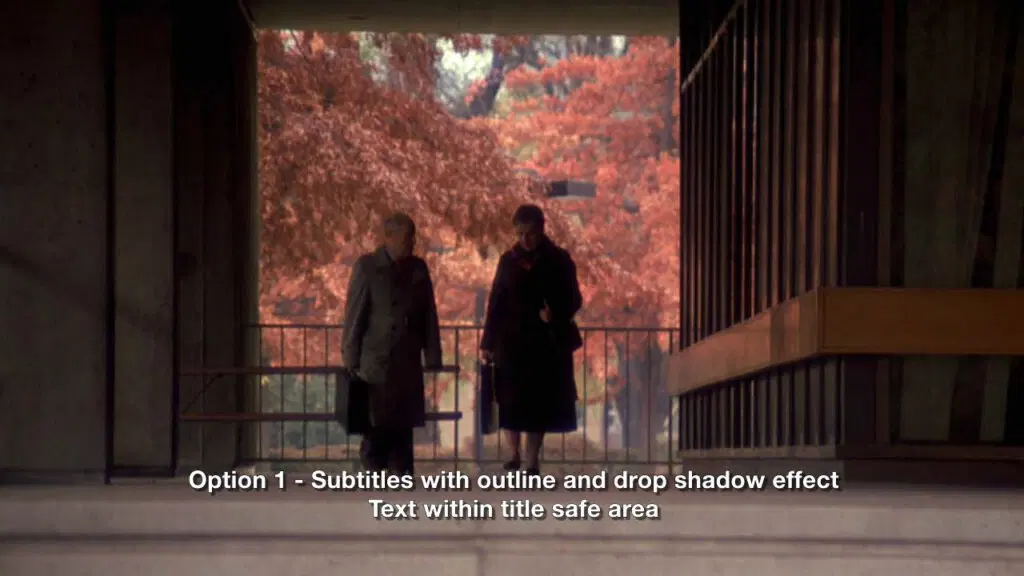
How to Add Subtitles to a Movie: A Step-by-step Guide
Are you passionate about cinema and want to enhance your movie-watching experience? Do you want to understand the subtitles of a foreign film? Look no further! In this article, we will guide you through the process of adding subtitles to a movie, step by step.
Why Add Subtitles to a Movie?
Adding subtitles to a movie can be beneficial in several ways. If you’re watching a foreign language film, subtitles can help you understand the dialogue and follow the plot. Even if you’re watching an English-language film, subtitles can be useful for people with hearing impairments or those who prefer to read the dialogue while watching.
Where to Find Subtitles
So, where do you find subtitles for your favorite movies? There are several options available:
- Opensubtitles: This is a popular online platform that offers free subtitles in multiple languages. You can search for your movie title and select the language you prefer.
- Youtube: Many YouTube videos come with subtitles already added. You can also find subtitles for specific movies by searching for “subtitles” along with the movie title.
- Netflix: Netflix has a built-in subtitle feature that allows you to add subtitles to your favorite shows and movies.
How to Add Subtitles to a Movie
Now that we’ve covered where to find subtitles, let’s move on to how to add them to your movie. Here are the steps:
- Download The Subtitle File: Download the subtitle file from OpenSubtitles or another reliable source.
- Rename The File: Rename the subtitle file to match the name of your movie file (e.G., “Movie.Srt” and “Movie.Mp4”).
- Place The Files in The Same Folder: Place both files in the same folder to ensure they are easily accessible.
- Use a Media Player: Use a media player like VLC or Windows Media Player to play your movie file with subtitles.
Tips And Tricks
Here are some additional tips and tricks to keep in mind:
- Choose The Right Format: Make sure you choose the right subtitle format for your movie file (e.G., SRT, SSA, or ASS).
- Adjust The Subtitle Settings: Adjust the subtitle settings on your media player to ensure they appear correctly on screen.
- Use a Portable Version: If you want to use subtitles on-the-go, consider using a portable version of the Subtitle Workshop software.
Conclusion
Adding subtitles to a movie can be a simple and rewarding process. By following these steps and tips, you can enhance your movie-watching experience and understand foreign language films with ease.
Faqs
Here are some frequently asked questions about adding subtitles to movies:
- Q: Where Can I Find Subtitles For my Favorite Movies?
A: You can find subtitles on OpenSubtitles, YouTube, Netflix, and other online platforms. - Q: How do I Add Subtitles to a Movie?
A: Follow the steps outlined in this article to download and add subtitles to your movie file. - Q: What is The Best Media Player For Playing Movies With Subtitles?
A: VLC and Windows Media Player are popular options for playing movies with subtitles.
I hope you enjoyed this guide on how to add subtitles to a movie!


