
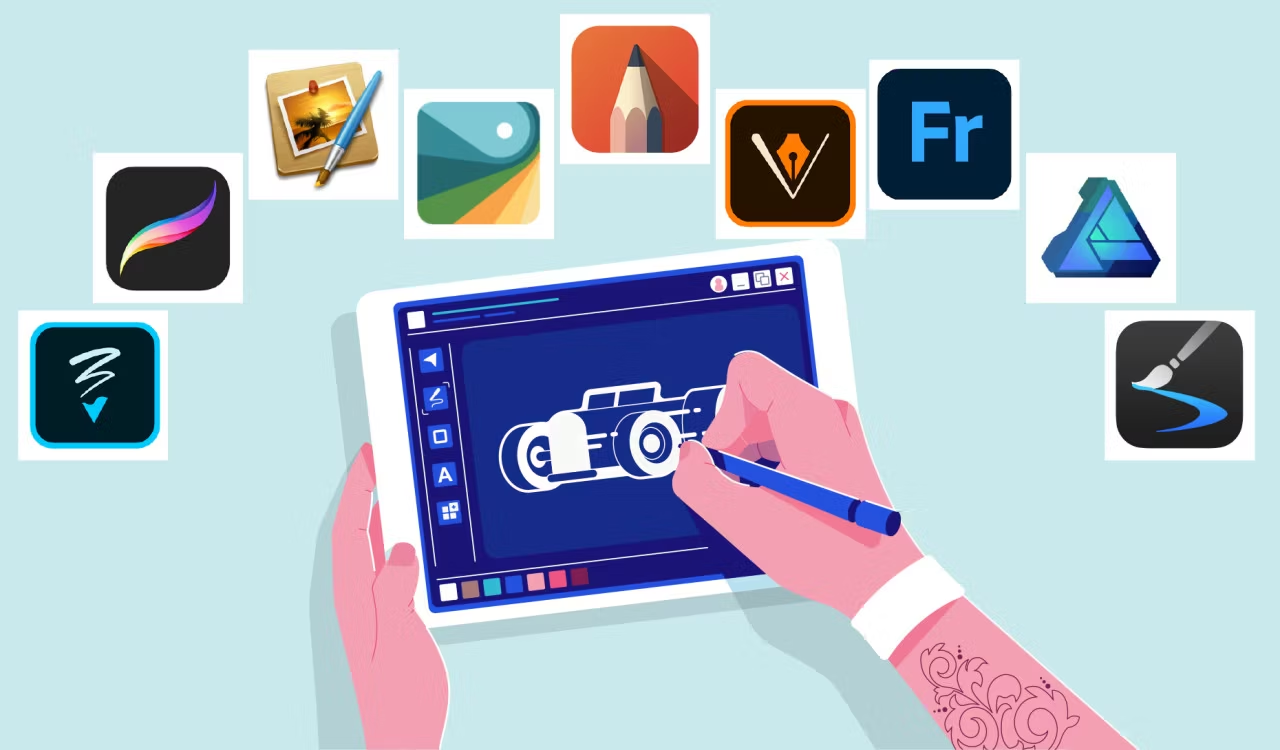
The Ultimate Guide to Designing on Photos: Top Apps For Android And Ios
Are you tired of sharing plain photos on social media? Do you want to add a personal touch to your vacation memories or make your selfies look more stunning? Look no further! In this article, we will explore the top apps for designing on photos, available exclusively for Android and iOS devices.
Why Design on Photos?
Designing on photos is an excellent way to personalize your images and make them stand out. Whether you want to add text, draw doodles, or simply enhance the colors, these apps will help you achieve professional-looking results without requiring any prior design experience.
Best Apps For Android:
- Gallery (Android)
Before installing any third-party app, try using the built-in Gallery editor on your Android device. This feature allows you to edit photos, including adding text, doodles, and filters.
- Draw And Paint (Android)
This free app offers a simple and intuitive interface, making it perfect for beginners. You can choose from various brushes, colors, and tools to design on your photos.
- Papercolor (Android)
With its rich set of brushes and tools, PaperColor is an excellent choice for personalizing your photos. The app allows you to create new collections, add images, and design using a variety of instruments.
- Imarkup (Android)
This app offers a complete service for designing, typing, and applying stickers on your photos. Its intuitive interface makes it easy to use, even for those with limited design experience.
Best Apps For Ios:
- Photo (iOS/iPadOS)
The built-in Photo editor on iOS devices allows you to make basic edits, including adding text, doodles, and filters. This feature is accessible by tapping the “Edit” button in the top-right corner of the screen.
- Paper (iOS/iPadOS)
This popular app offers a user-friendly interface and a wide range of instruments for designing on photos. You can choose from various brushes, colors, and tools to create unique and personalized images.
- Annotable (iOS/iPadOS)
With its rich set of brushes and instruments, Annotable is an excellent choice for highlighting details in your photos or adding text and doodles. The app offers a free version with ads, as well as a premium subscription for full access to features.
- Procreate (iPadOS)
This professional-grade app is designed specifically for creating digital artwork on the iPad. With its rich set of brushes and tools, Procreate is perfect for those looking to create unique and original designs on their photos.
Other Top Apps:
- Autodesk Sketchbook (Android/iOS)
A free app with a simple and intuitive interface, making it ideal for beginners. It offers a wide range of brushes and tools for creating artwork on your photos.
- Infinite Painter (Android/iOS)
This app features a rich set of “seriously” included functions that will help you transform your images into true works of art.
- Snapseed (Android/iOS)
A free app developed by Google, offering multiple instruments for enhancing and designing on your photos using filters and brushes.
- Pixelmator (iOS/macOS)
Available for both iOS and macOS devices, this app offers a range of tools for editing and designing on photos. It’s perfect for those looking to create professional-looking results.
Conclusion:
Designing on photos is an excellent way to personalize your images and make them stand out. With these top apps available exclusively for Android and iOS devices, you can achieve professional-looking results without requiring any prior design experience. Whether you’re a beginner or an experienced designer, there’s an app out there for everyone.
Frequently Asked Questions:
-
Q: What is The Best App For Designing on Photos?
A: The best app for designing on photos depends on your personal preferences and device. For Android users, PaperColor and iMarkup are excellent choices, while iOS users may prefer Photo, Paper, or Annotable. -
Q: Can I Design on Photos Without Installing Any Third-party Apps?
A: Yes, many devices come with built-in photo editors that allow you to make basic edits, including adding text, doodles, and filters. -
Q: Are These Apps Free?
A: Some of the apps mentioned in this article are free, while others offer a free version with ads or a premium subscription for full access to features. -
Q: Can I Design on Photos Using a Stylus or Touch Input?
A: Yes, many of these apps support stylus input or touch gestures, making it easy to create unique and personalized designs on your photos. -
Q: Are These Apps Available in my Country?
A: Most of the apps mentioned in this article are widely available across various countries and regions. However, some may be restricted due to regional or language limitations. -
Q: Can I Share my Designed Photos on Social Media?
A: Yes, most of these apps allow you to save your designed photos and share them directly on social media platforms like Instagram, Facebook, and Twitter. -
Q: Are These Apps Compatible With my Device’s Operating System?
A: Each app is specifically designed for a particular operating system (Android or iOS). Make sure to check the compatibility before installing an app. -
Q: Can I Get Help or Support if I’m New to Designing on Photos?
A: Yes, most of these apps come with built-in tutorials, guides, and customer support resources to help you get started and improve your design skills.


