
How to Know If Your Mobile Battery is Dying
Are you tired of your mobile phone’s battery not lasting as long as it used to? Do you wonder if the problem lies with the battery itself or if there are other factors at play? In this article, we’ll guide you through the process of checking your mobile battery’s health and offer some tips on how to prolong its lifespan.
Understanding Your Mobile Battery
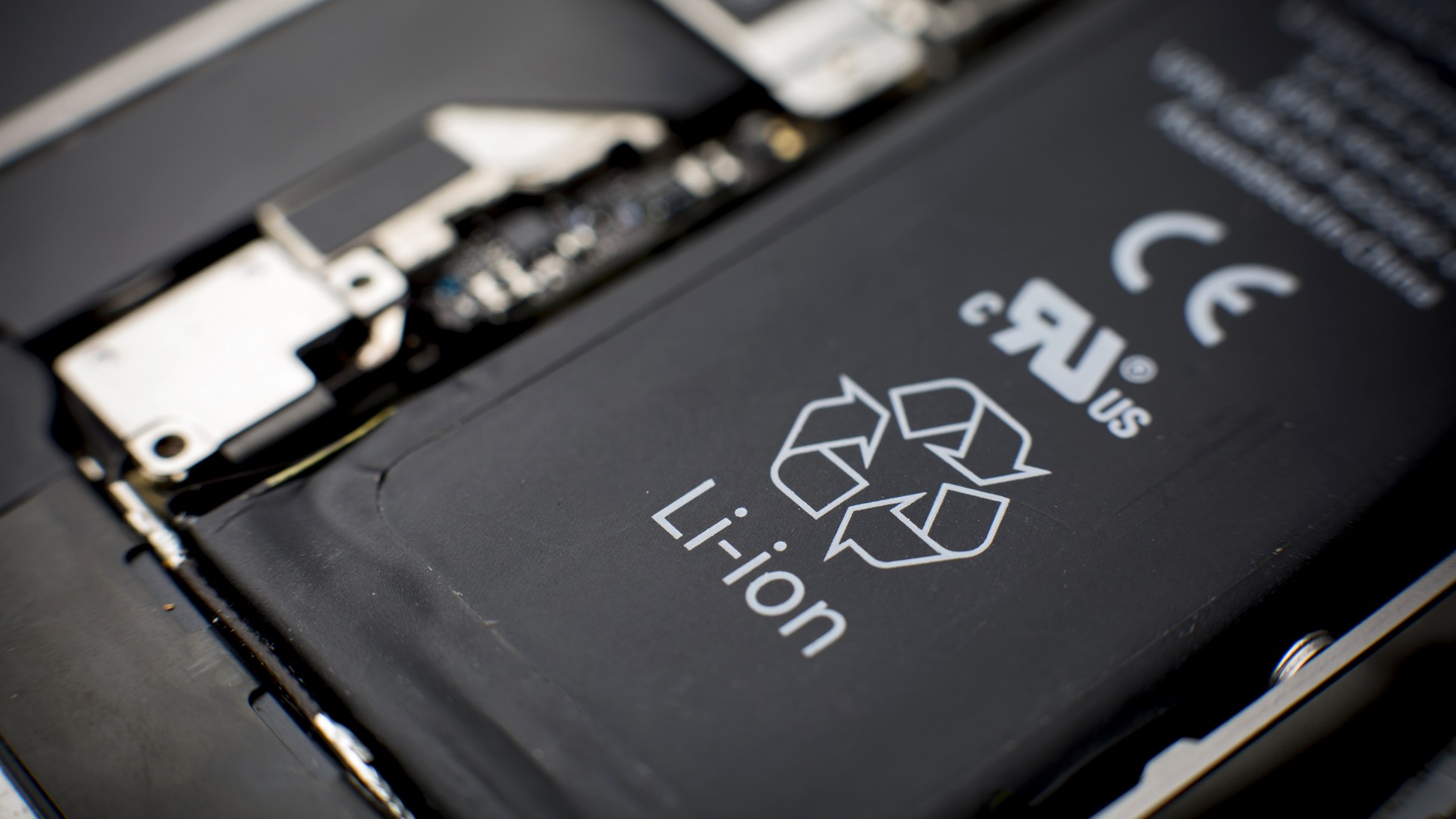
Before we dive into the troubleshooting process, it’s essential to understand how mobile batteries work. A mobile phone’s battery is a rechargeable lithium-ion (Li-ion) battery that provides power to the device. The battery’s capacity, measured in milliampere-hours (mAh), determines how long your phone will last on a single charge.
Android vs Iphone: How to Check Battery Health
While both Android and iOS devices have their own set of features and functionalities, checking battery health is relatively similar across both platforms.
Conoscere The State of The Battery on *Android
If you’re an Android user, here’s how to check your phone’s battery health:
- Go to Settings > Battery.
- Look for the “Battery” section, which displays the current battery level, health, and other information.
- Tap on “Battery” to view detailed statistics, including the battery’s capacity, charge cycles, and more.
Conoscere The State of The Battery on *iPhone
If you’re an iPhone user, here’s how to check your phone’s battery health:
- Go to Settings > Battery.
- Tap on “Battery Health” to view a summary of your battery’s capacity and health.
- Look for the “Capacity” and “Condition” sections, which provide information about your battery’s age and overall health.
Native Functionality vs Third-party Apps
While Android devices have built-in features like Battery Saver, iPhones have their own set of native functionalities to monitor battery health. However, both platforms also offer third-party apps that can help you understand your battery’s condition better.
Funzionalità Nativa
Android devices have a built-in feature called “Battery Saver” that helps prolong battery life by limiting background data usage and adjusting screen brightness.
IPhones, on the other hand, have a native functionality to check battery health, which can be accessed through Settings > Battery > Battery Health.
Strumenti di Terze Parti
There are also third-party apps available for both Android and iOS devices that can help you monitor your battery’s condition. Some popular options include:
- AccuBattery (Android)
- CoconutBattery (iOS)
These apps provide detailed information about your battery’s capacity, charge cycles, and other health metrics.
Tips to Prolong Your Mobile Battery’s Lifespan
To ensure your mobile phone’s battery lasts as long as possible, follow these tips:
- Avoid extreme temperatures.
- Keep your phone away from direct sunlight.
- Charge your phone regularly, but avoid overcharging.
- Update your phone’s software to the latest version.
- Use a high-quality charger and cable.
By following these tips and checking your mobile battery’s health regularly, you can extend its lifespan and ensure your device remains functional for years to come.
Conclusion
In conclusion, understanding your mobile battery’s condition is crucial to prolonging its lifespan. By following the steps outlined in this article, you can check your phone’s battery health on both Android and iOS devices. Remember to use native functionalities and third-party apps to monitor your battery’s performance and follow tips to extend its lifespan.
Faqs
Here are some frequently asked questions related to mobile batteries:
- Q: What is the average lifespan of a mobile battery?
A: The average lifespan of a mobile battery is around 300-500 charge cycles, depending on usage patterns. - Q: Can I replace my mobile phone’s battery myself?
A: Yes, you can replace your mobile phone’s battery yourself, but it may void your warranty and require technical expertise. - Q: How do I know if my mobile battery is damaged?
A: If your mobile battery is damaged, it may not hold a charge or may cause overheating issues. Check your device’s documentation or contact the manufacturer for more information. - Q: Can I use third-party apps to monitor my mobile battery’s health?
A: Yes, you can use third-party apps like AccuBattery (Android) and coconutBattery (iOS) to monitor your mobile battery’s health. - Q: How often should I update my mobile phone’s software?
A: It’s recommended to update your mobile phone’s software regularly to ensure you have the latest security patches and features.
By understanding your mobile battery’s condition and following the tips outlined in this article, you can prolong its lifespan and enjoy a healthy mobile experience.


