
How to Delete Spyware From Your Device: A Comprehensive Guide
Are you tired of dealing with unwanted spyware on your device? Look no further! In this article, we will guide you through the process of deleting spyware from various devices, including Windows PC, Mac, Android, iPhone, and Chrome.
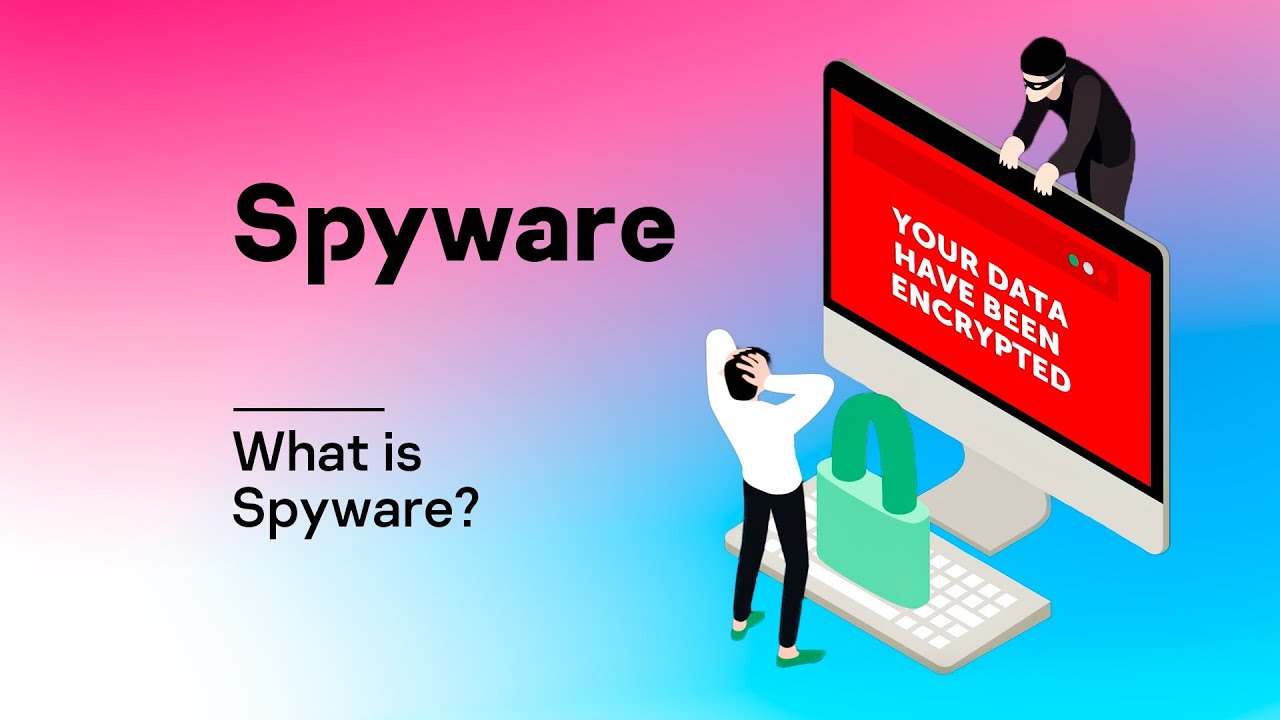
What is Spyware?
Spyware is a type of malicious software that can infiltrate your device without your knowledge or consent. It can monitor your online activities, steal sensitive information, and even crash your device. There are different types of spyware, including adware, cookie trackers, and keyloggers.
Why Is It Important to Delete Spyware?
Deleting spyware is crucial for maintaining the security and integrity of your device. Spyware can compromise your personal data, slow down your device, and even expose you to cyber threats. By deleting spyware, you can protect yourself from these risks and ensure a safe browsing experience.
How to Delete Spyware From Windows PC
If you’re using a Windows PC, here are the steps to delete spyware:
- Windows Defender: Windows Defender is a built-in antivirus software that comes with Windows 8 and later versions. It can detect and remove various types of malware, including spyware.
- Open the Start menu and type “Windows Defender” in the search bar.
- Click on the result to open Windows Defender.
- In the dashboard, click on the “Scan options” button and select the type of scan you want to run (quick or full).
- Click on the “Scan now” button to initiate the scan.
- Malwarebytes: Malwarebytes is a popular anti-malware software that can detect and remove spyware.
- Download and install Malwarebytes from the official website.
- Launch the software and click on the “Scan” button.
- Select the type of scan you want to run (quick or full) and click on the “Scan now” button.
How to Delete Spyware From Mac
If you’re using a Mac, here are the steps to delete spyware:
- Cleanmymac X: CleanMyMac X is a powerful cleaning and optimization tool that can detect and remove various types of malware, including spyware.
- Download and install CleanMyMac X from the official website.
- Launch the software and click on the “Scan” button.
- Select the type of scan you want to run (quick or full) and click on the “Scan now” button.
How to Delete Spyware From Android
If you’re using an Android device, here are the steps to delete spyware:
- Kaspersky Antivirus: Kaspersky is a popular antivirus software that can detect and remove various types of malware, including spyware.
- Download and install Kaspersky from the Google Play Store.
- Launch the software and click on the “Scan” button.
- Select the type of scan you want to run (quick or full) and click on the “Scan now” button.
How to Delete Spyware From Iphone
If you’re using an iPhone, here are the steps to delete spyware:
- Iphones Are Generally Safe: IPhones are designed with built-in security features that make it difficult for malware to infect them.
- However, if you suspect that your iPhone has been infected with spyware, restart your device and check for any suspicious activity.
How to Delete Spyware From Chrome
If you’re using Google Chrome as your browser, here are the steps to delete spyware:
- Extensions: Extensions can access a wide range of user data, including browsing history and personal information.
- To delete extensions, click on the three dots in the top right corner of the browser window.
- Click on “More tools” and then select “Extensions”.
- Select the extension you want to delete and click on the “Remove” button.
Conclusion
Deleting spyware is an essential step in maintaining the security and integrity of your device. By following the steps outlined above, you can protect yourself from various types of malware, including adware, cookie trackers, and keyloggers. Remember to always be cautious when downloading software or clicking on links, and stay informed about the latest cyber threats.
Faqs
- What is Spyware?
Spyware is a type of malicious software that can infiltrate your device without your knowledge or consent. - Why is it Important to Delete Spyware?
Deleting spyware is crucial for maintaining the security and integrity of your device, protecting yourself from cyber threats and data breaches. - How do I Know if my Device Has Been Infected With Spyware?
Look out for suspicious activity on your device, such as slow performance or unfamiliar pop-ups. - Can Spyware Crash my Device?
Yes, spyware can cause system crashes and other problems if left unchecked. - Are Iphones Safe From Spyware?
IPhones are generally safe from spyware due to their built-in security features, but it’s still possible for malware to infect them. - How do I Delete Spyware From my Android Device?
Use an antivirus software such as Kaspersky or Malwarebytes to detect and remove spyware. - Can Spyware Access my Personal Data?
Yes, spyware can access sensitive information such as passwords, credit card numbers, and browsing history. - How do I Prevent Spyware From Infecting my Device?
Be cautious when downloading software or clicking on links, keep your operating system and browser up-to-date, and use reputable antivirus software.
Note: This article is for informational purposes only, and the steps outlined above are not exhaustive or guaranteed to work in every situation. It’s always best to consult a professional if you suspect that your device has been infected with malware.


