
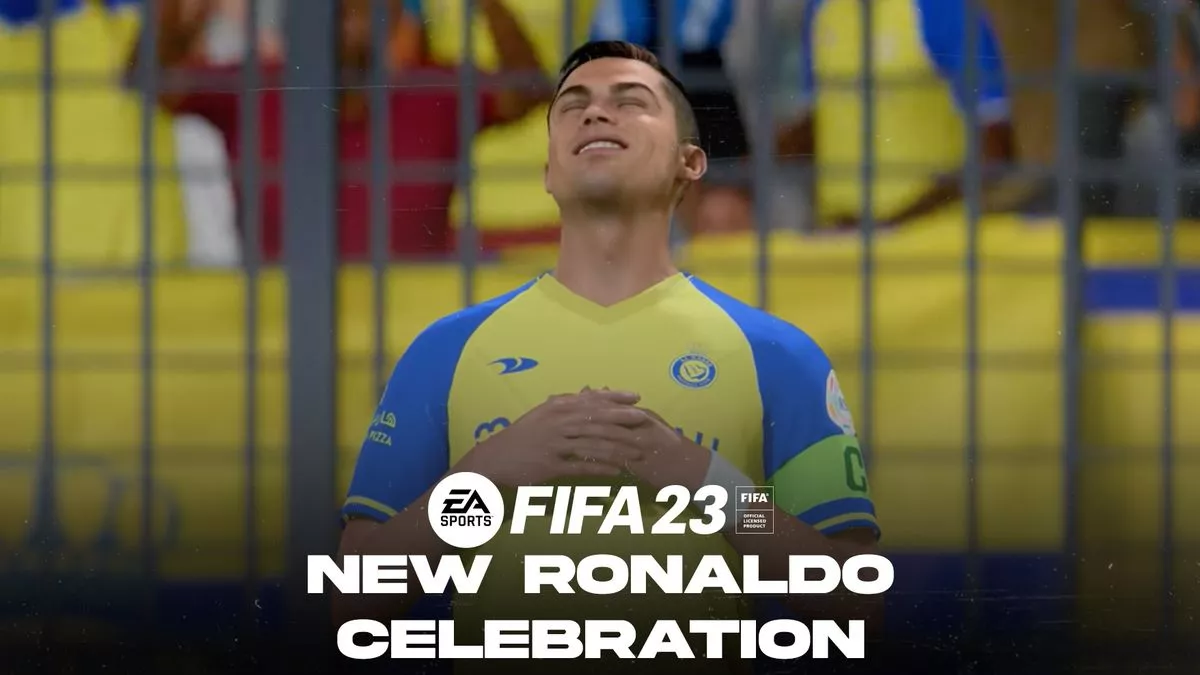
Creating Ronaldo on Fifa: A Step-by-step Guide
Are you a football fan looking to recreate the legendary Ronaldo on FIFA? Look no further! In this article, we’ll take you through the step-by-step process of creating Ronaldo on FIFA 22, including his physical appearance and statistical attributes.
Understanding The Basics
Before we dive into the guide, it’s essential to understand that creating a player on FIFA is not an exact science. The game developers continuously update and modify the game, which means some aspects may change from one edition to another. However, this guide will provide you with a practical example of how to create Ronaldo on FIFA 22.
Accessing The Create Avatar Menu
To start creating Ronaldo, access the “Create Avatar” menu in the game. This can be done by following these steps:
- Launch FIFA 22 and navigate to the main menu.
- Select the “Personalize” option from the top menu bar.
- Click on the “Create Avatar” button.
Choosing a Player Type
Once you’ve accessed the create avatar menu, you’ll need to choose a player type. For this guide, we’ll be creating Ronaldo, so select the “Player” option.
Selecting Physical Attributes
Next, you’ll need to select physical attributes for your player. This includes height, weight, and other characteristics that make up Ronaldo’s physical appearance. Here are some tips:
- Height: Select 83 cm (or a similar value) to match Ronaldo’s real-life height.
- Weight: Choose 91 kg (or a similar value) to reflect Ronaldo’s muscular build.
Customizing Facial Features
Now it’s time to customize facial features, including tone, complexion, eyebrows, eyes, nose, mouth, cheeks, and ears. For this guide, we’ll be using the third preset for each of these attributes:
- Tone: Select the third preset (middle value).
- Complexion: Choose the third preset (middle value).
- Eyebrows: Select the first preset.
- Eyes: Choose the first preset from the third row.
- Nose: Select the first preset from the second column.
- Mouth: Position the slider to the center and select the penultimate column.
- Cheeks: Choose the second preset from the first row.
- Ears: Select the third preset from the first row.
Adding Hair And Beard
Finally, add hair and beard to your player. Here are some tips:
- Hair: Select a short hairstyle (first preset) from the hair options.
- Beard: Choose the first preset from the second row.
Modifying Statistical Attributes
Now that you’ve customized Ronaldo’s physical appearance, it’s time to modify his statistical attributes. This includes skills such as crossing, finishing, and passing. Here are some tips:
- Attack: Select Attacker as your role and position.
- Attributes: Access the “Attributes” section and adjust each parameter to reflect Ronaldo’s skills.
- Shooting: Choose a high shooting value (e.G., 80) To match Ronaldo’s impressive goal-scoring record.
Conclusion
Creating Ronaldo on FIFA 22 requires patience and attention to detail. By following this step-by-step guide, you’ll be able to recreate the legendary footballer in-game. Remember that the game developers continuously update the game, so some aspects may change from one edition to another.
Faqs
- Can I Create Other Players on Fifa?
Yes, you can create any player on FIFA by following a similar process. - How do I Modify Statistical Attributes?
Access the “Attributes” section and adjust each parameter to reflect your desired values. - Can I Create Ronaldo in Career Mode?
Yes, you can create Ronaldo in Career Mode by following this guide and adjusting the statistical attributes accordingly. - What Are The Best Presets For Facial Features?
Choose the middle value (third preset) for most facial features to match Ronaldo’s appearance. - How do I Add Hair And Beard to my Player?
Select a short hairstyle (first preset) from the hair options, and choose the first preset from the second row for beard. - Can I Use This Guide on Other Fifa Editions?
While this guide is specific to FIFA 22, you can adapt the steps to other editions by adjusting the values accordingly. - How do I Customize my Player’s Physical Attributes?
Select the desired height and weight, then adjust facial features using the presets provided. - Can I Share my Created Ronaldo on Social Media?
Yes, you can share your created Ronaldo on social media platforms like Twitter, Instagram, or Facebook.
I hope this guide has been helpful in creating your own Ronaldo on FIFA 22!


