
How to Get Wifi Free: A Comprehensive Guide
Are you tired of shelling out money every month just to stay connected? Look no further! In this article, we’ll explore the various ways to get WiFi free, whether it’s using public hotspots, mobile apps, or subscribing to a provider’s services.
What Are Public Hotspots?
Public hotspots are wireless internet access points that are available in public places such as cafes, restaurants, parks, and libraries. They’re usually free, but some may require you to sign in or register for an account. You can use them on your laptop, tablet, or smartphone.
Using Wifi Maps
One of the best ways to find public hotspots is by using a WiFi map app like WiFi Map (available for Android and iOS). This app provides a comprehensive list of public hotspots in your area, including their locations, passwords, and reviews from other users. It’s a great tool to help you stay connected on the go.
Other Mobile Apps
There are several other mobile apps that can help you find public hotspots, such as:
- Facebook (available for Android and iOS) – This social media app has a feature that allows you to find nearby hotspots.
- Osmino (available for Android and iOS) – This app provides a map of nearby hotspots and allows you to filter them by location, password, and rating.
- Wefi Find Wi-Fi (available for Android) – This app helps you find public hotspots in your area.
How to Get Wifi Free at Home
If you’re looking for ways to get WiFi free at home, here are a few options:
- Hotspot Gratuito: Use a public hotspot that’s available near your home. Just be sure to check the password and any usage limits.
- Provider Offers: Contact your internet service provider (ISP) to see if they offer any free or discounted WiFi plans.
- Partner Providers: Some ISPs partner with other providers to offer shared hotspots. Check with your ISP to see if you’re eligible for this service.
Provider Offers
Some ISPs offer free or discounted WiFi plans, such as:
- Vodafone Internet Unlimited: This plan offers boundless internet access (up to 2.5 Gbps) with a modem and Wi-Fi optimizer included.
- Fastweb House: This plan provides boundless internet access (up to 20 Mbps) with an internet box, Wi-Fi 6, and Alexa integrated.
Other Solutions
If you’re not satisfied with the above options, here are some other solutions to consider:
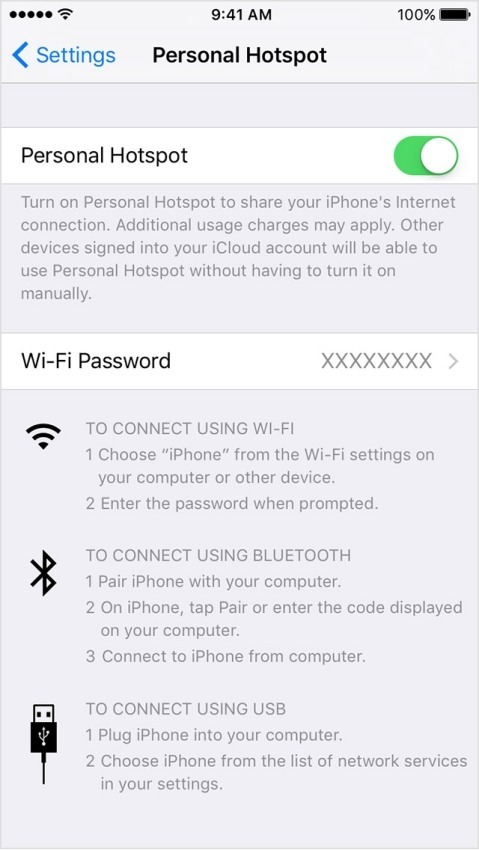
- Hotspot Software: Use software like WiFi Hotspot or MyWi to create a personal hotspot on your device.
- Portable Routers: Invest in a portable router that can provide internet access to multiple devices.
Conclusion
Getting WiFi free is easier than you think! With the right tools and knowledge, you can stay connected without breaking the bank. Whether it’s using public hotspots, mobile apps, or subscribing to a provider’s services, there are many options available. So why wait? Start exploring today!
Frequently Asked Questions (FAQs)
- What is a Public Hotspot?
A public hotspot is a wireless internet access point that’s available in public places. - How do I Find Public Hotspots?
You can use apps like WiFi Map, Facebook, Osmino, or Wefi Find Wi-Fi to find nearby hotspots. - Is it Safe to Use Public Hotspots?
Public hotspots may not be secure, so be sure to use a VPN (Virtual Private Network) to protect your data. - Can I Get Wifi Free at Home?
Yes, you can consider using a public hotspot near your home or contact your ISP to see if they offer any free or discounted WiFi plans. - What Are The Benefits of Getting Wifi Free?
Getting WiFi free can save you money on internet bills and provide flexibility when traveling or working on the go.
Important Considerations
- Public hotspots may not be secure, so always use a VPN to protect your data.
- Be sure to check the password and any usage limits before using a public hotspot.
- Some ISPs offer shared hotspots, so be sure to ask about this service when contacting your provider.


