
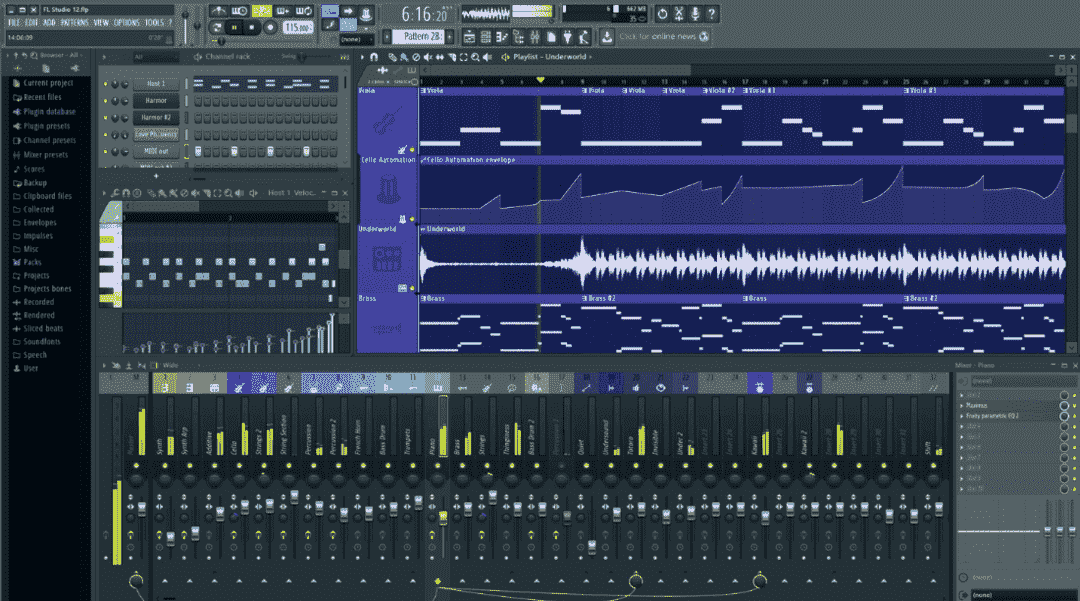
Cutting Music: A Guide to Free Software
Are you a music enthusiast looking to edit your favorite songs or create custom ringtones for your mobile? You’ve come to the right place! In this article, we’ll explore the best free software options for cutting music on Windows, macOS, and Linux.
Introduction
With so many music streaming services available, it’s easy to get caught up in the convenience of having access to millions of songs at our fingertips. However, sometimes you just want to take a specific part of a song and make it your own. This is where cutting music software comes in handy.
Whether you’re a seasoned musician or simply someone who enjoys listening to music, cutting music can be a fun and creative way to express yourself. In this article, we’ll cover the top free software options for cutting music on Windows, macOS, and Linux.
Audacity: The Ultimate Audio Editor
If you’re looking for a comprehensive audio editing software that’s both powerful and easy to use, look no further than Audacity. This popular open-source editor is available for Windows, macOS, and Linux and offers a wide range of features, including:
- Cutting, copying, and pasting audio files
- Editing and mixing multiple tracks
- Applying effects such as reverb, echo, and compression
- Exporting audio in various formats
Mp3directcut: A Simple Yet Powerful Cutter
If you’re looking for a simple software that can get the job done without any fuss, mp3DirectCut is an excellent choice. This Windows-only software allows you to cut MP3 files without recompressing them, making it perfect for creating custom ringtones or editing audio files.
Garageband: The Best Music Editor on Macos
If you’re using a Mac and looking for a user-friendly music editor that’s both fun and powerful, GarageBand is the way to go. This popular Apple software offers a wide range of features, including:
- Cutting and arranging audio clips
- Adding effects and plugins
- Creating custom ringtones or ringbacks
- Exporting audio in various formats
Other Great Options
While Audacity, mp3DirectCut, and GarageBand are our top picks for cutting music software, there are other great options available. Here are a few honorable mentions:
- Adobe Audition: A professional-grade audio editor that offers advanced features such as multi-track editing and noise reduction.
- MpTrim: A Windows-only software that allows you to cut MP3 files without recompressing them.
- Oceanaudio: A macOS-only software that offers a wide range of features, including cutting, editing, and mixing audio files.
Online Options
If you don’t want to install software on your computer or prefer the convenience of online tools, there are several great options available. Here are a few:
- Cut Audio 123 apps: A popular online service that allows you to cut audio files directly from your browser.
- Trimmer: An easy-to-use online tool that lets you trim and edit audio files without any hassle.
- BearAudio: A simple yet powerful online editor that offers features such as cutting, editing, and mixing audio files.
Conclusion
Cutting music software can be a fun and creative way to express yourself, whether you’re a seasoned musician or simply someone who enjoys listening to music. With so many great options available, there’s never been a better time to get started. So why not give one of these free software options a try today?
Frequently Asked Questions
Q: What is cutting music software?
A: Cutting music software allows you to edit and manipulate audio files by cutting, copying, and pasting clips.
Q: What are the best software options for cutting music on Windows, macOS, and Linux?
A: Our top picks include Audacity, mp3DirectCut, GarageBand, Adobe Audition, and Oceanaudio.
Q: Can I cut MP3 files without recompressing them?
A: Yes, you can use software such as mp3DirectCut or Audacity to cut MP3 files without recompressing them.
Q: What are the benefits of using online cutting music software?
A: Online software offers convenience and flexibility, allowing you to edit audio files from anywhere with an internet connection.
Q: Can I create custom ringtones using cutting music software?
A: Yes, many software options allow you to create custom ringtones or ringbacks by editing and manipulating audio files.


