
How to Burden Apple Watch: A Comprehensive Guide
As a proud owner of an Apple Watch, you’re probably aware of the convenience it brings to your daily life. However, if you’ve ever found yourself in a situation where you need to charge your watch but don’t have access to a cable or charger, you might be wondering how to burden Apple Watch without any hassle.
The Official Charging Method
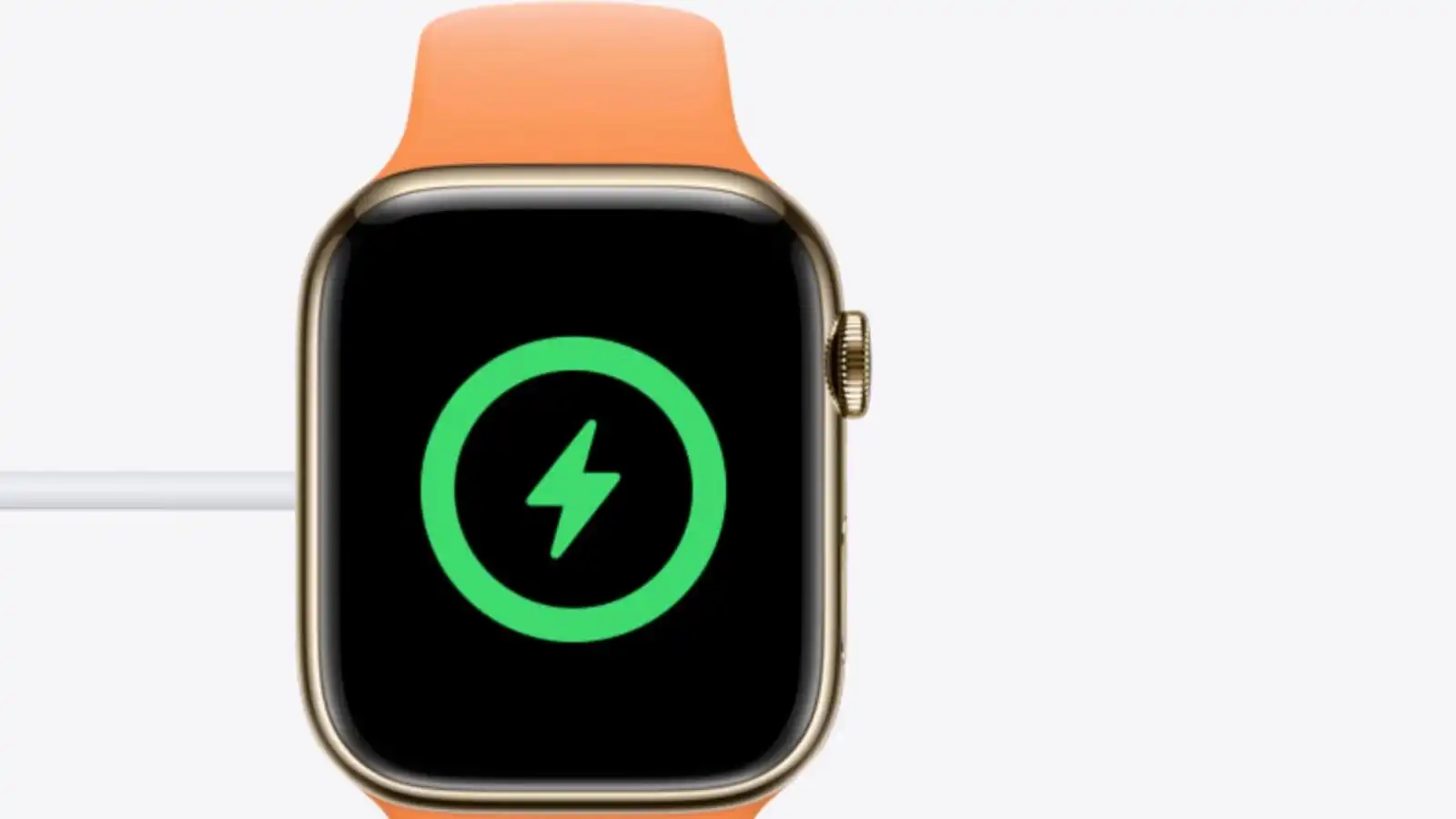
Before we dive into the alternatives, let’s first discuss the official method of charging your Apple Watch. The base station that comes with your watch is designed to provide wireless charging, making it easy to keep your watch powered up whenever you need it. Simply place your watch on the base station, and it will begin to charge.
Burdening Apple Watch Without Cable
Now, what if you don’t have a cable or charger? Don’t worry; there are still ways to burden Apple Watch without any cables. Here are some options:
- Wireless Charging Pad: You can use a wireless charging pad to charge your Apple Watch without the need for a cable. These pads are designed specifically for wireless charging and are available at most electronics stores.
- Power Bank: A power bank is a portable charger that you can take with you on the go. It’s perfect for situations where you don’t have access to a wall outlet or a cable.
Burdening Apple Watch in Car
If you’re planning a road trip, you might be wondering how to burden your Apple Watch while driving. Here are some options:
- Car Charger: You can use a car charger to charge your Apple Watch while driving. This is especially useful if you have a long drive ahead of you.
- Power Bank: A power bank can also come in handy when charging your Apple Watch in the car.
Burdening Apple Watch From Iphone
While it’s not possible to burden your Apple Watch directly from your iPhone, there are some other ways to charge your watch using your phone. Here are a few options:
- Wireless Charging: You can use wireless charging to charge your Apple Watch and your iPhone at the same time.
- Power Bank: A power bank can also be used to charge both your Apple Watch and your iPhone.
Burdening Apple Watch From Spent Battery
If you’ve been using your Apple Watch for an extended period without charging it, you might be worried about damaging the battery. Here are some tips to help you burden your Apple Watch without damaging the battery:
- Avoid Overcharging: Try to avoid overcharging your Apple Watch, as this can damage the battery.
- Charge in Short Bursts: Instead of charging your watch for long periods, try charging it in short bursts.
Burdening Apple Watch: Tips And Tricks
Here are some additional tips and tricks to help you burden your Apple Watch:
- Use a High-quality Charger: Use a high-quality charger that’s specifically designed for wireless charging.
- Avoid Placing Objects on The Charging Pad: Avoid placing objects on the charging pad, as this can interfere with the charging process.
Conclusion
Burdening an Apple Watch is easier than you think. With these tips and tricks, you’ll be able to keep your watch charged and ready to go whenever you need it.
Frequently Asked Questions (FAQs)
Here are some frequently asked questions about burdening an Apple Watch:
Q: How do I burden my Apple Watch?
A: You can burden your Apple Watch using a wireless charging pad or a power bank.
Q: Can I burden my Apple Watch directly from my iPhone?
A: No, you cannot burden your Apple Watch directly from your iPhone. However, you can use wireless charging to charge both devices at the same time.
Q: How do I avoid damaging the battery in my Apple Watch?
A: To avoid damaging the battery, try to avoid overcharging and charge your watch in short bursts.
Power Bank
Here are some of the best power banks for charging your Apple Watch:
- Anker Powercore: This power bank is a popular choice among Apple Watch owners. It’s compact, lightweight, and has a high capacity.
- Mophie Powerstation: This power bank is designed specifically for wireless charging. It’s easy to use and comes with a built-in USB cable.
Wireless Charging Pad
Here are some of the best wireless charging pads for Apple Watch:
- Belkin Boost Up: This wireless charging pad is a popular choice among Apple Watch owners. It’s compact, lightweight, and has a sleek design.
- Spigen Rugged Armor: This wireless charging pad is designed specifically for Apple Watch owners. It’s rugged, waterproof, and comes with a built-in cable.
Car Charger
Here are some of the best car chargers for Apple Watch:
- Anker Car Charger: This car charger is a popular choice among Apple Watch owners. It’s compact, lightweight, and has a high capacity.
- Mophie Car Charger: This car charger is designed specifically for wireless charging. It’s easy to use and comes with a built-in USB cable.
Tips And Tricks
Here are some additional tips and tricks for burdening your Apple Watch:
- Use a High-quality Charger: Use a high-quality charger that’s specifically designed for wireless charging.
- Avoid Placing Objects on The Charging Pad: Avoid placing objects on the charging pad, as this can interfere with the charging process.


