
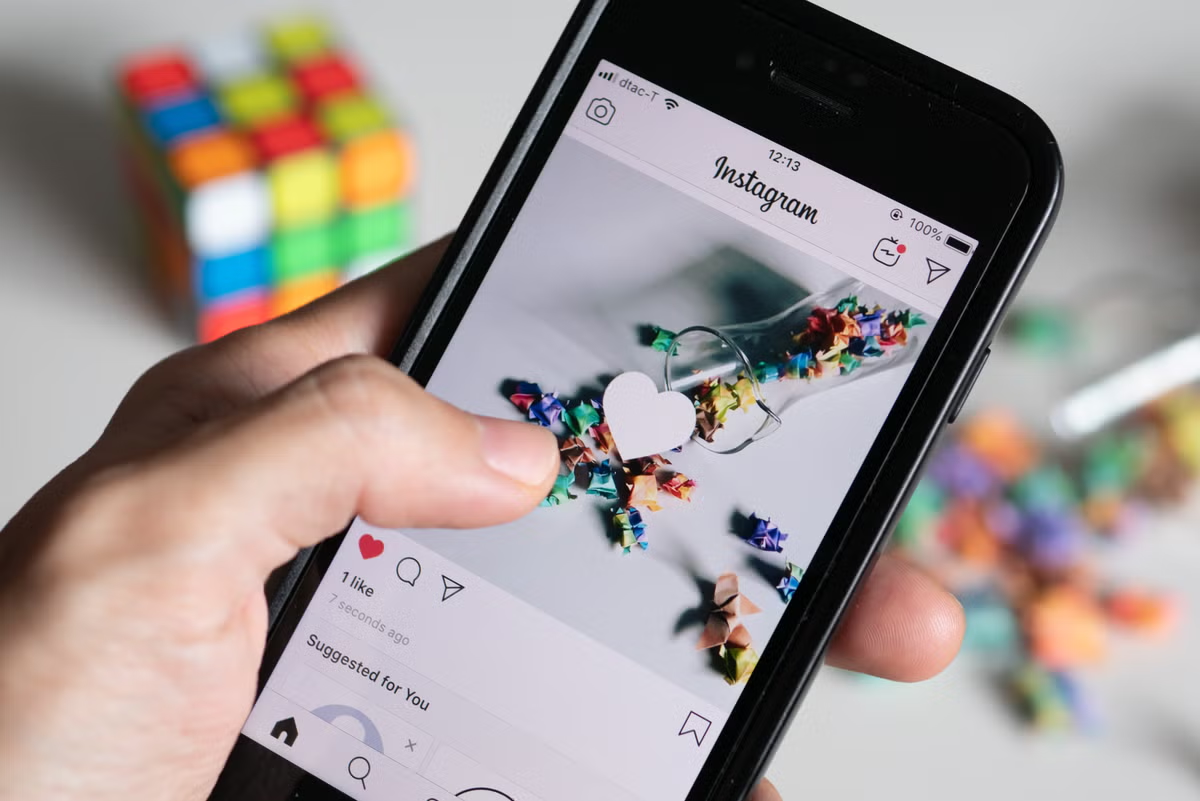
Understanding Who Views Your Posts on Social Media
Are you curious about who views your posts on social media? With billions of users on platforms like Facebook, Instagram, and LinkedIn, it’s natural to wonder what kind of engagement your content is getting. In this article, we’ll explore how to see who views your posts on these popular social media sites.
Why See Who Views Your Posts?
Seeing who views your posts can help you understand your audience better. It can give you insights into their interests, demographics, and behaviors. This information can be invaluable in refining your content strategy and improving engagement with your target audience.
Facebook: Seeing Who Views Your Posts
On Facebook, it’s not possible to see exactly who views your personal profile posts. However, if you have a business page, you can view some statistical data about the people who viewed your posts. To access this information:
- Open the Facebook app on your smartphone or tablet.
- Tap on the three horizontal lines (☰) and then tap on the name of your business page.
- Scroll down to the “Posts” tab and find the post you’re interested in.
- Tap on the three dots next to the post and select “Insights.”
- In the Insights menu, tap on “People reached” to see a list of people who viewed your post.
On a computer:
- Log in to Facebook.Com.
- Click on the three horizontal lines (☰) and then click on the name of your business page.
- Scroll down to the “Posts” tab and find the post you’re interested in.
- Click on the three dots next to the post and select “Insights.”
- In the Insights menu, click on “People reached” to see a list of people who viewed your post.
Instagram: Seeing Who Views Your Posts
On Instagram, you can view some statistical data about the people who viewed your posts. To access this information:
- Open the Instagram app on your smartphone or tablet.
- Tap on your profile picture in the bottom right corner and then tap on “Insights.”
- In the Insights menu, scroll down to the post you’re interested in and tap on it.
- Tap on the three dots next to the post and select “Insights.”
- In the Insights menu, scroll down to see a list of people who viewed your post.
On a computer:
- Log in to Instagram.Com.
- Click on your profile picture in the top right corner and then click on “Insights.”
- In the Insights menu, find the post you’re interested in and click on it.
- Click on the three dots next to the post and select “Insights.”
- In the Insights menu, scroll down to see a list of people who viewed your post.
Linkedin: Seeing Who Views Your Posts
On LinkedIn, you can view some statistical data about the people who viewed your posts. To access this information:
- Open the LinkedIn app on your smartphone or tablet.
- Tap on your profile picture in the top right corner and then tap on “Tour profile.”
- Scroll down to find the post you’re interested in.
- Tap on the three dots next to the post and select “Visualizations.”
- In the Visualizations menu, scroll down to see a list of people who viewed your post.
On a computer:
- Log in to LinkedIn.Com.
- Click on your profile picture in the top right corner and then click on “Tour profile.”
- Scroll down to find the post you’re interested in.
- Click on the three dots next to the post and select “Visualizations.”
- In the Visualizations menu, scroll down to see a list of people who viewed your post.
Conclusion
Seeing who views your posts on social media can be a valuable tool for improving engagement with your target audience. By following the steps outlined in this article, you can gain insights into who’s viewing your content and refine your strategy accordingly.
Frequently Asked Questions (FAQs)
- Q: Can I See Exactly Who Views my Facebook Posts?
A: No, it’s not possible to see exactly who views your personal profile posts on Facebook. - Q: How do I View Instagram Insights?
A: To view Instagram insights, tap on your profile picture in the bottom right corner and then tap on “Insights.” - Q: Can I See Linkedin Visualizations on a Computer?
A: Yes, you can see LinkedIn visualizations by clicking on your profile picture in the top right corner and then clicking on “Tour profile.” - Q: How Often Are Instagram Insights Updated?
A: Instagram insights are updated in real-time. - Q: Can I View Facebook Page Insights on a Computer?
A: Yes, you can view Facebook page insights by clicking on your profile picture in the top right corner and then clicking on “Insights.” - Q: How do I Use Linkedin Visualizations to Improve my Content Strategy?
A: Use LinkedIn visualizations to identify what types of posts are engaging with your audience and adjust your content strategy accordingly. - Q: Can I View Instagram Insights For a Specific Post?
A: Yes, you can view Instagram insights for a specific post by tapping on the three dots next to the post and selecting “Insights.” - Q: How Often Are Linkedin Visualizations Updated?
A: LinkedIn visualizations are updated in real-time. - Q: Can I See Facebook Page Insights For a Specific Post?
A: Yes, you can view Facebook page insights for a specific post by clicking on the three dots next to the post and selecting “Insights.” - Q: How do I Use Instagram Insights to Improve my Content Strategy?
A: Use Instagram insights to identify what types of posts are engaging with your audience and adjust your content strategy accordingly.
Note: The above FAQs are based on the information provided in the article and may not be exhaustive or up-to-date.


