
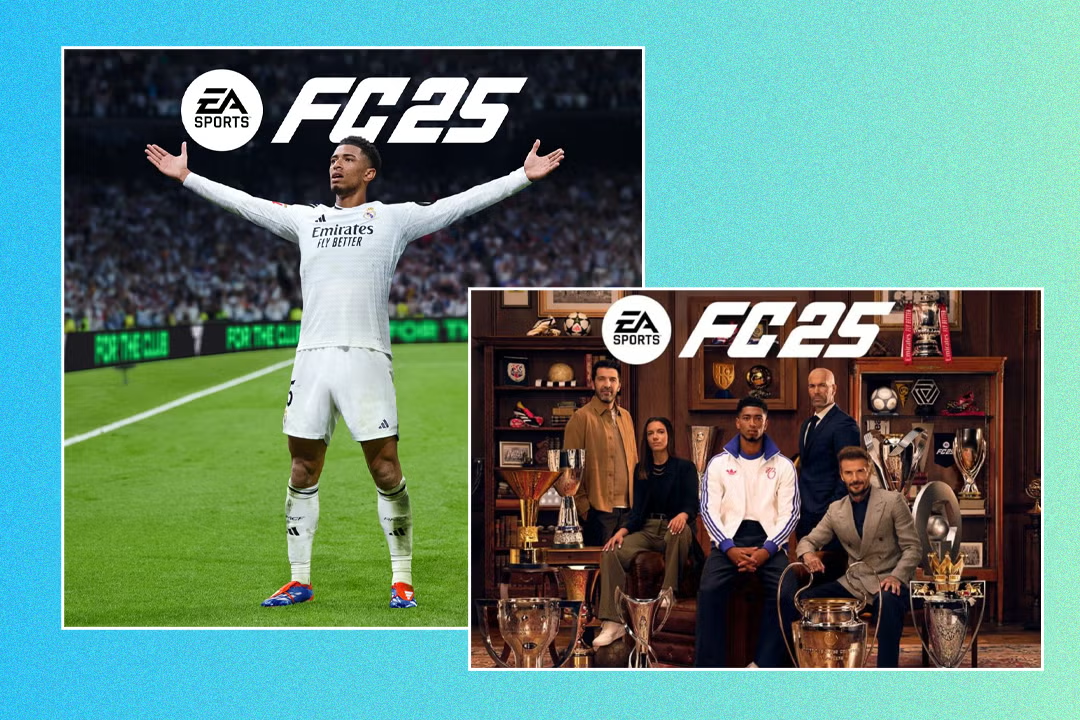
How to Pre-order Fifa: A Comprehensive Guide
Are you a fan of the popular video game series, FIFA? Do you eagerly await each new edition’s release? Look no further! This article will guide you through the process of pre-ordering FIFA on PC and consoles.
Why Pre-order Fifa?
Pre-ordering FIFA offers several benefits. For one, it ensures that you receive the game on its launch day, which is a great perk for fans who can’t wait to get their hands on the latest installment. Additionally, pre-ordering often comes with exclusive bonuses, such as early access to the game, in-game items, or even a free gift.
Pre-ordering Fifa on PC
To pre-order FIFA on PC, follow these steps:
- Download And Install The EA App: First, you need to download and install the EA app for Windows. This is where you’ll find all your gaming needs, including access to FIFA.
- Create an EA Account: Once installed, create an EA account or log in if you already have one. This will give you access to exclusive content and features.
- Pre-order Fifa: In the EA app, search for FIFA and select the edition you want to pre-order (Standard or Ultimate). Choose your payment method and complete the transaction.
Pre-ordering Fifa on Consoles
To pre-order FIFA on consoles, follow these steps:
- Connect Your Console to The Internet: Ensure your console is connected to the internet.
- Access The Store: Go to the store on your console (e.G., PlayStation 4/5, Xbox, or Nintendo Switch).
- Search For Fifa: Search for FIFA and select the edition you want to pre-order.
- Pre-order And Pay: Pre-order and pay for the game.
Additional Tips
- Be aware that pre-ordering on consoles may incur a fee.
- Some platforms (e.G., PlayStation) allow you to cancel your pre-order within 14 days of purchase.
- Make sure to check the system requirements before pre-ordering FIFA on PC.
Pre-ordering on Amazon, Gamestop, And Mediaworld
If you prefer to pre-order FIFA from online retailers or physical stores, follow these steps:
- Access The Store: Go to the store’s website (e.G., Amazon, GameStop, or MediaWorld).
- Search For Fifa: Search for FIFA and select the edition you want to pre-order.
- Pre-order And Pay: Pre-order and pay for the game.
Conclusion
In conclusion, pre-ordering FIFA is a great way to ensure that you receive the latest installment on its launch day, complete with exclusive bonuses. Whether you’re playing on PC or consoles, this guide has walked you through the process of pre-ordering FIFA. Happy gaming!
Faqs
- Q: What Are The Benefits of Pre-ordering Fifa?
A: Pre-ordering ensures that you receive the game on its launch day and often comes with exclusive bonuses. - Q: How do I Pre-order Fifa on Pc?
A: Download and install the EA app, create an EA account, search for FIFA, select your edition, choose your payment method, and complete the transaction. - Q: Can I Cancel my Pre-order on Consoles?
A: Yes, you can cancel your pre-order within a certain timeframe (varies by platform). - Q: Are There Any Additional Fees When Pre-ordering on Consoles?
A: Yes, some platforms may incur an extra fee. - Q: Can I Pre-order Fifa on Amazon?
A: Yes, you can pre-order FIFA on Amazon. -
Q: What if I Want to Cancel my Pre-order?
A: Contact the retailer or follow their cancellation policies. -
Q: Is it Safe to Pre-order Fifa From Online Retailers?
A: Yes, reputable online retailers (e.G., Amazon) have secure payment systems in place. -
Q: Can I Get a Refund if I Change my Mind About Pre-ordering Fifa?
A: Check the retailer’s return and refund policies for specific details.


