
How to Get Your Instagram Account Verified: A Step-by-step Guide
As a business owner or influencer, having a verified Instagram account can greatly enhance your credibility and reach. In this article, we will guide you through the process of getting your Instagram account verified, including the requirements and steps involved.
Understanding Instagram Verification
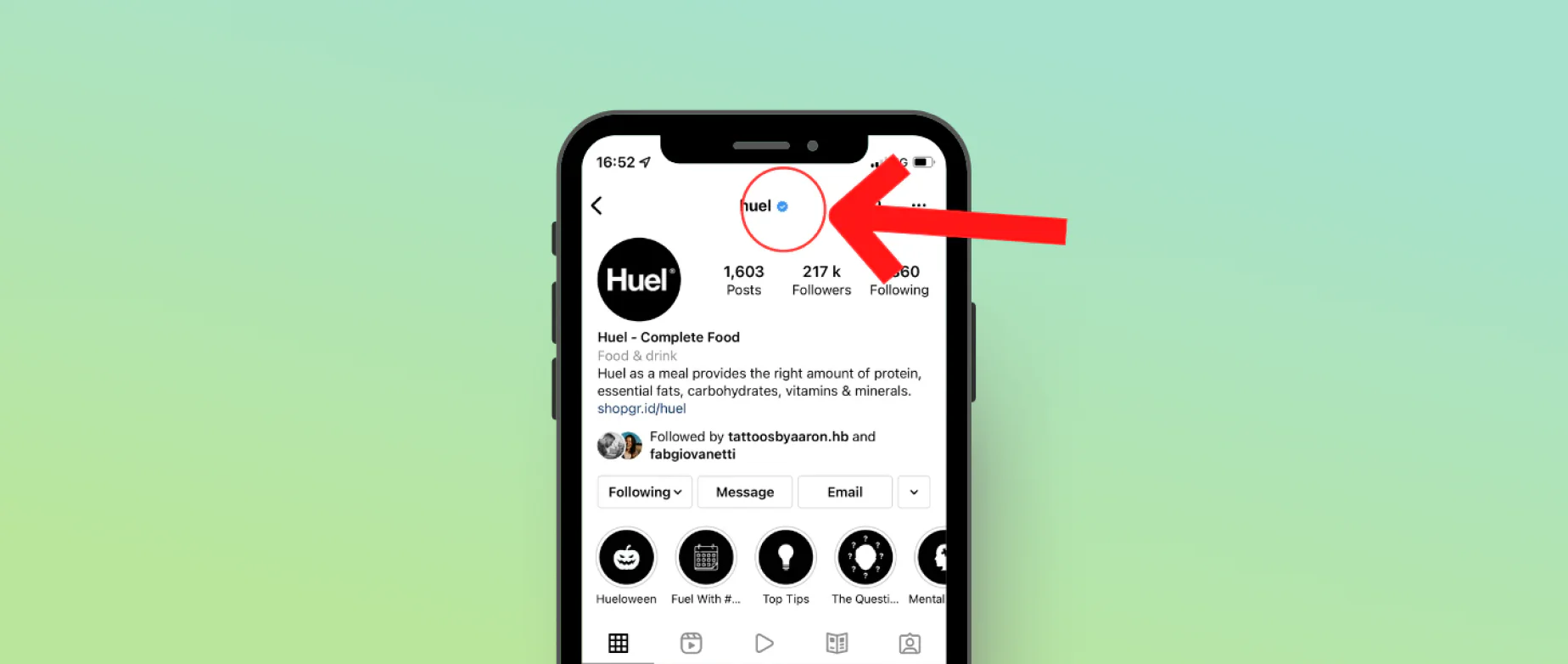
Before we dive into the process, let’s understand what it means to have an Instagram-verified account. A blue checkmark next to your name on Instagram indicates that your profile has been manually reviewed and confirmed by the platform’s team. This verification process ensures that your account is authentic and represents a public figure, business, or organization.
Requirements For Verification
To be eligible for verification, your Instagram account must meet certain requirements:
- Your account must be public
- You must have a profile picture
- You must have a bio
- You must have at least one post
- Your account must represent a real person, business, or organization
Step-by-step Guide to Verification
Here’s a step-by-step guide to getting your Instagram account verified:
- Ensure Your Account is Public: Make sure your account is public and not private.
- Complete Your Profile: Ensure that your profile picture, bio, and at least one post are complete.
- Check The Eligibility Criteria: Verify that you meet the eligibility criteria for verification, such as being a public figure or representing a business.
- Submit a Request: Go to your account settings and submit a request for verification.
- Provide Required Documents: Instagram will require you to provide documents to verify your identity. This may include government-issued ID or proof of ownership.
Alternative Solutions
If your request is rejected, don’t worry! There are alternative solutions to increase the credibility of your account:
- Spend to a Business Account: Converting your personal account to a business account can provide more features and analytics.
- Modify Your Bio: Ensure that your bio accurately represents your account and provides relevant information.
- Utilize Instagram’s Features: Use Instagram’s built-in features, such as the “Link” feature, to share external content.
Meta Verified
Instagram has introduced a new service called Meta Verified, which offers additional benefits for verified accounts. This service includes:
- Protection From Spam And Abuse
- Direct Assistance From a Dedicated Team
- Exclusive Features: Only available to verified accounts
To access these features, you’ll need to subscribe to the Meta Verified service.
Conclusion
Getting your Instagram account verified can be a straightforward process if you follow the steps outlined above. Remember to ensure your account is public, complete your profile, and meet the eligibility criteria. If rejected, consider alternative solutions like converting to a business account or modifying your bio.
By following these guidelines, you’ll be well on your way to verifying your Instagram account and increasing its credibility.
Faqs
Here are some frequently asked questions about Instagram verification:
- Q: What is Instagram Verification?
A: Instagram verification is the process of manually reviewing and confirming an account’s authenticity. - Q: Why Should I Get my Instagram Account Verified?
A: Verification can increase your credibility and reach, making it easier to connect with your audience. - Q: How do I Request Verification?
A: To request verification, go to your account settings and submit a request.
Conclusion
Getting your Instagram account verified is a straightforward process that requires meeting the eligibility criteria and following the steps outlined above. If rejected, consider alternative solutions like converting to a business account or modifying your bio. By following these guidelines, you’ll be well on your way to verifying your Instagram account and increasing its credibility.


