
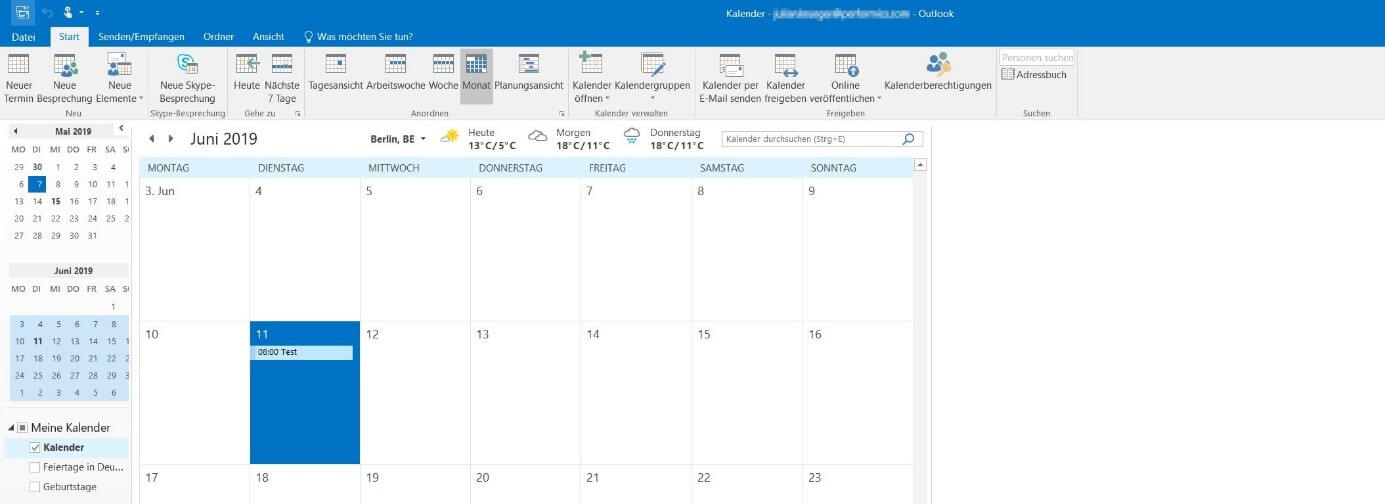
Programs For Outlook: A Comprehensive Guide
Are you tired of using outdated email clients that lack functionality? Look no further! In this article, we’ll explore the best programs for Outlook that can enhance your email experience.
Why Use Alternative Email Clients?
While Microsoft’s Outlook is a powerful email client, there are times when you might want to use alternative programs. Maybe you’re looking for more features, better integration with other services, or simply something different from the usual suspects. Whatever your reason, we’ve got you covered!
Programs For Outlook on PC
1. Outlook (Windows/macOS/Android/iOS/iPadOS)
The official Microsoft email client is a must-mention in any discussion about programs for Outlook. Available for multiple platforms, Outlook offers seamless integration with other Microsoft services and features like calendar sharing, task management, and more.
How to Use Outlook
To get started, simply download and install the app from the Microsoft website. Once installed, sign in with your Microsoft account credentials, and you’re good to go!
2. Mail of Apple (macOS)
If you’re an Apple enthusiast, Mail of Apple is a great alternative email client that integrates perfectly with other Apple services like iCloud, Contacts, and Calendar.
How to Use Mail of Apple
To set up Mail of Apple, simply launch the app and follow the prompts to add your Microsoft account. Once configured, you can access your Outlook emails, contacts, and calendar directly within the app!
3. Mozilla Thunderbird (Windows/macOS/Linux/Android)
Thunderbird is a free, open-source email client that offers advanced features like filtering, tagging, and attachment management.
How to Use Mozilla Thunderbird
To get started with Thunderbird, download and install the app from the official website. Once installed, sign in with your Microsoft account credentials, and configure the settings as desired!
4. Mailstore (Windows)
If you’re looking for a program to backup your Outlook emails, MailStore is an excellent choice.
How to Use Mailstore
To set up MailStore, download and install the app from the official website. Once installed, launch the app and follow the prompts to add your Microsoft account. Configure the settings as desired, and you’ll be backing up your Outlook emails in no time!
5. GO Contact Sync Fashions (Windows)
Need to sync your contacts between Google and Outlook? GO Contact Sync Fashions is a nifty tool that automates this process.
How to Use GO Contact Sync Fashions
To set up GO Contact Sync Fashions, download and install the app from the official website. Once installed, launch the app and follow the prompts to add your Google account credentials. Configure the settings as desired, and you’ll be syncing contacts in no time!
6. Outlook (Android/iOS/iPadOS)
The Outlook mobile app is a must-have for anyone using Outlook on their smartphone or tablet.
How to Use Outlook Mobile
To get started with the Outlook mobile app, simply download and install it from the respective store. Once installed, sign in with your Microsoft account credentials, and you’ll be accessing your emails, contacts, and calendar directly within the app!
7. Other Programs For Outlook on Smartphone
There are plenty of other programs available for Outlook on smartphone that can enhance your email experience.
How to Use Other Programs For Outlook on Smartphone
To get started with these alternative email clients, simply download and install them from the respective store. Follow the prompts to add your Microsoft account credentials, and configure the settings as desired!
Conclusion
In this article, we’ve explored the best programs for Outlook that can enhance your email experience. From official Microsoft clients to third-party alternatives, there’s something for everyone.
Whether you’re looking for advanced features, better integration with other services, or simply something different from the usual suspects, these programs are sure to satisfy your needs!
Frequently Asked Questions (FAQs)
Q: What is Outlook?
A: Outlook is a powerful email client developed by Microsoft that offers seamless integration with other Microsoft services.
Q: What are some alternative email clients for Outlook?
A: Some popular alternatives include Mail of Apple, Mozilla Thunderbird, MailStore, GO Contact Sync Fashions, and more!
Q: Can I use Outlook on my smartphone or tablet?
A: Yes! The Outlook mobile app is available for multiple platforms, offering seamless integration with your Microsoft account credentials.
Q: What are some features offered by these alternative email clients?
A: Some popular features include advanced filtering, tagging, attachment management, contact syncing, and more!
Q: How do I get started with these alternative email clients?
A: Simply download and install the app from the respective store, follow the prompts to add your Microsoft account credentials, and configure the settings as desired!


