
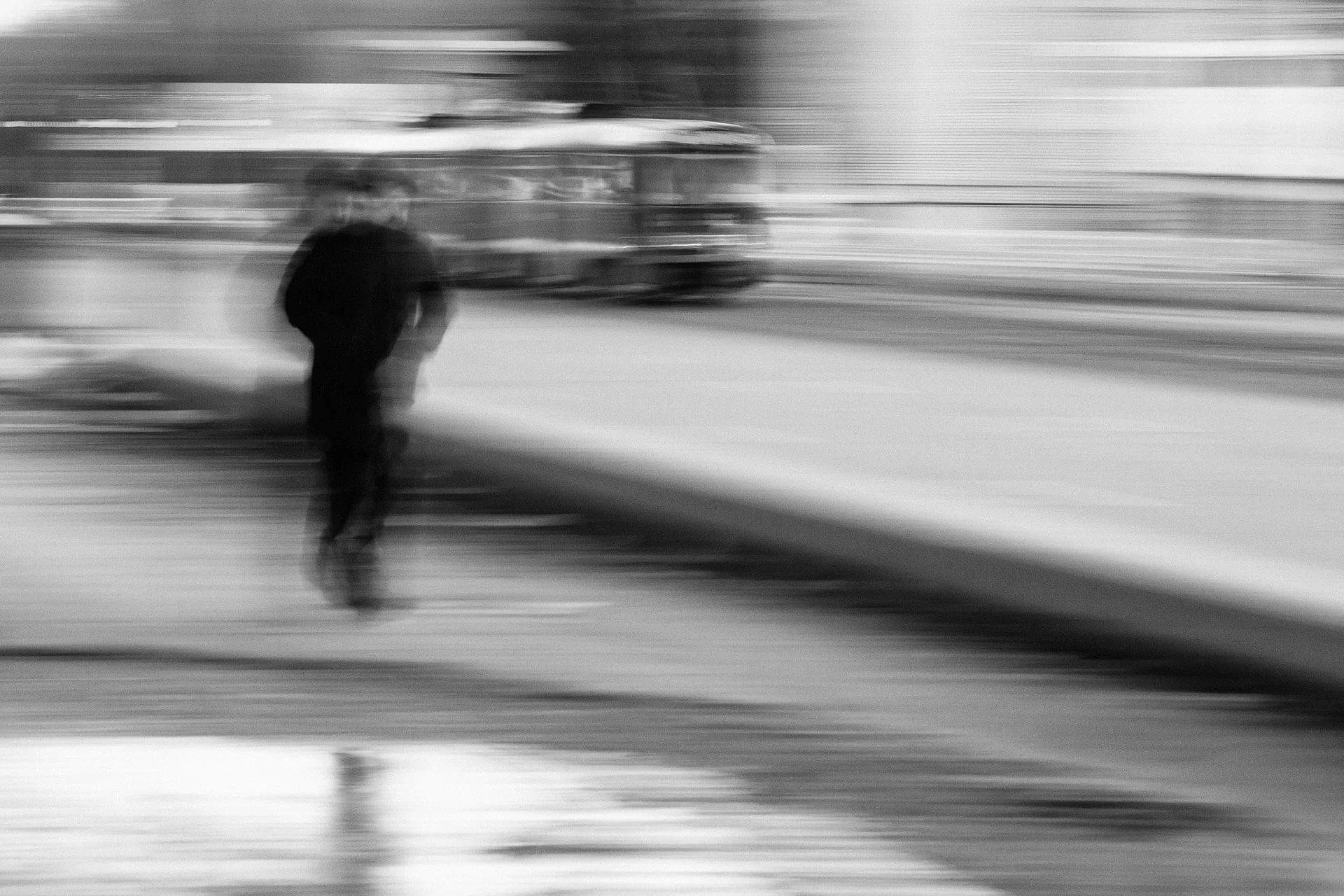
How to Take a Perfect Motion Blur Photo: A Step-by-step Guide
Are you tired of taking blurry photos? Do you want to capture the perfect motion blur shot? Look no further! In this comprehensive guide, we’ll show you how to take stunning motion blur photos using your smartphone or camera.
Understanding Motion Blur
Before we dive into the tutorial, let’s quickly understand what motion blur is. Motion blur is a photographic effect that creates a blurred image of moving objects. It’s achieved by using a slow shutter speed, which allows the camera to capture more light and create a sense of movement in the image.
Step 1: Choose The Right Equipment
To take perfect motion blur photos, you’ll need a camera or smartphone with good image quality and a tripod or stabilizer. If you’re using a smartphone, make sure it has a good camera app that allows you to adjust shutter speed and other settings.
Step 2: Set Up Your Camera or Smartphone
- For cameras:
- Set the shutter speed to at least 1/30th of a second.
- Ensure autofocus is activated.
- Choose a single-point autofocus mode for best results.
- For smartphones:
- Open the camera app and select the Expert mode (if available).
- Adjust the shutter speed to at least 1/15th of a second.
- Use a tripod or stabilizer to minimize camera shake.
Step 3: Position Your Subject
- Place your subject in a scene with motion blur potential, such as waterfalls, sports events, or moving vehicles.
- Ensure your subject is illuminated properly to create depth and interest in the image.
- Experiment with different angles and perspectives to add visual interest to your shot.
Step 4: Capture The Perfect Shot
- With your camera or smartphone set up and your subject positioned, it’s time to capture the perfect motion blur photo.
- Press the shutter button and hold it for a few seconds to allow the camera to capture more light and create the desired effect.
- Experiment with different exposure times to achieve the best results.
Step 5: Edit Your Photo (Optional)
If you want to enhance your motion blur photo, consider using image editing software or apps like Adobe Lightroom or Picsart. These tools can help you adjust contrast, brightness, and saturation to create a more stunning image.
Tips And Tricks
- Use a tripod or stabilizer to minimize camera shake and ensure sharp images.
- Experiment with different shutter speeds and exposure times to achieve the best results.
- Pay attention to lighting conditions and position your subject accordingly.
- Don’t be afraid to try new things and experiment with different techniques.
Common Faqs
- What is The Ideal Shutter Speed For Motion Blur?
The ideal shutter speed for motion blur depends on the type of scene you’re capturing. For most scenes, a shutter speed of at least 1/30th of a second should be sufficient. - How do I Capture Sharp Images in Low Light Conditions?
To capture sharp images in low light conditions, use a tripod or stabilizer to minimize camera shake and ensure proper exposure. You can also experiment with longer exposure times and higher ISO settings. - Can I Achieve Motion Blur Using a Smartphone?
Yes, you can achieve motion blur using a smartphone! Many smartphones come with advanced camera features that allow for manual shutter speed adjustments and other creative effects.
Conclusion
Taking perfect motion blur photos requires practice, patience, and creativity. By following these steps and tips, you’ll be able to capture stunning images that showcase the beauty of movement and light. Remember to experiment with different techniques and have fun!
Frequently Asked Questions (FAQs)
- What is The Best Smartphone App For Motion Blur?
The best smartphone app for motion blur depends on your device and personal preferences. However, some popular options include Adobe Lightroom Mobile, Picsart, and Google Photos. - Can I Use a Camera With a Built-in Flash to Capture Motion Blur Photos?
Yes, you can use a camera with a built-in flash to capture motion blur photos! However, be aware that the flash may create harsh shadows or overexpose your image. - How do I Adjust The Shutter Speed on my Smartphone?
To adjust the shutter speed on your smartphone, open the camera app and select the Expert mode (if available). From there, you can adjust the shutter speed to suit your needs. - What is The Difference Between Motion Blur And Bokeh?
Motion blur refers to the blurred image of moving objects, while bokeh refers to the blurred background or out-of-focus areas in an image. - Can I Capture Motion Blur Photos During Daytime?
Yes, you can capture motion blur photos during daytime! However, be aware that the sun may create harsh shadows or overexpose your image. Experiment with different exposure times and angles to achieve the best results.
Recommended Resources
- Adobe Lightroom Mobile: A powerful image editing app for smartphones.
- Picsart: A popular photo editing app with advanced features.
- Google Photos: A free photo storage service that allows for manual adjustments and enhancements.
- Camera Tutorials on Youtube: Many YouTubers share excellent camera tutorials and tips.
Final Tips
- Practice makes perfect! Experiment with different techniques and have fun capturing motion blur photos.
- Pay attention to lighting conditions and adjust your settings accordingly.
- Don’t be afraid to try new things and push the limits of what’s possible with motion blur photography.


