
Best Email Clients For Windows, Macos, And Linux
Are you tired of using traditional email clients on your computer? Do you want a more modern and feature-rich alternative? Look no further! In this guide, we’ll explore the best email clients available for Windows, macOS, and Linux.
Top Picks For Each Platform
Windows
- Outlook: The new email client from Microsoft is free to use and offers a sleek interface. It’s compatible with Windows 10/11 and can be used as a standalone app or as part of the Microsoft 365 suite.
- Thunderbird: A popular, open-source email client that supports extensions and is compatible with Windows, macOS, and Linux.
- Mailbird: A modern email client for Windows that integrates well with external services like Google Calendar and Facebook.
Macos
- Mail: The default email client on Macs is a great choice, offering a clean interface and seamless integration with other Apple apps.
- Airmail: A feature-rich email client for macOS that supports multiple accounts and services, including Dropbox and Google Drive.
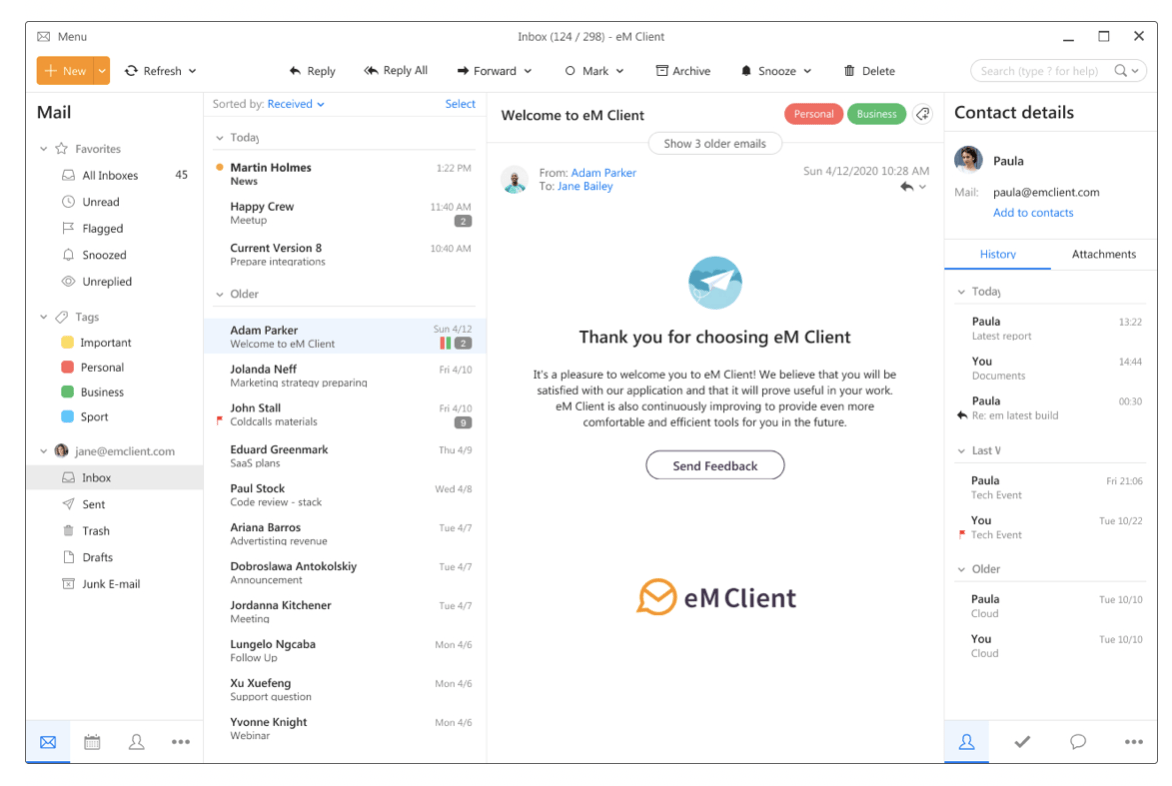
- EM Client: A powerful email client for Windows and macOS that integrates well with popular services like Gmail and Outlook.
Linux
- Thunderbird: Also available on Linux, Thunderbird is a great choice for those looking for an open-source email client.
- EM Client: Another option for Linux users, eM Client offers a modern interface and robust features.
Best Email Clients For Smartphones And Tablets
Android And Ios/ipados
- Gmail: The official Google email app is a top choice for Android devices and iOS/iPadOS.
- Outlook: Microsoft’s email client is also available on mobile platforms, offering a clean interface and robust features.
- Mail: Apple’s default email client on iOS/iPadOS is easy to use and offers seamless integration with other Apple apps.
Conclusion
Choosing the right email client can be overwhelming, but this guide should help you make an informed decision. Whether you’re using Windows, macOS, Linux, Android, or iOS/iPadOS, there’s a great email client out there for you. Don’t settle for traditional mail clients – explore these modern alternatives and enjoy a more efficient and enjoyable emailing experience!
Frequently Asked Questions (FAQs)
- Q: What is The Best Email Client For Windows?
A: Outlook and Thunderbird are top contenders, but MailBird and eM Client also offer great features. - Q: Can I Use Multiple Email Accounts With These Clients?
A: Yes! Most of these clients support multiple account configurations. - Q: Are These Clients Free to Use?
A: Some are, like Thunderbird and eM Client, while others require a subscription or one-time payment (like Outlook). - Q: Which Email Client is Best For Macos Users?
A: Mail and AirMail are great choices, but consider eM Client as well. - Q: Can I Use These Clients on Linux?
A: Yes! Thunderbird and eM Client are available on Linux platforms. - Q: Are There Any Mobile Apps For These Email Clients?
A: Yes! You can find mobile apps for most of these email clients on the App Store (iOS/iPadOS) or Google Play Store (Android). - Q: Can I Use my Existing Email Account With These Clients?
A: Yes, in most cases you’ll be able to add your existing email account to these clients without any issues. - Q: Are There Any Limitations or Drawbacks to Using These Clients?
A: Some users may find the learning curve for certain clients (like eM Client) too steep, but overall these clients offer robust features and seamless integration with popular services.


