
How to Watch Movies on Iphone
Are you tired of watching movies on your computer or TV? Do you want to enjoy your favorite films on the go with your iPhone? Look no further! In this article, we’ll show you how to watch movies on your iPhone using various apps and methods.
Apps For Streaming Movies on Iphone
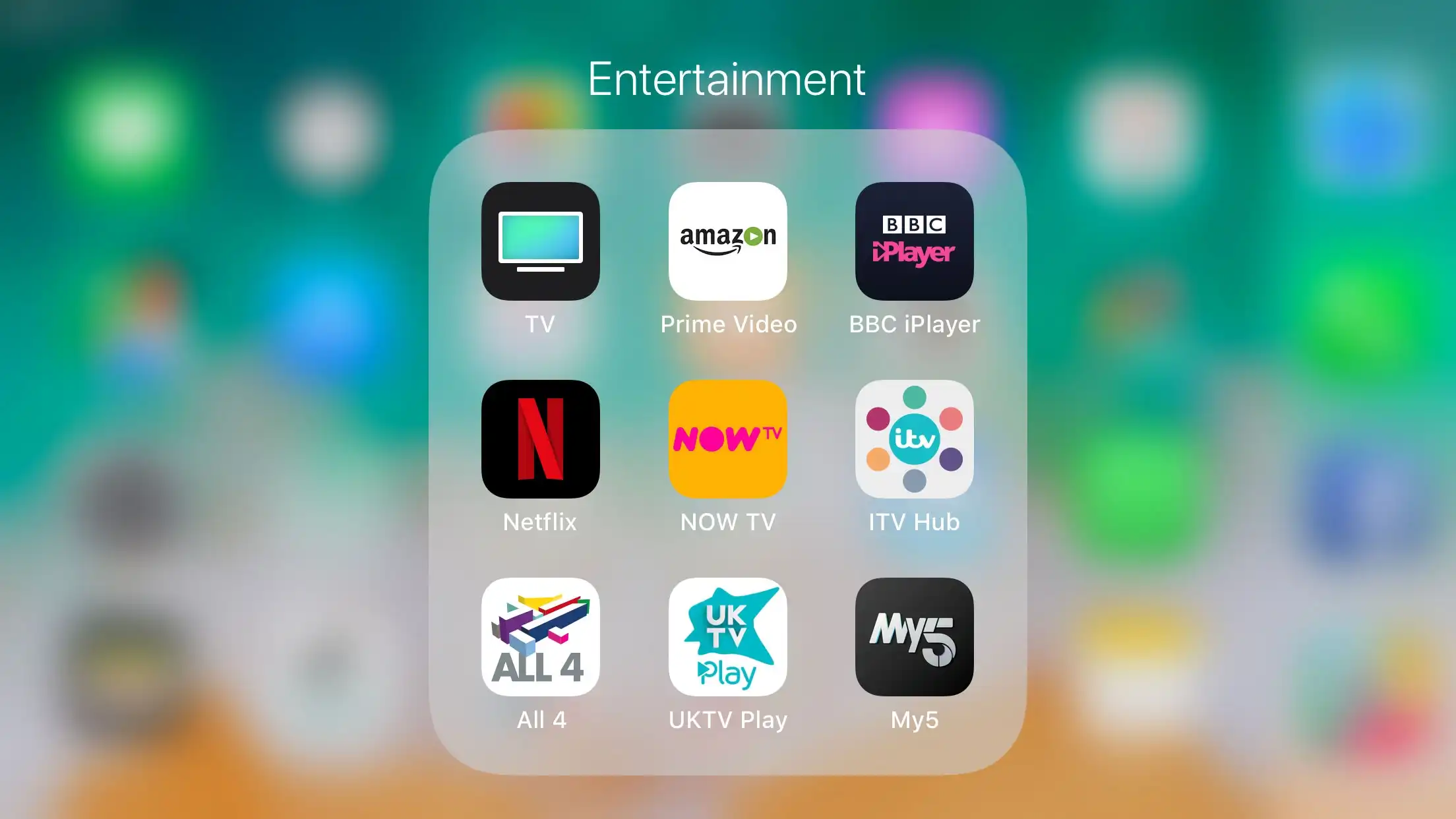
There are many apps available that allow you to stream movies on your iPhone. Here are some of the most popular ones:
- Raiplay: This is an official app from Rai, one of Italy’s most popular TV channels. With RaiPlay, you can access live TV channels and on-demand content, including movies.
- Mediaset Play: This app allows you to watch Mediaset’s live TV channels and on-demand content, including movies.
- Popcorn TV: This is an Italian streaming service that offers a wide range of free movies with no ads or subscriptions required.
- Youtube: Who doesn’t love YouTube? You can find countless movies and TV shows on this platform, both for free and for rent or purchase.
- Netflix: The most popular streaming service in the world, Netflix has an extensive library of movies, TV shows, and documentaries. You’ll need a subscription to access its content, but it’s well worth it!
- Infinity: This is another Italian streaming service that offers a wide range of movies, TV shows, and documentaries.
- Amazon Prime Video: If you’re an Amazon Prime member, you can enjoy a vast library of movies, TV shows, and original content on this platform.
- Now TV: This UK-based streaming service allows you to access Sky’s live TV channels and on-demand content, including movies.
- Timvision: This is a streaming service from TIM, Italy’s largest telecom operator. It offers a wide range of movies, TV shows, and documentaries.
Watching Movies Offline
What if you don’t have an internet connection? Don’t worry! There are still ways to watch movies on your iPhone offline.
- Itunes: You can download movies from iTunes and watch them offline using the Video app on your iPhone.
- Vlc: This popular media player allows you to play movies in various formats, including MKV, AVI, and more. You can even stream videos directly from your phone’s camera roll!
How to Download Movies on Iphone
To download a movie on your iPhone, follow these steps:
- Open the iTunes app.
- Go to the “Video” tab and select the movie you want to download.
- Tap the “Download” button.
- Wait for the download process to complete.
Watching Movies With Vlc
Here’s how to watch a movie using VLC on your iPhone:
- Download and install the VLC app from the App Store.
- Launch the app and select the movie you want to play.
- Tap the “Play” button to start the video.
- Use the controls at the bottom of the screen to adjust the playback, brightness, and volume.
Watching Movies on Apple TV
If you have an Apple TV, you can watch movies from your iPhone directly on your TV using AirPlay. Here’s how:
- Connect your iPhone to the same Wi-Fi network as your Apple TV.
- Open the movie app on your iPhone and select the movie you want to play.
- Tap the “AirPlay” button (represented by a monitor with a triangle under it).
- Select your Apple TV from the list of available devices.
Conclusion
Watching movies on your iPhone is easier than ever, thanks to the many streaming apps and offline viewing options available. Whether you prefer Netflix, YouTube, or VLC, there’s something for everyone. So go ahead, grab some popcorn, and enjoy your favorite films on the go!


