
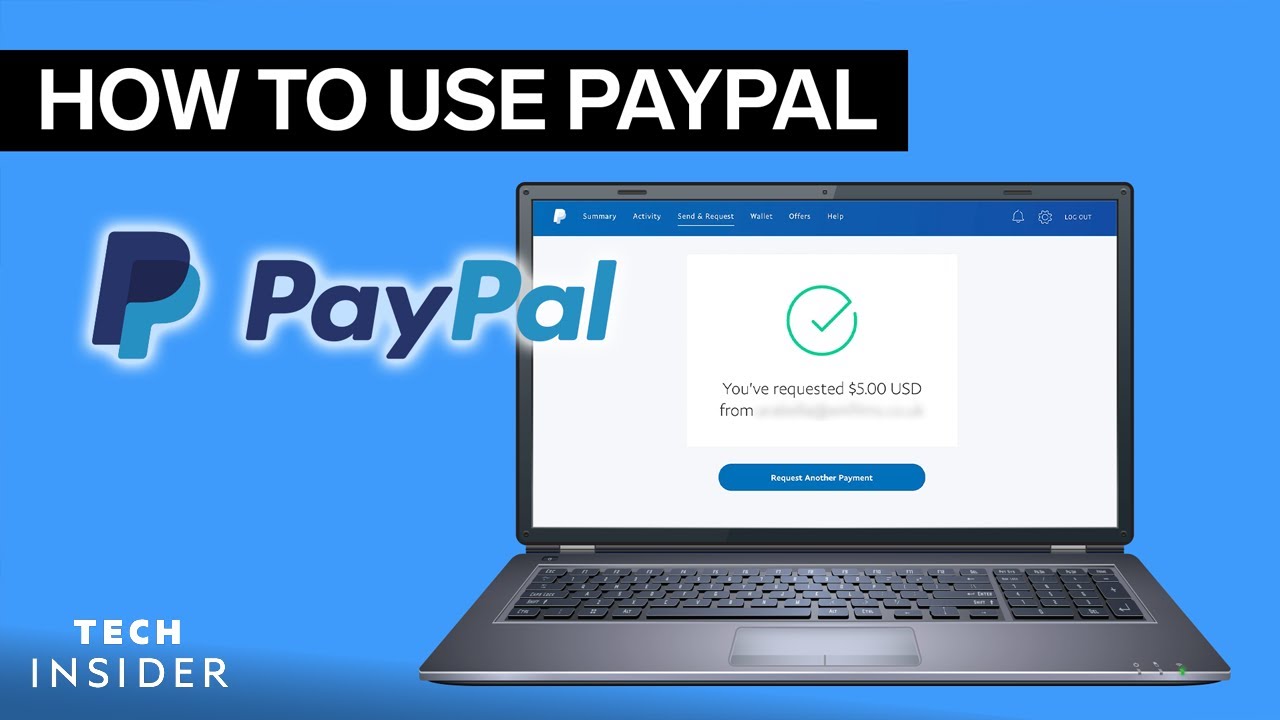
Creating a Paypal Account: A Step-by-step Guide
Are you looking to create a PayPal account? Look no further! This guide will walk you through the process of opening a personal or business PayPal account, as well as provide information on how to use it for online payments and more.
Why Create a Paypal Account?
A PayPal account is like having a digital wallet that allows you to send and receive money online. With PayPal, you can pay for goods and services without exposing your financial details to the merchant. You can also use PayPal to request money from friends and family, or to receive payments for goods and services sold.
Opening a Personal Paypal Account
To open a personal PayPal account, follow these steps:
- Visit The Paypal Website: Go to the PayPal website (www.Paypal.Com) and click on the “Sign Up” button.
- Choose Your Country: Select your country from the dropdown menu and click “Next”.
- Enter Your Email Address: Enter a valid email address that you will use to access your account.
- Create a Password: Create a strong password for your account.
- Verify Your Phone Number: PayPal will send a verification code to your phone number, which you will need to enter in order to complete the sign-up process.
- Add Your Debit or Credit Card: You can add your debit or credit card information to link it to your PayPal account.
Opening a Business Paypal Account
To open a business PayPal account, follow these steps:
- Visit The Paypal Website: Go to the PayPal website (www.Paypal.Com) and click on the “Sign Up” button.
- Choose Your Country: Select your country from the dropdown menu and click “Next”.
- Enter Your Business Information: Enter your business name, address, and other relevant details.
- Create a Password: Create a strong password for your account.
- Verify Your Phone Number: PayPal will send a verification code to your phone number, which you will need to enter in order to complete the sign-up process.
- Add Your Debit or Credit Card: You can add your debit or credit card information to link it to your PayPal account.
Using Your Paypal Account
Once you have created your PayPal account, you can use it to:
- Send And Receive Money Online: Use your PayPal account to send and receive money from friends and family, or to pay for goods and services.
- Request Payments: Use the “Request” feature to request payment from others.
- Add Funds to Your Account: Add funds to your account using a debit or credit card.
Tips And Reminders
- Use Strong Passwords: Make sure to use strong and unique passwords for your PayPal account.
- Keep Your Account Information Private: Do not share your PayPal account information with anyone.
- Be Cautious of Scams: Be aware of potential scams and do not click on suspicious links or provide sensitive information.
Troubleshooting Common Issues
- I Forgot my Password: Click on the “Forgot Password” link to reset your password.
- My Account is Blocked: Contact PayPal support for assistance.
- I am Experiencing Technical Issues: Try clearing your browser cache and restarting your browser.
Frequently Asked Questions (FAQs)
- Q: What is Paypal?
A: PayPal is a digital payment platform that allows users to send and receive money online. - Q: How do I Create a Paypal Account?
A: To create a PayPal account, visit the PayPal website and follow the sign-up process. - Q: Can I Use my Paypal Account For Business Purposes?
A: Yes, you can create a business PayPal account to receive payments for goods and services sold. - Q: Is my Paypal Account Information Secure?
A: Yes, PayPal takes security seriously and uses robust encryption to protect your account information.
Conclusion
Creating a PayPal account is a simple process that can be completed in a few minutes. With this guide, you should now have a clear understanding of how to open a personal or business PayPal account, as well as use it for online payments and more. Remember to always use strong passwords, keep your account information private, and be cautious of scams.
Additional Faqs
- Q: Can I Use my Paypal Account on my Mobile Device?
A: Yes, you can access your PayPal account using the PayPal app on your mobile device. - Q: How do I Add a Bank Account to my Paypal Account?
A: To add a bank account to your PayPal account, go to the “Wallet” section and click on “Link Bank Account”. - Q: Can I Use my Paypal Account to Make Purchases In-store?
A: Yes, you can use your PayPal account to make purchases in-store using the PayPal wallet. - Q: How do I Dispute a Transaction on Paypal?
A: To dispute a transaction on PayPal, go to the “Activity” section and click on the transaction in question.
I hope this article has provided you with a clear understanding of how to create a PayPal account and use it for online payments and more. If you have any further questions or concerns, please do not hesitate to contact me!


