
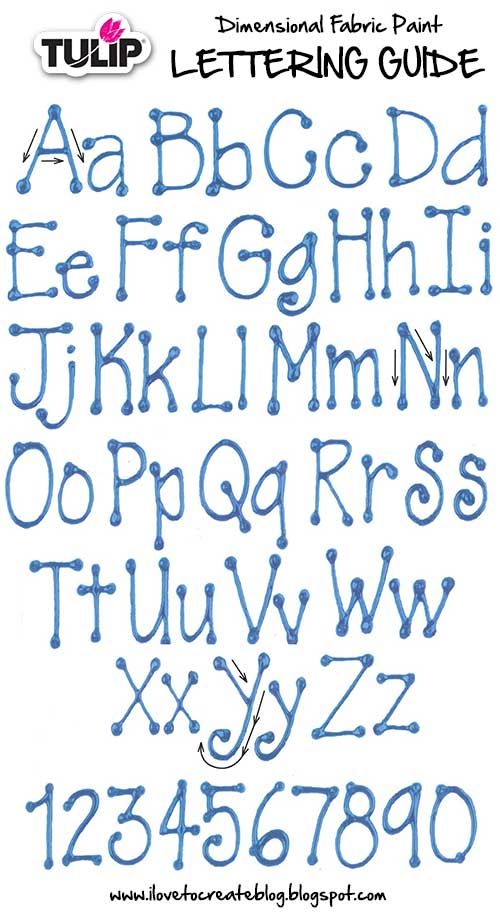
Are you looking for ways to personalize your online presence with unique and stylish typed text? Look no further! In this article, we’ll explore the world of online typed text creation tools and guide you through the process of creating personalized typed text using various services.
What is Typed Text Online?
Typed text online refers to the creation of customized text using different fonts, styles, and effects. This can include glitter text, graffiti-style text, and even ancient Egyptian hieroglyphs. With the rise of social media and online communication, personalized typed text has become a popular way to express oneself and add visual interest to online content.
Cool Text: A Popular Service For Creating Typed Text Online
One of the most popular services for creating personalized typed text online is Cool Text. This user-friendly tool allows you to create custom text using various fonts, colors, and effects. To get started, simply click on the “Create” button and select the type of text you want to create (e.G., Glitter text, graffiti-style text). Then, type in your desired text and customize it as needed.
How to Use Cool Text
- Click on the “Create” button to start creating your custom text.
- Select the type of text you want to create (e.G., Glitter text, graffiti-style text).
- Type in your desired text and customize it as needed using the various options available.
- Click on the “Next” button to preview your creation.
- Finally, click on the “Download” button to save your custom typed text as an image.
Flamingtext: A Tool For Advanced Text Customization
If you’re looking for a more advanced tool for creating personalized typed text online, consider using FlamingText. This service offers a range of customization options, including font styles, colors, and effects. You can also use FlamingText to create custom logotypes and graphics.
How to Use Flamingtext
- Click on the “Create” button to start creating your custom text.
- Select the type of text you want to create (e.G., Glitter text, graffiti-style text).
- Type in your desired text and customize it as needed using the various options available.
- Click on the “Next” button to preview your creation.
- Finally, click on the “Download” button to save your custom typed text as an image.
Other Services For Creating Typed Text Online
If you’re not satisfied with Cool Text or FlamingText, there are other services available that can help you create personalized typed text online. Some popular options include:
- GlitterMaker: A service that allows you to create glitter text using various fonts and effects.
- GraffitiGen: A service that enables you to create graffiti-style text using different colors and effects.
- Ninja Text: A free service that lets you create custom text using a ninja-themed template.
Apps For Creating Typed Text on Mobile Devices
If you’re looking to create personalized typed text on your mobile device, consider using one of the following apps:
- Rangin (Android/iOS/iPadOS): An app that allows you to create custom text using various fonts and effects.
- PicsArt (Android/iOS/iPadOS): A popular photo editing app that also includes a feature for creating custom typed text.
- Canva (Android/iOS/iPadOS): A graphic design app that offers a range of customization options, including font styles and colors.
Conclusion
Creating personalized typed text online is easier than ever with the various services and apps available. Whether you’re looking to add visual interest to your social media profiles or create custom graphics for your business, these tools can help you achieve your goals. So why not give them a try today?
Frequently Asked Questions (FAQs)
- What is Typed Text Online?
Typed text online refers to the creation of customized text using different fonts, styles, and effects.
- Which Services Allow me to Create Personalized Typed Text Online?
Some popular services for creating personalized typed text online include Cool Text, FlamingText, GlitterMaker, GraffitiGen, Ninja Text, Rangin (Android/iOS/iPadOS), PicsArt (Android/iOS/iPadOS), Canva (Android/iOS/iPadOS).
- How do I Use These Services to Create Personalized Typed Text Online?
To use these services, simply click on the “Create” button and select the type of text you want to create. Then, type in your desired text and customize it as needed using the various options available.
- Can I Download my Custom Typed Text as an Image?
Yes, most of these services allow you to download your custom typed text as an image.
- Do These Services Require a Subscription or Payment?
Some of these services offer free versions, while others may require a subscription or payment for advanced features or removal of advertising.
- Can I Use These Services on my Mobile Device?
Yes, many of these services have mobile apps that allow you to create personalized typed text online using your smartphone or tablet.


