
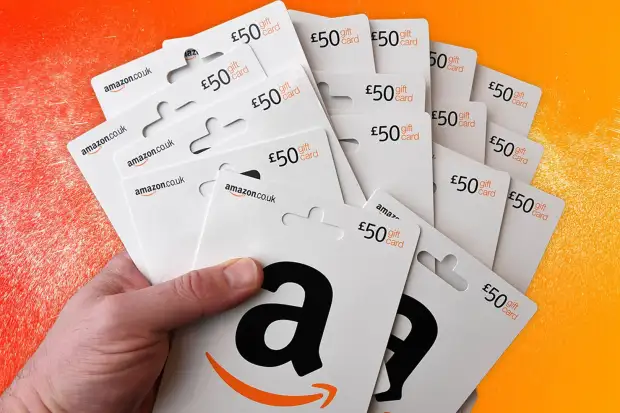
Are you looking for ways to acquire good Amazon coupons? Look no further! In this article, we will guide you through the process of acquiring Amazon coupons in various formats, including online, offline, and using PayPal, Paysafecard, and Ticket Compliments.
What is an Amazon Coupon?
Before we dive into the steps, let’s understand what an Amazon coupon is. An Amazon coupon is a gift card that comes associated with a code consisting of 14-15 alphanumeric characters (e.G., S25-NJZ1JX-CZCP5). This code can be redeemed to load credit on your own account and used to make purchases on the Amazon store.
Acquiring Good Amazon Coupons Online
To acquire good Amazon coupons online, follow these steps:
- Access The Amazon Website: Log in to your Amazon account or create a new one if you don’t have an existing account.
- Click on “Gift”: On the top right corner of the page, click on the voice “Gift”. Then, click on the menu that opens and select “Gift”.
- Choose Your Coupon: Select the type of coupon you want to acquire: Digital, Print, Ticket of Wishes, or Casket.
- Enter Your Details: Enter your name, email address, and message (if required).
- Finalize Your Purchase: Click on the button “Buy” to finalize your purchase.
Acquiring Good Amazon Coupons With Paypal
Unfortunately, it’s not possible to directly link your PayPal account to Amazon. However, you can associate a prepaid PayPal card to your Amazon account and use it as a form of payment for shopping.
Acquiring Good Amazon Coupons With Paysafecard
Paysafecard is a system of payment based on the insertion of a code PIN. You can acquire credit using a qualified site and then redeem it on Amazon by exchanging it.
Acquiring Good Amazon Coupons With Ticket Compliments
Ticket Compliments are coupons that can be obtained through online surveys. Unfortunately, this method is not feasible for acquiring Amazon coupons.
Where to Acquire Good Amazon Coupons: Physical Shops
If you don’t have a computer, smartphone, or tablet, you can still acquire good Amazon coupons in physical shops such as bookstores, hypermarkets, tobacco shops, stationery stores, and electronics stores.
How to Redeem Good Amazon Coupons
To redeem your Amazon coupon, follow these steps:
- Access The Amazon Website: Log in to your Amazon account.
- Click on “Gift”: Click on the voice “Gift”. Then, click on the menu that opens and select “Gift”.
- Enter Your Coupon Code: Enter the code of your gift card in the field provided.
- Add to My Account: Click on the button “Add to my account”.
In Case of Doubts or Problems
If you have followed these instructions and still have doubts or problems, refer to Amazon’s help page for more information.
Conclusion
Acquiring good Amazon coupons is a straightforward process that can be completed online, offline, or using PayPal, Paysafecard, and Ticket Compliments. Remember to follow the steps outlined in this guide to ensure you acquire your desired coupon.
Faqs
- What is an Amazon Coupon?
An Amazon coupon is a gift card that comes associated with a code consisting of 14-15 alphanumeric characters. - How do I Acquire an Amazon Coupon Online?
To acquire an Amazon coupon online, follow the steps outlined in this article. - Can I Use Paypal to Purchase an Amazon Coupon?
Unfortunately, it’s not possible to directly link your PayPal account to Amazon. - What is Paysafecard And How Does it Work?
Paysafecard is a system of payment based on the insertion of a code PIN. - How do I Redeem my Amazon Coupon?
To redeem your Amazon coupon, follow the steps outlined in this article. - Can I Acquire an Amazon Coupon in a Physical Shop?
Yes, you can acquire an Amazon coupon in physical shops such as bookstores, hypermarkets, tobacco shops, stationery stores, and electronics stores. - What is Ticket Compliments And How Does it Work?
Ticket Compliments are coupons that can be obtained through online surveys.
References


