
How to Set Up Reminders With Alarms on Your Device
Are you tired of constantly forgetting important appointments, events, or tasks? Do you wish there was a way to receive reminders with alarms on your device to ensure you never miss anything again? Look no further! In this article, we will guide you through the process of setting up reminders with alarms on various devices, including Android, iPhone, PC, and Alexa.
What Are Reminders With Alarms?
Reminders with alarms are notifications that pop up on your device to remind you of upcoming events or tasks. These reminders can be set to go off at a specific time or date, and some devices also allow you to customize the alarm sound to suit your preferences.
Setting Up Reminders on Android Devices
If you have an Android device, there are several ways to set up reminders with alarms. Here’s how:
- Google Calendar: Open Google Calendar on your device and click on the “+” button at the top right corner. Select “Reminder” from the dropdown menu and enter the details of the event or task you want to remind yourself about.
- Google Keep: Open Google Keep on your device and tap on the “+” button at the bottom left corner. Enter the details of the reminder you want to set, including the time and date.
- Other Apps: There are several other apps available on the Google Play Store that offer reminders with alarms. Some popular options include Any.Do, Todoist, and Trello.
Setting Up Reminders on Iphone Devices
If you have an iPhone device, here’s how to set up reminders with alarms:
- Reminders App: Open the Reminders app on your device and tap on the “+” button at the top right corner. Enter the details of the reminder you want to set, including the time and date.
- Other Apps: There are several other apps available on the App Store that offer reminders with alarms. Some popular options include Evernote, Any.Do, and Todoist.
Setting Up Reminders on PC Devices
If you have a PC device running Windows 10 or Windows 11, here’s how to set up reminders with alarms:
- Calendar: Open the Calendar app on your device and click on the “+” button at the top right corner. Select “Reminder” from the dropdown menu and enter the details of the event or task you want to remind yourself about.
- Microsoft To Do: Open Microsoft To Do on your device and tap on the “+” button at the bottom left corner. Enter the details of the reminder you want to set, including the time and date.
Setting Up Reminders on Alexa Devices
If you have an Alexa device, here’s how to set up reminders with alarms:
- Alexa App: Open the Alexa app on your device and tap on the “+” button at the top right corner. Select “Reminder” from the dropdown menu and enter the details of the event or task you want to remind yourself about.
- Voice Commands: You can also set up reminders with alarms using voice commands. Simply say “Alexa, remind me [time] to [event or task]”.
Tips And Variations
Here are some additional tips and variations to consider when setting up reminders with alarms:
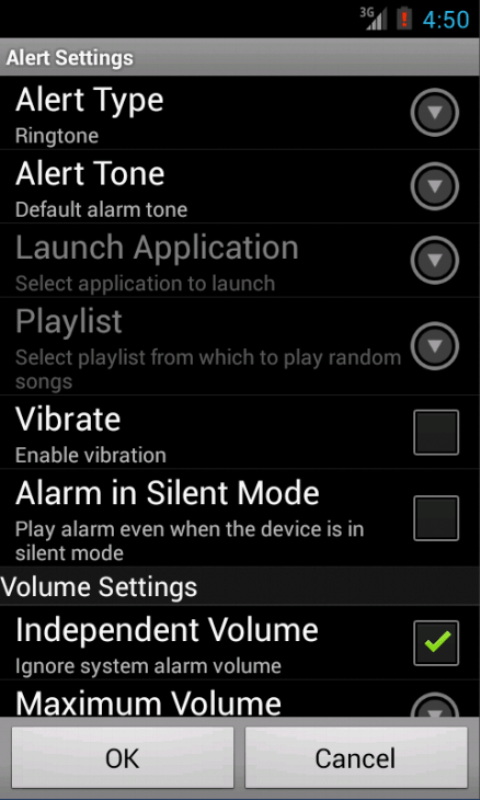
- Customize The Alarm Sound: Many devices allow you to customize the alarm sound to suit your preferences.
- Set Reminders For Recurring Events: If you have recurring events or tasks, you can set up reminders to go off at specific intervals.
- Use Different Types of Notifications: Depending on your device and preferences, you may be able to use different types of notifications, such as pop-up windows or vibration alerts.
Conclusion
Setting up reminders with alarms on various devices is a straightforward process that can help you stay organized and on top of upcoming events and tasks. By following the steps outlined in this article, you can ensure that you never miss anything important again. Whether you’re using an Android device, iPhone, PC, or Alexa, there are plenty of options available to suit your needs.
Frequently Asked Questions (FAQs)
Here are some frequently asked questions about setting up reminders with alarms:
Q: How do I set a reminder on my Android device?
A: You can set a reminder on your Android device using the Google Calendar app or other apps like Any.Do, Todoist, and Trello.
Q: How do I set a reminder on my iPhone device?
A: You can set a reminder on your iPhone device using the Reminders app or other apps like Evernote, Any.Do, and Todoist.
Q: How do I set a reminder on my PC device?
A: You can set a reminder on your PC device running Windows 10 or Windows 11 using the Calendar app or Microsoft To Do.
Q: How do I set a reminder on my Alexa device?
A: You can set a reminder on your Alexa device using the Alexa app or voice commands like “Alexa, remind me [time] to [event or task]”.
Q: Can I customize the alarm sound for my reminders?
A: Yes, many devices allow you to customize the alarm sound for your reminders.
Q: How do I set reminders for recurring events or tasks?
A: You can set reminders for recurring events or tasks by setting up a reminder that repeats at specific intervals.


