
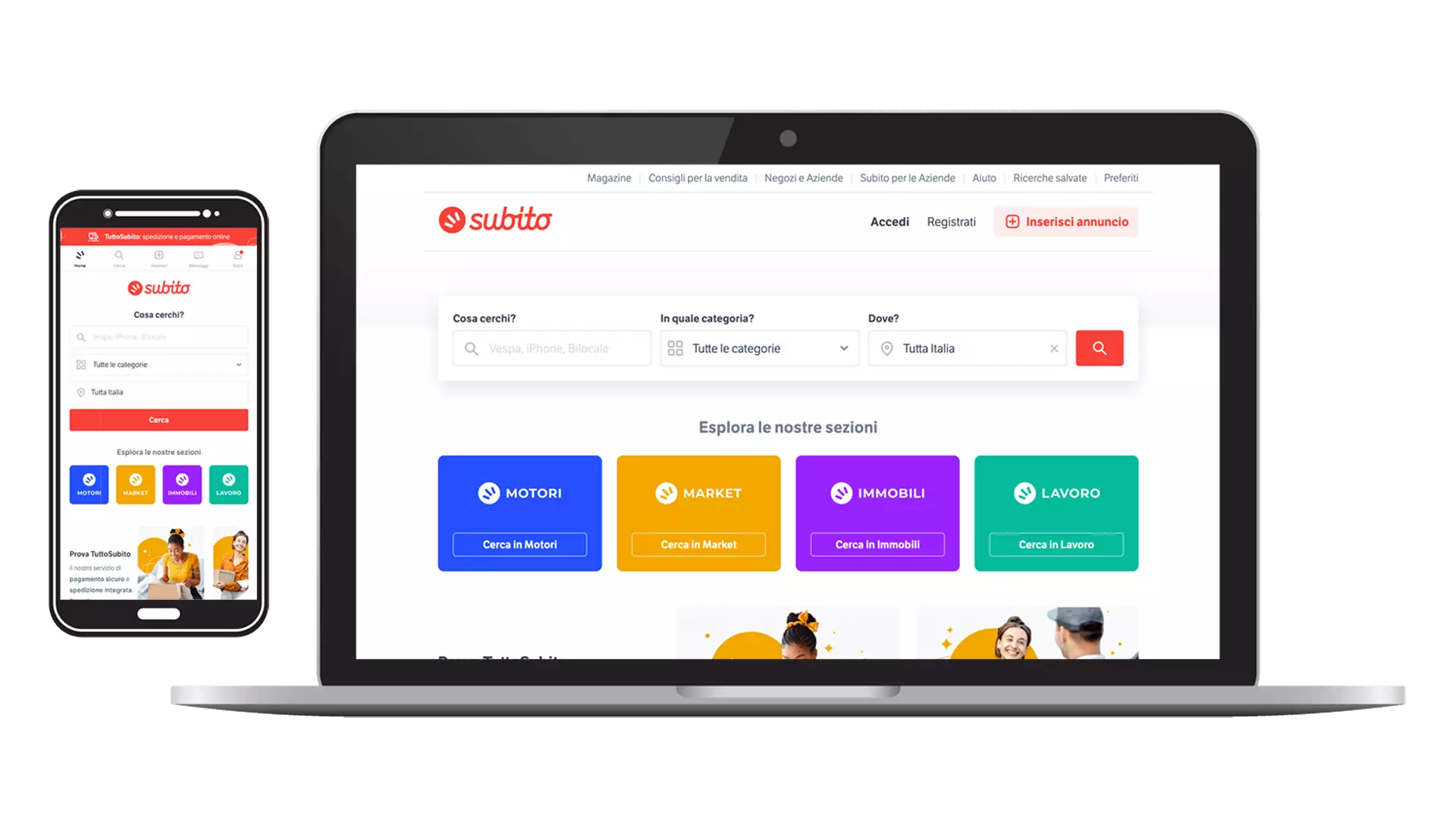
How to Contact Got On.*It: A Step-by-step Guide
As a user of Got on.*It, you may have encountered issues with your announcement or need assistance with a particular matter. In such cases, contacting the service clients can be helpful in resolving the problem. However, finding the right contact method and navigating the process can be overwhelming.
Introduction to Contacting Got On.*It
Got on.It offers various channels for users to get in touch with their service clients. These include email, social media platforms (Facebook, Instagram, Twitter), chat, and even phone calls. In this article, we will guide you through each of these options, providing step-by-step instructions on how to contact Got on.It effectively.
Contacting Got On.*It Via Email
The first option is to send an email directly to Got on.*It’s customer support team. This method allows for a written response from the service clients, which can be helpful in documenting any conversation or resolution.
To do this:
- Access The Contact Form: Visit Got on.*It’s official website and navigate to the “Contact” section.
- Fill Out The Form: Provide your email address, message, and any relevant details.
- Submit The Request: Click the “Send” button to forward your message.
Contacting Got On.*It Via Social Media
Got on.*It is also present on various social media platforms (Facebook, Instagram, Twitter). You can use these channels to reach out to their customer support team.
To do this:
- Visit The Platform: Go to Facebook, Instagram, or Twitter and search for Got on.*It’s official account.
- Send a Message: Click on the “Message” button next to the Got on.*It logo and compose your message.
- Forward The Message: Send the message and wait for a response from the service clients.
Contacting Got On.*It Via Chat
Another option is to use the live chat feature available on Got on.*It’s website. This method allows for real-time communication with an operator, which can be helpful in resolving issues quickly.
To do this:
- Access The Chat: Visit Got on.*It’s official website and navigate to the “Chat” section.
- Select a Category: Choose the relevant category for your issue or question.
- Compose Your Message: Write your message and click the “Send” button to forward it.
Contacting Got On.*It Via Telephone
Got on.*It does not offer phone support directly, but you can contact them via telephone after using another contact method (such as email, social media, or chat). This is typically done for commercial inquiries or when a user has been contacted by an operator to resolve an issue.
To do this:
- Contact Got On.*It: Use one of the above-mentioned methods to reach out to their customer support team.
- Follow Instructions: Follow any instructions provided by the service clients to resolve your issue or answer your question.
- Call The Designated Number: If necessary, call a phone number provided by the service clients.
Contacting Vendors on Got On.*It
As a user of Got on.*It, you may need to contact vendors who have issued announcements on the platform. This can be done through various methods, including email or chat.
To do this:
- Access The Vendor’s Announcement: Visit the relevant announcement and look for contact information provided by the vendor.
- Contact The Vendor: Use one of the available methods (email or chat) to reach out to the vendor directly.
- Follow Instructions: Follow any instructions provided by the vendor to resolve your issue or answer your question.
Conclusion
In conclusion, contacting Got on.*It can be done through various channels, including email, social media, chat, and even phone calls in some cases. By following these step-by-step guides, you can effectively get in touch with their customer support team and resolve any issues or questions you may have.
Faqs
- Q: How do I Contact Got On.*It’s Customer Support Team?
A: You can contact them via email, social media (Facebook, Instagram, Twitter), chat, or by calling a phone number provided after using another method. - Q: What Are The Hours of Operation For Got On.*It’s Customer Support Team?
A: The service clients are available Monday to Friday from 09:00 To 22:00 And Saturday and Sunday from 09:00 To 21:00. - Q: Can I Contact a Vendor Directly on Got On.*It?
A: Yes, you can contact vendors who have issued announcements on the platform through various methods (email or chat). - Q: What Are The Benefits of Contacting Got On.*It Via Social Media?
A: Using social media platforms allows for real-time communication with their customer support team and can be a convenient way to reach out. - Q: Is it Possible to Contact Got On.*It’s Customer Support Team Via Phone?
A: While not directly available, you may be contacted by an operator or need to call a designated number after using another method. - Q: Can I Access my Account And Messages From The Got On.*It App?
A: Yes, users can access their accounts and messages through the official Got on.*It app for smartphones and tablets. - Q: How do I Report an Issue or Concern to Got On.*It’s Customer Support Team?
A: You can use any of the available contact methods (email, social media, chat) to reach out and report your concerns. - Q: Can I Share my Experiences With Got On.*It’s Customer Support Team?
A: Yes, users are encouraged to provide feedback and share their experiences with the service clients.


