
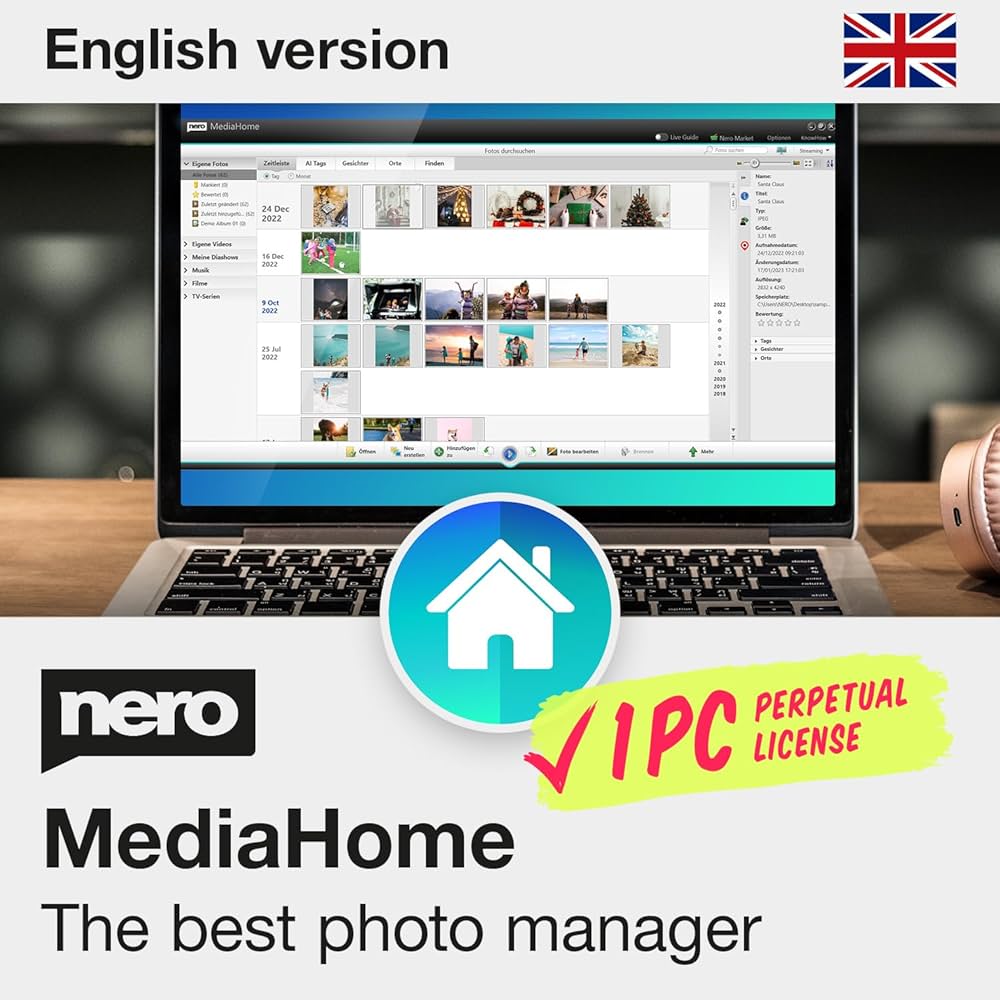
The Ultimate Guide to Photo Management Software
Are you tired of cluttered photo galleries and disorganized digital images? Look no further! In this comprehensive guide, we will explore the best photo management software for Windows, macOS, and online platforms.
Understanding Your Needs
Before diving into the world of photo management software, it’s essential to understand your needs. Do you want a free solution or are you willing to invest in a paid program? Do you need features like facial recognition, geotagging, and automatic organization?
Programmi To File Photo Digitali
If you’re looking for free photo management software, consider the following options:
- Foto (Windows 10): A built-in solution that allows you to organize your photos in albums, view them chronologically, and even create smart albums.
- Xnview MP (Windows/macOS/Linux): A free, open-source program that supports over 400 image formats and offers features like batch processing and image editing.
Other Programs To File Foto
If the above options don’t meet your needs, consider these alternative photo management software:
- Faststone Image Viewer (Windows): A feature-rich program that supports various image formats and offers tools like cropping, resizing, and color correction.
- Irfanview (Windows): A lightweight program that supports multiple image formats and offers features like batch processing and image editing.
Photo Management Software Online
If you’re looking for online photo management solutions, consider the following options:
- Google Drive: Offers 15 GB of free storage space and integrates seamlessly with Google Photos.
- Onedrive (Windows/macOS): Provides 5 GB of free storage space and allows automatic upload of photos from your device.
- Icloud Photo (Windows/macOS): Offers 5 GB of free storage space and integrates with Apple’s ecosystem.
- Dropbox: Provides 2 GB of free storage space and offers features like automatic photo upload.
Mobile Apps For Photo Management
Don’t forget about mobile apps that can help you manage your photos on-the-go!
- Google Photos (Android/iOS): A built-in app that allows automatic upload of photos, facial recognition, and smart albums.
- Onedrive (Android/iOS): Offers a feature-rich app for managing your OneDrive storage space.
Conclusion
Managing your digital photos can be overwhelming, but with the right software, it’s easier than ever! From free programs like Foto and XnView MP to paid solutions like FastStone Image Viewer and IrfanView, there’s something for everyone. Don’t forget about online platforms like Google Drive, OneDrive, iCloud Photo, and Dropbox, which offer seamless photo management across devices.
Frequently Asked Questions
- What is The Best Photo Management Software?
- The answer depends on your specific needs and preferences. Consider factors like features, pricing, and platform compatibility.
- Can I Use Multiple Photo Management Software at Once?
- Yes! Many programs allow integration with other services or platforms, making it easy to manage your photos across different tools.
- How do I Back up my Photos?
- Make sure to regularly backup your photos using cloud storage services like Google Drive, OneDrive, or Dropbox.
- Can I Use Photo Management Software on my Mobile Device?
- Yes! Many apps, including Google Photos and OneDrive, offer features for managing your photos on-the-go.
- How do I Organize my Photos?
- Use features like tags, albums, and facial recognition to categorize and organize your photos.
- What is The Difference Between Cloud Storage And Photo Management Software?
- Cloud storage services store your files online, while photo management software helps you organize and manage those files.
- Can I Use Photo Management Software With my Existing Photo Library?
- Yes! Many programs allow importing existing photos from your device or cloud storage service.
Final Thoughts
Managing your digital photos doesn’t have to be a daunting task. With the right software, you can keep your photo gallery organized and easily accessible. Remember to consider factors like features, pricing, and platform compatibility when choosing the best photo management software for your needs.


