
Are you tired of mediocre photos that don’t do justice to your amazing experiences? Do you want to enhance your vacation memories, but don’t know where to start with photo editing? Look no further! In this article, we’ll explore the best photo editing apps for both mobile and desktop devices.
The Rise of Mobile Photo Editing
With the advancement of smartphone technology, it’s now possible to edit photos on-the-go. Gone are the days when you needed a computer to enhance your images. Today, there are numerous photo editing apps available that can help you transform your photos into stunning masterpieces.
Pre-installed Solutions: Google Photos And Apple Photos
The first solutions we’ll discuss are the pre-installed photo editing apps on Android and iOS devices. Google Photos on Android (and some devices) comes with a gallery app, while Photo of Apple is the default app for managing and retouching images and video on iOS/iPadOS.
How to Use Google Photos
To edit a photo in Google Photos, navigate to the Photo section of the app, select the image you want to modify, and tap on its trailer. Then, click on the Modification button (represented by three horizontal bars) and choose an editing suggestion or apply one of the available functions.
How to Use Apple Photos
To edit a photo in Apple Photos, launch the app, tap on the image’s trailer, and select the Modify option. Choose from various automatic adjustments, including adjusting exposure, contrast, and color balance.
Snapseed: A More Advanced Solution
If you’re looking for something more advanced than the pre-installed solutions, consider Snapseed. Developed by Google, this app offers a wide range of tools to edit photos, including color correction, luminosity adjustment, and more. Its interface is minimalistic and easy to use.
Using Snapseed
To get started with Snapseed, download the app on your Android or iOS device, launch it, and choose the image you want to edit. Select one of the editing tools from the menu, such as Calibration or Nitidezza (Details), and apply the adjustments. You can also apply filters and effects.
Other Excellent Apps
While Snapseed is an excellent choice, there are many other great photo editing apps available for both mobile and desktop devices.
- Pixlr: A free solution with a range of tools to edit photos and create collages.
- Afterlight: A simple and intuitive app for basic photo editing tasks.
- Vsco: A popular app for applying filters and effects to photos, with optional subscription for additional features.
- Photoshop Lightroom: A powerful tool for editing and sharing high-quality images on mobile devices.
Mobile Apps For Body And Face Editing
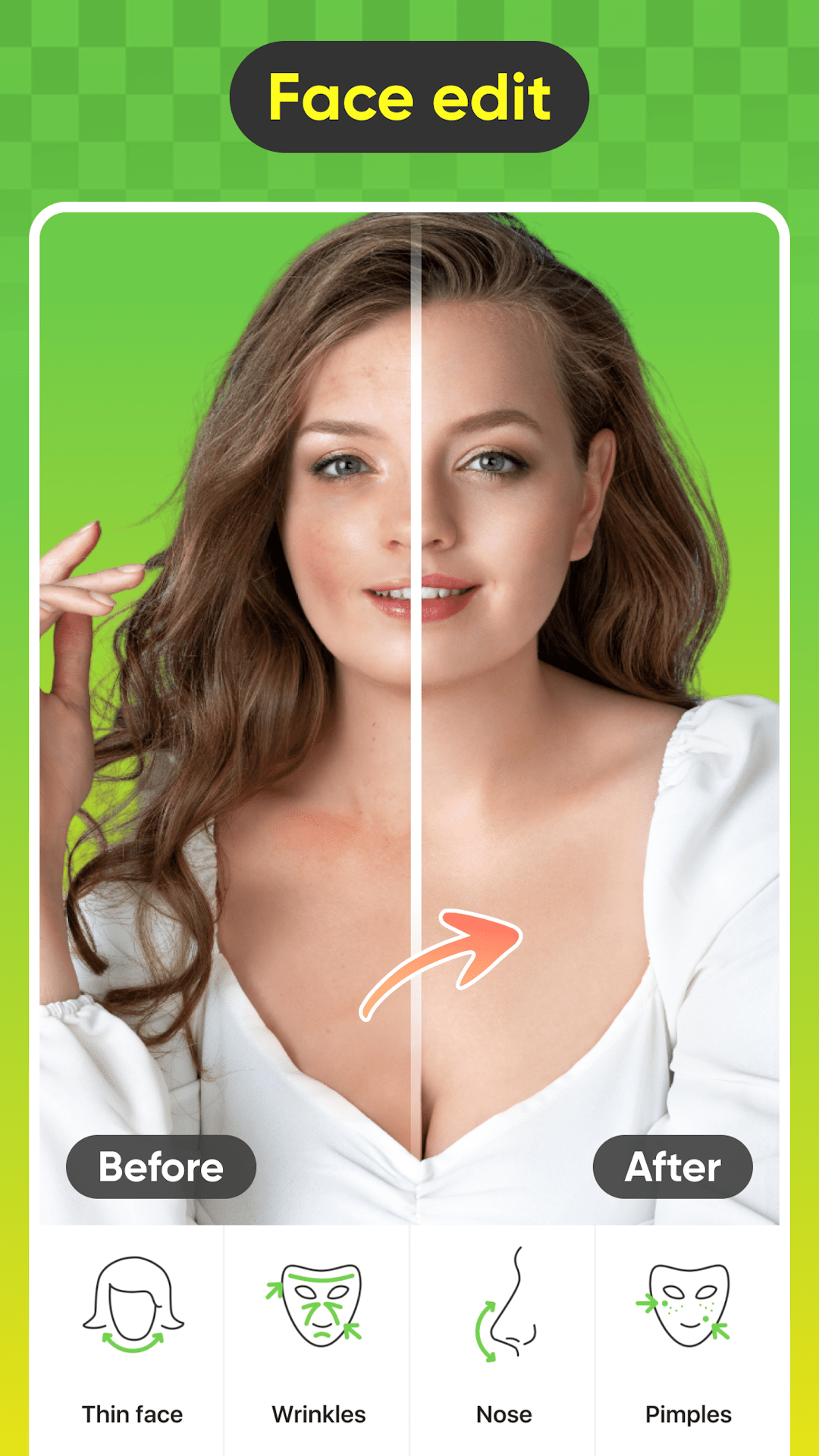
If you’re looking to edit specific areas of your face or body, there are apps designed specifically for this purpose. Be cautious when using these apps, as they can perpetuate unrealistic beauty standards.
- Perfect Me: Body Shape Editor: A free app that allows you to modify the shape and proportions of a person in a photo.
- B612: Another app that enables you to edit photos to enhance physical appearance.
- Youcam Perfect: A solution for editing face photos, with filters and effects to remove imperfections.
Online Photo Editing
If you prefer to use online services or apps on your desktop computer, here are some great options:
- Photopea: A free online photo editor that works in most web browsers without requiring plugins.
- Adobe Photoshop: The industry-standard software for professional photo editing, available as a subscription service.
PC Photo Editing
If you prefer to edit photos on your PC or laptop, consider the following apps and software:
- Microsoft Photos: The built-in photo editor in Windows 11 and 10.
- Apple Photos: A similar app available on macOS devices.
- Photoshop: The industry-standard software for professional photo editing.
Conclusion
Editing photos has never been easier. With a wide range of mobile and desktop apps at your disposal, you can enhance your vacation memories or simply experiment with different styles and effects. Remember to be cautious when using apps that promote unrealistic beauty standards.
Faqs
- What is the best photo editing app for beginners?
Answer: Snapseed is an excellent choice for those new to photo editing. - Can I use these apps for professional photo editing purposes?
Answer: Some apps, like Adobe Photoshop, are suitable for professional use, while others may not be as robust. - How do I share edited photos with others?
Answer: Most apps allow you to export or save edited images in various formats. - Are there any free online photo editors available?
Answer: Yes, Photopea and Pixlr are examples of free online photo editors. - Can I use these apps for editing videos as well?
Answer: Some apps, like VSCO and Adobe Photoshop, allow you to edit videos in addition to photos.


