
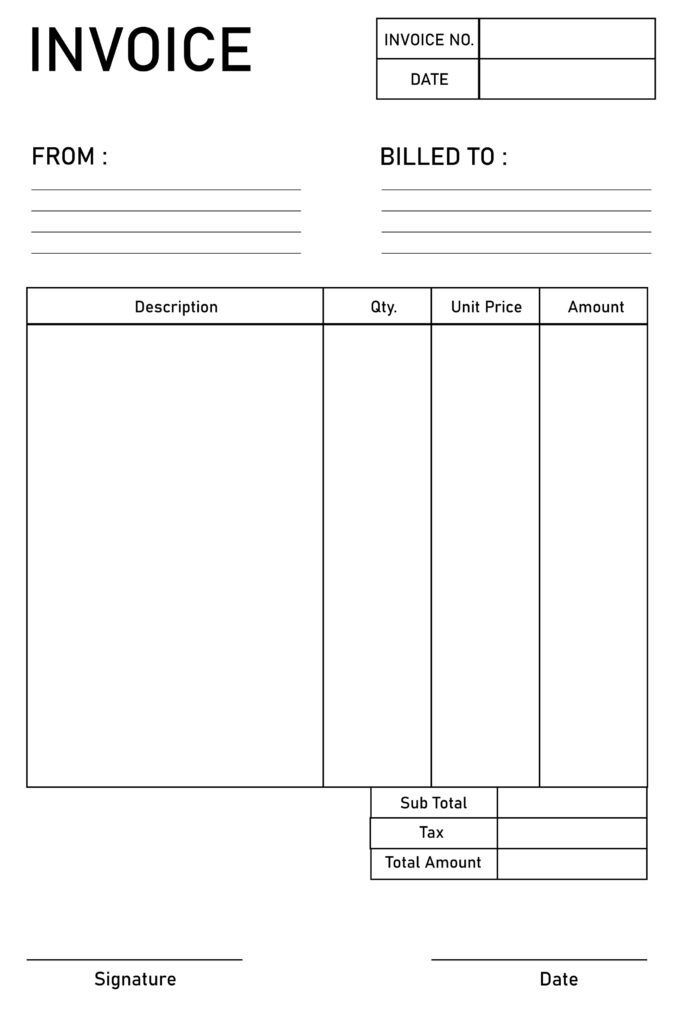
Creating Bills Free Online: A Comprehensive Guide
Are you tired of printing bills from your office or struggling to create them on a computer? Look no further! With the advancement in technology, creating bills online has become a breeze. In this article, we will explore various services that allow you to create bills freely and efficiently.
Why Create Bills Online?
Creating bills online offers several advantages over traditional methods. Firstly, it saves time and effort as you can access your bills from anywhere using any device with an internet connection. Secondly, it reduces the need for printing and storage space. Lastly, many online services provide templates and calculators to make creating bills easier.
Service 1: Excel Online
Excel Online is a web-based version of Microsoft Excel that allows you to create and edit spreadsheets directly in your browser. This service is free and accessible without any additional software or plugins. To use Excel Online, follow these steps:
- Create an account on Microsoft if you don’t already have one.
- Log in to your account and click on the “Excel” icon.
- Click on the “+” button in the top-left corner to create a new spreadsheet.
- Select the “Bill” template from the gallery of templates.
- Customize the bill by modifying the present data, adding columns or rows as needed.
- Download or print the bill when completed.
Service 2: Word Online
Word Online is another web-based version of Microsoft Word that allows you to create and edit documents directly in your browser. This service is also free and accessible without any additional software or plugins. To use Word Online, follow these steps:
- Create an account on Microsoft if you don’t already have one.
- Log in to your account and click on the “Word” icon.
- Click on the “+” button in the top-left corner to create a new document.
- Select the “Bill” template from the gallery of templates.
- Customize the bill by modifying the present data, adding columns or rows as needed.
- Download or print the bill when completed.
Service 3: Numbers Online
Numbers Online is a web-based version of Apple’s spreadsheet software that allows you to create and edit spreadsheets directly in your browser. This service is free and accessible without any additional software or plugins. To use Numbers Online, follow these steps:
- Create an account on iCloud if you don’t already have one.
- Log in to your account and click on the “Numbers” icon.
- Click on the “+” button in the top-left corner to create a new spreadsheet.
- Select the “Bill” template from the gallery of templates.
- Customize the bill by modifying the present data, adding columns or rows as needed.
- Download or print the bill when completed.
Service 4: Pages Online
Pages Online is a web-based version of Apple’s document software that allows you to create and edit documents directly in your browser. This service is free and accessible without any additional software or plugins. To use Pages Online, follow these steps:
- Create an account on iCloud if you don’t already have one.
- Log in to your account and click on the “Pages” icon.
- Click on the “+” button in the top-left corner to create a new document.
- Select the “Bill” template from the gallery of templates.
- Customize the bill by modifying the present data, adding columns or rows as needed.
- Download or print the bill when completed.
Service 5: Google Drive
Google Drive is a cloud storage service that allows you to store and access your files from anywhere using any device with an internet connection. To use Google Drive for creating bills, follow these steps:
- Create an account on Google if you don’t already have one.
- Log in to your account and click on the “Drive” icon.
- Click on the “+” button in the top-right corner to create a new file.
- Select the “Bill” template from the gallery of templates.
- Customize the bill by modifying the present data, adding columns or rows as needed.
- Download or print the bill when completed.
Service 6: Invoiceto.Me
Invoiceto.Me is an online invoicing service that allows you to create and customize invoices directly in your browser. This service is free and accessible without any additional software or plugins. To use Invoiceto.Me, follow these steps:
- Create an account on the website.
- Click on the “Bill” template from the gallery of templates.
- Customize the bill by modifying the present data, adding columns or rows as needed.
- Download or print the bill when completed.
Service 7: Canva
Canva is a graphic design service that allows you to create and customize designs directly in your browser. This service is free and accessible without any additional software or plugins. To use Canva for creating bills, follow these steps:
- Create an account on the website.
- Click on the “Bill” template from the gallery of templates.
- Customize the bill by modifying the present data, adding columns or rows as needed.
- Download or print the bill when completed.
Conclusion
Creating bills online has become a convenient and efficient way to manage your finances. With various services available, you can choose the one that best suits your needs. From Excel Online to Canva, each service offers unique features and templates to make creating bills easier. Whether you’re a small business owner or an individual looking for a hassle-free way to create bills, these services are worth exploring.
Faqs
- Q: What is The Benefit of Creating Bills Online?
A: Creating bills online saves time and effort, reduces the need for printing and storage space, and provides access to templates and calculators. - Q: Which Service is Best For Me?
A: The choice of service depends on your specific needs and preferences. You can explore each service’s features and templates to determine which one suits you best. - Q: Do I Need Any Software or Plugins to Use These Services?
A: No, all the services mentioned are web-based and accessible directly in your browser without any additional software or plugins. - Q: Can I Download or Print my Bills From These Services?
A: Yes, most of the services allow you to download or print your bills in various formats, including PDF. - Q: Are These Services Free?
A: Most of the services mentioned are free and accessible without any additional costs. However, some may offer premium features or templates for a fee.


