
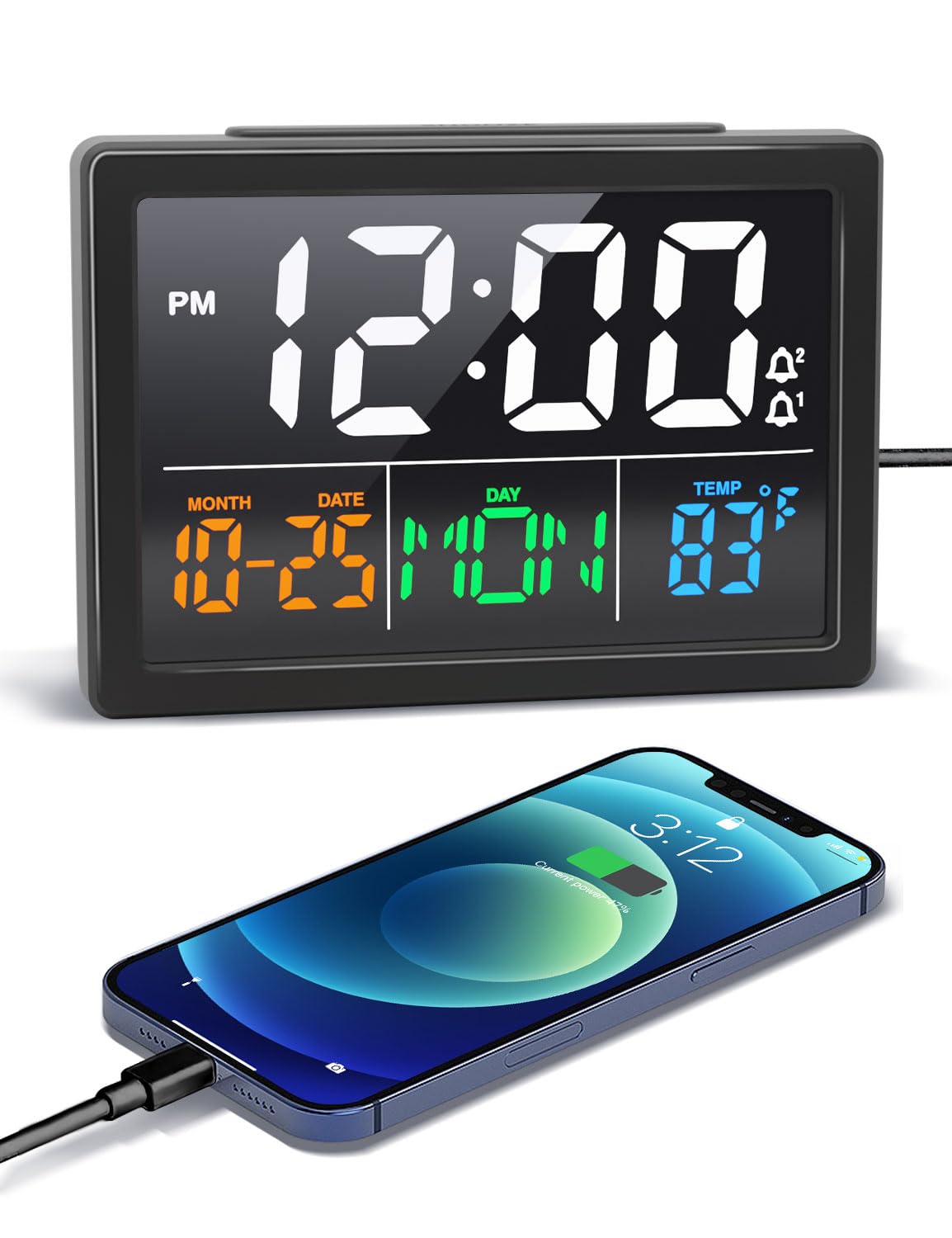
How to Set Up an Alarm Clock: A Step-by-step Guide
Are you tired of oversleeping or struggling to wake up on time? Setting up an alarm clock can be a game-changer for your daily routine. In this article, we’ll take you through the process of setting up an alarm clock, whether it’s digital, analog, or even on your smartphone.
Why Set Up an Alarm Clock?
Before we dive into the nitty-gritty, let’s talk about why setting up an alarm clock is important. An alarm clock helps you wake up at a consistent time every day, which can improve your productivity, mood, and overall well-being. With an alarm clock, you’ll no longer have to rely on your phone or other devices to wake you up.
Setting Up a Digital Alarm Clock
If you have a digital alarm clock, setting it up is relatively straightforward. Here’s what you need to do:
- Locate The Time And Alarm Settings: Find the buttons that control the time and alarm settings. These are usually located on the front or top of the clock.
- Set The Correct Time: Make sure the current time is displayed correctly on the clock.
- Configure The Alarm: Press the button to access the alarm settings. You may need to press a specific button, such as “SET” or “TIME,” to enter the alarm configuration mode.
- Choose The Alarm Time: Use the buttons to set the desired wake-up time. Make sure you select the correct hour and minute.
- Confirm The Settings: Press the “SET” or “TIME” button again to confirm your settings.
Setting Up an Analog Alarm Clock
If you have an analog alarm clock, setting it up is a bit more involved. Here’s what you need to do:
- Locate The Alarm Mechanism: Find the part of the clock that controls the alarm, usually located on the back or side.
- Wind The Spring: If your clock has a mechanical mechanism, wind the spring to power the clock and alarm.
- Set The Correct Time: Use the hour and minute hands to set the current time on the clock.
- Configure The Alarm: Find the button or lever that controls the alarm. You may need to press a specific button or turn a dial to access the alarm settings.
- Choose The Alarm Time: Use the buttons or dials to set the desired wake-up time.
Setting Up an Alarm on Your Smartphone
If you have a smartphone, setting up an alarm is even easier! Here’s what you need to do:
- Open The Clock App: Find the clock app on your phone and open it.
- Tap The + Icon: Tap the “+” icon to create a new alarm.
- Set The Alarm Time: Use the sliders or dials to set the desired wake-up time.
- Choose The Alarm Sound: Select the alarm sound you prefer.
- Save The Settings: Save your changes by tapping “Save” or “OK.”
Tips And Tricks
Here are some additional tips and tricks to help you get the most out of your alarm clock:
- Place Your Clock Strategically: Place your alarm clock in a strategic location, such as next to your bed, to ensure you hear it ringing.
- Use a Consistent Wake-up Time: Set your alarm for the same time every day, including weekends and holidays.
- Experiment With Different Alarms: Try different alarm sounds or volumes to find what works best for you.
Conclusion
Setting up an alarm clock is a simple process that can improve your daily routine. Whether you have a digital, analog, or smartphone alarm, following these steps will help you get the most out of your device. Remember to place your clock strategically, use a consistent wake-up time, and experiment with different alarms to find what works best for you.
Frequently Asked Questions
Here are some additional questions and answers related to setting up an alarm clock:
- Q: How do I Reset my Alarm Clock?
A: To reset your alarm clock, consult the user manual or contact the manufacturer’s customer support. - Q: Can I Set Multiple Alarms on my Smartphone?
A: Yes, you can set multiple alarms on your smartphone by tapping the “+” icon and following the prompts. - Q: How do I Adjust The Volume of my Alarm Clock?
A: Consult the user manual or contact the manufacturer’s customer support to adjust the volume of your alarm clock. - Q: Can I Use an External Speaker For my Alarm Clock?
A: Yes, you can use an external speaker to amplify the sound of your alarm clock. - Q: How Often Should I Change my Alarm Clock Batteries?
A: Change your alarm clock batteries every 6-12 months or as directed by the manufacturer.
Additional Resources
For more information on setting up an alarm clock, check out these additional resources:


