
The Ultimate Guide to Validating Green Pass Using Check C19 App
Are you one of the millions of people who have been asked to check their Green Certification before entering a date-structured event or accessing a specific service? Do you want to know how to validate your Green Pass using the Check C19 app, developed by the Ministry of Health in Italy?
In this article, we will guide you through the process of validating your Green Pass using the Check C19 app. We will also cover the different types of validations available on the app and provide detailed information on how to use it.
Understanding The Different Types of Validations
Before we dive into the steps to validate your Green Pass using the Check C19 app, let’s understand the different types of validations available:
- Base: This validation is for people who have completed their primary vaccination cycle, recovered from COVID-19, or are exempt.
- Reinforced: This validation is for people who have completed their primary vaccination cycle with a booster shot, recovered from COVID-19, or are exempt.
- Visitatori Rsa: This validation is for visitors to hospital frames, residential homes, socio-charitable structures, and hospices.
Using The Check C19 App
To validate your Green Pass using the Check C19 app, follow these steps:
- Download the Check C19 app from the Google Play Store, Huawei AppGallery, or Apple App Store.
- Open the app and select the type of validation you need (Base, Reinforced, or Visitatori RSA).
- Scan the QR code on your Green Pass using the camera on your device.
- The app will verify the validity of your certification based on the selected type of validation.
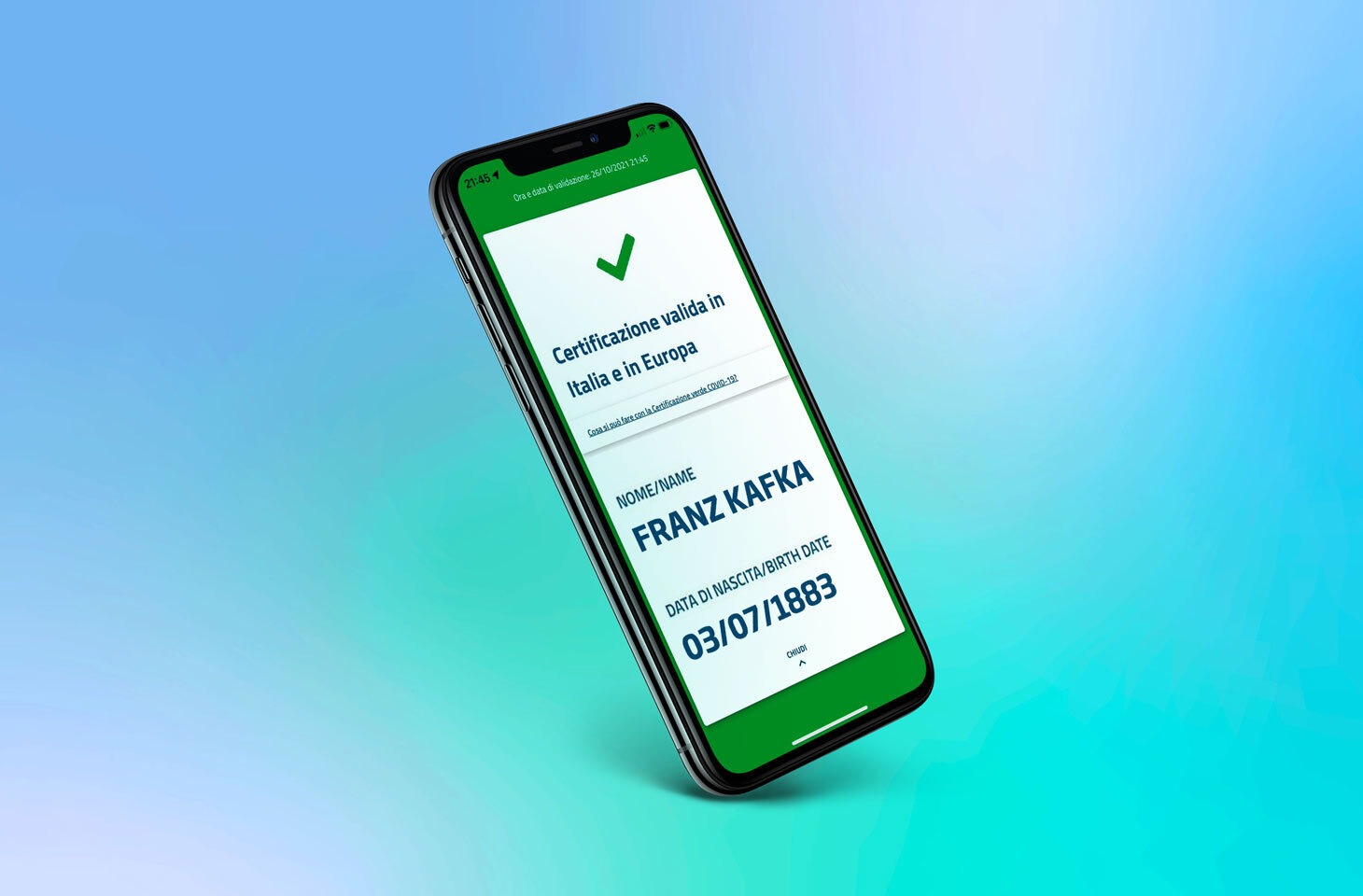
- If your certification is valid, the app will display a message indicating so, along with your name and date of birth.
What to Do if Your Certification is Invalid
If your certification is invalid or has expired, the app will notify you accordingly. In such cases, you may need to update your vaccination status or get re-tested for COVID-19.
Tips And Precautions
Before using the Check C19 app, make sure:
- You have a smartphone or tablet with a functioning camera and internet connection.
- You are in good lighting conditions when scanning the QR code on your Green Pass.
- You are aware of the different types of validations available on the app.
Conclusion
Validating your Green Pass using the Check C19 app is a straightforward process. By following the steps outlined above, you can ensure that your certification is valid and up-to-date. Remember to always check the app for any updates or changes before validating your certification.
Frequently Asked Questions (FAQs)
- What is The Check C19 App?
The Check C19 app is a mobile application developed by the Ministry of Health in Italy, designed to validate Green Pass certifications. - What Types of Validations Are Available on The App?
There are three types of validations available: Base, Reinforced, and Visitatori RSA. - How do I Download The Check C19 App?
You can download the app from the Google Play Store, Huawei AppGallery, or Apple App Store. - What Should I do if my Certification is Invalid?
If your certification is invalid or has expired, you may need to update your vaccination status or get re-tested for COVID-19. - Can I Use The Check C19 App on a Tablet?
Yes, you can use the app on both smartphones and tablets with a functioning camera and internet connection.
Bonus Tip
Make sure to check the app regularly for any updates or changes before validating your Green Pass certification.


