
How to Download Instagram Reels Directly on Your Smartphone or PC
Are you tired of saving Instagram Reels through third-party apps or online services? Look no further! In this article, we will guide you on how to download Instagram Reels directly on your smartphone or PC, using the official app and some helpful online tools.
Why Download Instagram Reels?
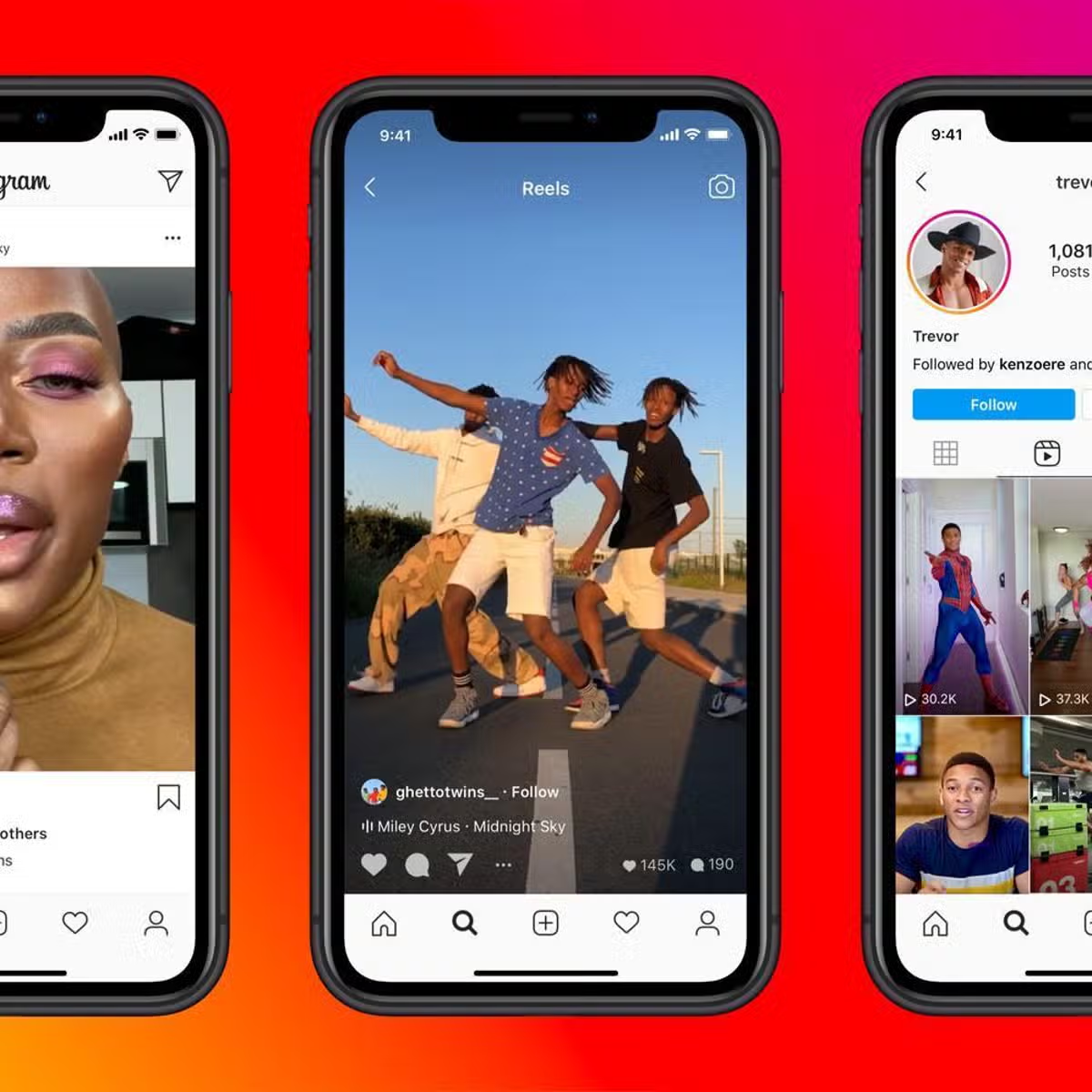
Instagram Reels have become an essential part of the platform’s features. They are short videos that can be up to 60 seconds long, allowing users to express themselves creatively and share their experiences with others. By downloading Instagram Reels, you can save your favorite content for offline viewing, share it on other social media platforms, or even use them as a creative resource for your own projects.
Method 1: Downloading Instagram Reels Using The Official App
The easiest way to download Instagram Reels is by using the official app. Here’s how:
- Open the Instagram app on your smartphone.
- Navigate to the Reel you want to download.
- Tap the three dots (**) on the top-right corner of the screen.
- Select “Copy link” from the menu.
- Open a browser and go to instagram.Com.
- Paste the link into the address bar.
- Click on the video to open it in the browser.
- Right-click on the video and select “Save video as” (for Windows) or “Download linked file” (for Mac).
Method 2: Downloading Instagram Reels Using Online Tools
If you prefer using online tools, there are several options available. Here are a few:
1. Save Instagram
This tool allows you to download any type of content from Instagram, including Reels, photos, and videos.
- Go to save.Instagram.Com.
- Copy the link of the Reel you want to download.
- Paste the link into the address bar on the website.
- Click on the video to open it in the browser.
- Right-click on the video and select “Save video as” (for Windows) or “Download linked file” (for Mac).
2. Instavideosave
This service allows you to download Instagram Reels without requiring any login information.
- Go to instavideosave.Com.
- Copy the link of the Reel you want to download.
- Paste the link into the address bar on the website.
- Click on the video to open it in the browser.
- Right-click on the video and select “Save video as” (for Windows) or “Download linked file” (for Mac).
3. Storiesig.info
This tool allows you to download Instagram Reels, stories, videos, and photos.
- Go to storiesig.Info.
- Copy the link of the Reel you want to download.
- Paste the link into the address bar on the website.
- Click on the video to open it in the browser.
- Right-click on the video and select “Save video as” (for Windows) or “Download linked file” (for Mac).
Tips And Precautions
When downloading Instagram Reels, make sure you have the consent of the original author. Also, be aware that some online tools may not work properly, so it’s always a good idea to try multiple methods before giving up.
Conclusion
Downloading Instagram Reels directly on your smartphone or PC is easier than you think. By using the official app or online tools, you can save your favorite content for offline viewing, share it on other social media platforms, or even use them as a creative resource for your own projects.
Frequently Asked Questions
- Q: Can I Download Instagram Reels Without an Account?
A: Yes, you can download Instagram Reels using online tools like Save Instagram, InstaVideoSave, and StoriesIG.Info, which don’t require login information. - Q: Are There Any Risks Associated With Downloading Instagram Reels?
A: As long as you have the consent of the original author, there are no risks involved. However, be cautious when using online tools, as some may not work properly or contain malware. - Q: Can I Download Instagram Reels on my Pc?
A: Yes, you can download Instagram Reels directly to your PC by using the official app and saving the video as an MP4 file.
More Information
If you’re interested in learning more about Instagram Reels or would like to explore other creative tools, check out these resources:
- Instagram’s Official Blog: Blog.Instagram.Com
- Creative Tools For Social Media: Socialmediaguru.Net


