
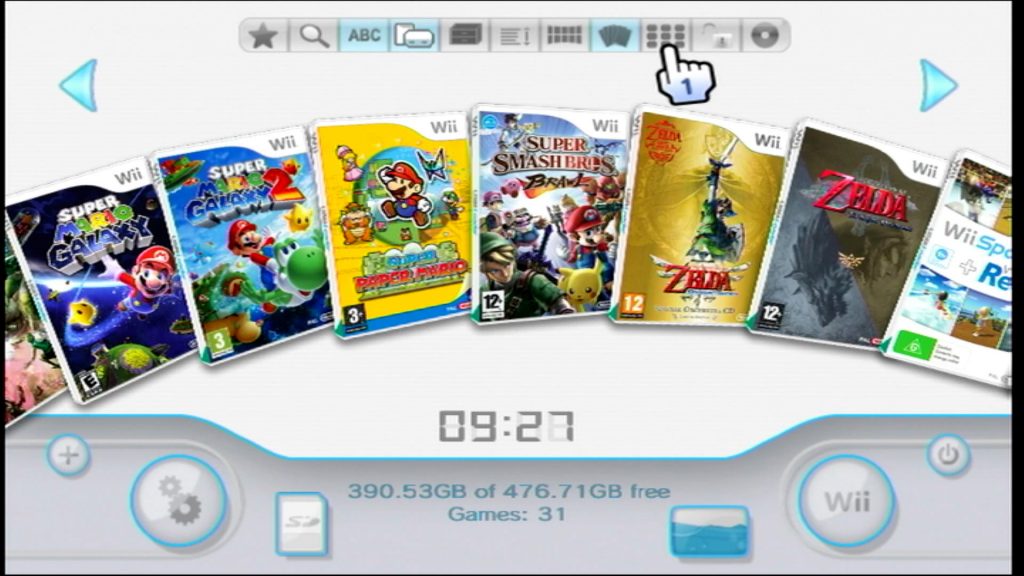
The Ultimate Guide to Downloading Wii Games
Are you a nostalgic gamer looking to relive the good old days of gaming on your Nintendo Wii? Or perhaps you’re new to the world of retro gaming and want to experience the thrill of playing classic games on your Wii console. Whatever the reason, this guide will show you how to download Wii games with ease.
Why Download Wii Games?
The Nintendo Wii was a revolutionary console that brought gaming to the masses. With its innovative motion controls and family-friendly games, it’s no wonder that many gamers still cherish their memories of playing on this iconic console. However, as time has passed, many of these games have become difficult to find or are no longer available for purchase. That’s where downloading Wii games comes in.
The Advantages of Downloading Wii Games
Downloading Wii games offers several advantages over buying physical copies or using other methods to obtain them. Here are just a few reasons why you should consider downloading your favorite Wii games:
- Convenience: With downloading, you can access your games from the comfort of your own home, without having to leave your house.
- Space-saving: Downloading games saves space in your home, as you don’t need to worry about storing physical copies.
- Cost-effective: Buying digital versions of games is often cheaper than buying physical copies or using other methods.
How to Download Wii Games
Now that we’ve covered the advantages of downloading Wii games, let’s move on to the steps involved in doing so. Here’s a step-by-step guide:
Step 1: Access The Nintendo Eshop
To download Wii games, you’ll need to access the Nintendo eShop on your Wii console. To do this, follow these steps:
- Power on your Wii console.
- Select the “Wii Shop Channel” from the Home menu.
- Wait For the channel to load.
Step 2: Search For Your Desired Game
Once you’re in the eShop, you can search for your desired game by following these steps:
- Use The Wii Remote to navigate through the shop’s menus.
- Select the “Search” option from the top menu bar.
- Type in the name of your desired game using the on-screen keyboard.
Step 3: Purchase And Download Your Game
After finding your game, you can purchase and download it by following these steps:
- Click on the game’s icon to select it.
- Choose to purchase or download the game from the options menu.
- Follow The prompts to complete the transaction.
Step 4: Install Your Game
Once your game has been downloaded, you’ll need to install it on your Wii console. Here’s how:
- Power Off your Wii console.
- Unplug the power cord from the back of the console.
- Wait For 30 seconds.
- Plug in the power cord again and turn on your console.
Step 5: Launch Your Game
Now that you’ve installed your game, it’s time to launch it. Here’s how:
- Select the “Wii” icon from the Home menu.
- Choose to play the game from the options menu.
- Follow The prompts to launch the game.
That’s it! With these steps, you should now be able to download and install Wii games on your console.


