
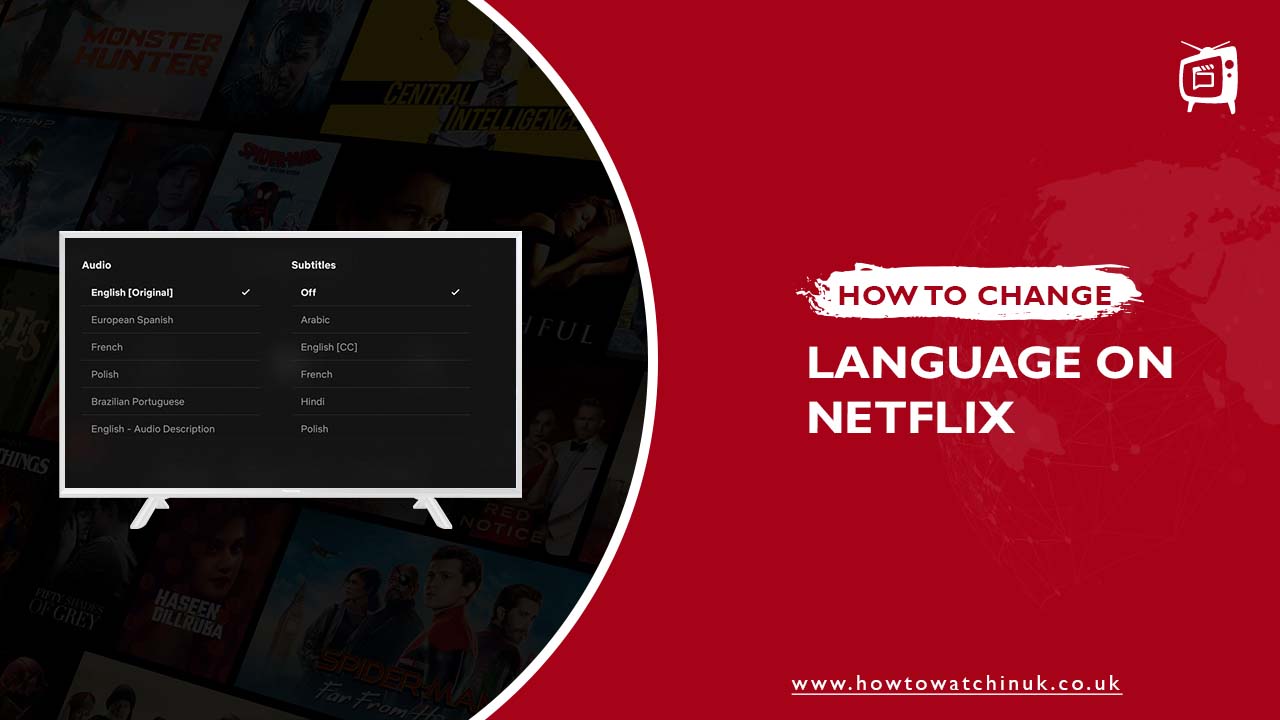
How to Change Language on Netflix: A Step-by-step Guide
Are you a Netflix user who wants to change the language of their interface or audio? Look no further! In this article, we will guide you through the process of changing the language on Netflix for various devices.
Can I Change Language on Netflix?
Yes, it is possible to change the language on Netflix. You can modify the language of your profile’s interface, as well as the audio and subtitles of individual titles. However, please note that not all titles are available in every language.
How to Change Language on Netflix Using The App
To change the language on Netflix using the app, follow these steps:
- Open the Netflix app on your device (Android or iPhone/iPad).
- Access your account by entering your email and password.
- Select the content you want to watch and tap on its poster.
- Tap on the “Play” button to start playing the content.
- Tap on the menu icon in the lower right corner and select “Audio and Subtitles”.
- Choose the language you prefer from the available options.
How to Change Language on Netflix Using a Computer
To change the language on Netflix using a computer, follow these steps:
- Open a web browser and navigate to the Netflix website.
- Log in to your account by entering your email and password.
- Click on the profile icon in the top right corner and select “Account”.
- Click on the “Language” option from the menu.
- Choose the language you prefer from the available options.
How to Change Language on Netflix Using a Smart TV
To change the language on Netflix using a smart TV, follow these steps:
- Open the Netflix app on your TV.
- Access your account by entering your email and password.
- Select the content you want to watch and choose the audio and subtitles options.
- Choose the language you prefer from the available options.
How to Change Language on Netflix Using Apple TV
To change the language on Netflix using an Apple TV, follow these steps:
- Open the Netflix app on your Apple TV.
- Select the content you want to watch and choose the audio and subtitles options.
- Choose the language you prefer from the available options.
How to Change Language For All Profiles on Netflix
To change the language for all profiles on Netflix, follow these steps:
- Open a web browser and navigate to the Netflix website.
- Log in to your account by entering your email and password.
- Click on the profile icon in the top right corner and select “Account”.
- Click on the “Language” option from the menu.
- Choose the language you prefer from the available options.
Conclusion
Changing the language on Netflix is a straightforward process that can be completed using various devices, including smartphones, computers, smart TVs, and Apple TV. By following the steps outlined in this article, you can easily switch to your preferred language for individual titles or modify the language of your profile’s interface.


