
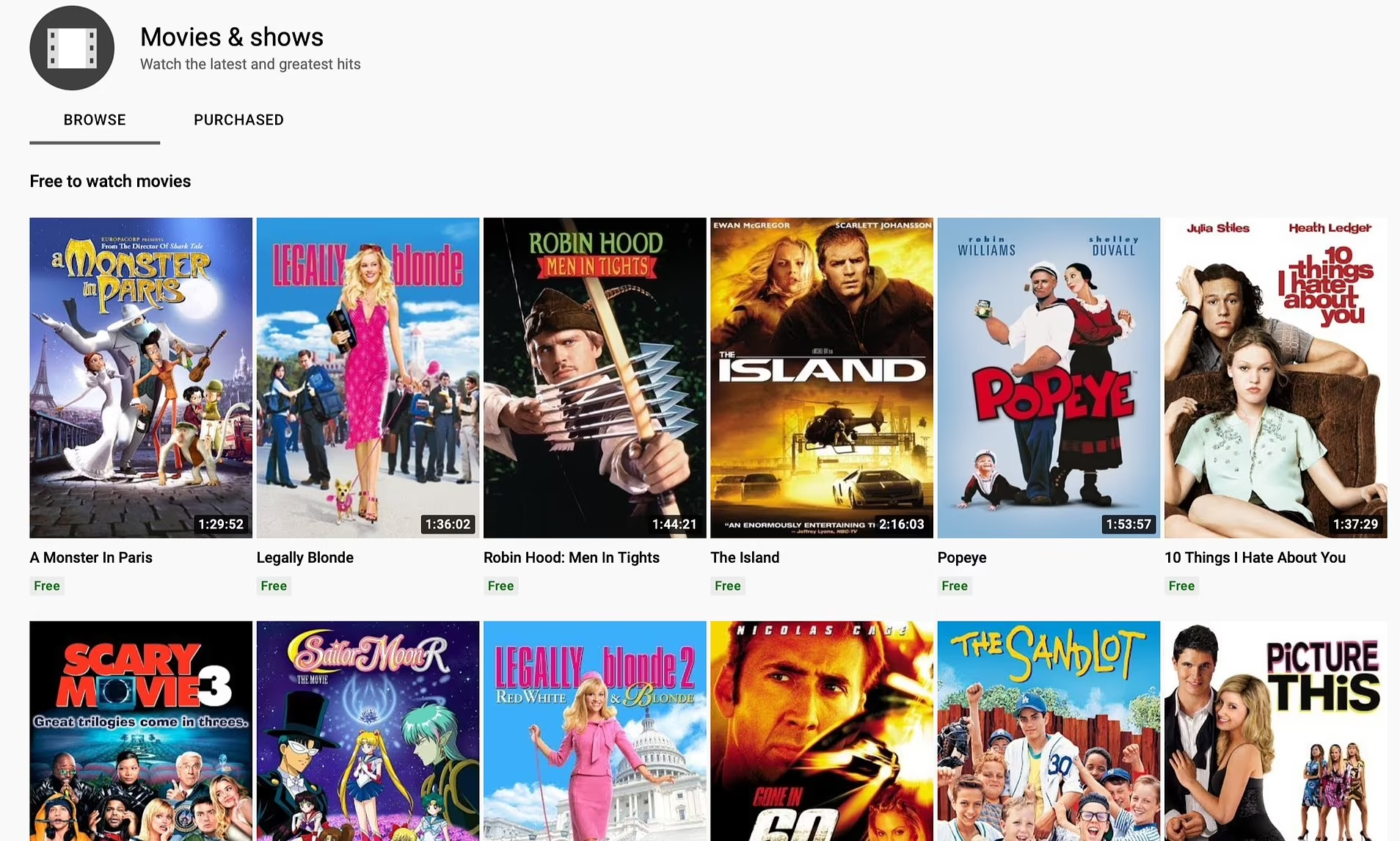
Free TV on Pc: The Ultimate Guide
Are you tired of paying for cable or satellite TV? Do you want to enjoy your favorite TV shows and movies without breaking the bank? Look no further! In this article, we will explore the best ways to watch free TV on your PC.
Table 1: Free TV Options
| Option | Description |
|---|---|
| Pluto TV | A free, ad-supported streaming service that offers a wide range of TV channels and on-demand content. |
| Kodi | A media center software that allows you to stream live TV, movies, and music from various sources. |
| Live TV Browser Decoder | A browser-based decoder that allows you to watch live TV without installing any software or plugins. |
The Benefits of Free TV
Watching free TV on your PC has numerous benefits. For one, it saves you money! No more paying for cable or satellite TV subscriptions. You can also enjoy a wide range of channels and content at no additional cost.
Table 2: The Best Streaming Services
| Service | Description |
|---|---|
| [Bolded Title]Free TV on PC** | |
| Pluto TV: With over 250 channels to choose from, Pluto TV is a great option for those looking for free live TV. | |
| Kodi: A media center software that allows you to stream live TV, movies, and music from various sources. | |
| Live TV Browser Decoder: A browser-based decoder that allows you to watch live TV without installing any software or plugins. |
How to Watch Free TV on Your PC
Watching free TV on your PC is easier than ever. Here’s how:
- Get a Reliable Internet Connection: Make sure you have a stable and fast internet connection to stream live TV without buffering.
- Choose Your Preferred Streaming Service: Select the streaming service that best suits your needs, whether it’s Pluto TV, Kodi, or Live TV Browser Decoder.
- Download And Install Any Necessary Software: If required, download and install the necessary software or plugins for your chosen streaming service.
- Start Watching: Once you’ve set up your streaming service, start enjoying your favorite TV shows and movies!
Conclusion
Watching free TV on your PC is a great way to save money while still enjoying your favorite TV shows and movies. With Pluto TV, Kodi, and Live TV Browser Decoder, you have plenty of options to choose from. So why wait? Start watching free TV on your PC today!
Frequently Asked Questions (FAQs)
- Q: What is The Best Streaming Service For Me?
A: The best streaming service for you depends on your personal preferences and needs. If you’re looking for a wide range of channels, Pluto TV might be the best option. If you prefer a more customizable experience, Kodi could be the way to go. - Q: Do I Need to Install Any Software or Plugins?
A: Depending on your chosen streaming service, you may need to install software or plugins. Make sure to follow the instructions provided by the streaming service for proper setup and installation. - Q: Can I Watch Free TV on my PC Without Installing Any Software?
A: Yes, with Live TV Browser Decoder, you can watch live TV directly from your browser without installing any software or plugins. - Q: Are There Any Limitations to Watching Free TV on my Pc?
A: While watching free TV on your PC is a great option, there may be some limitations depending on the streaming service you choose. For example, some services may have limited content options or require registration. - Q: Can I Watch Free TV on my Mobile Device?
A: Yes, many streaming services offer mobile apps that allow you to watch live TV and on-demand content directly from your smartphone or tablet. - Q: Do I Need a Reliable Internet Connection to Stream Live Tv?
A: Yes, a stable and fast internet connection is necessary for smooth streaming of live TV. - Q: Can I Record Live TV With These Streaming Services?
A: Some streaming services offer the option to record live TV or on-demand content for later viewing. Check the service’s features and requirements for more information.
Frequently Asked Questions (FAQs) – Continued
- Q: Are There Any Specific System Requirements For Watching Free TV on my Pc?
A: Yes, depending on your chosen streaming service, you may need to meet certain system requirements, such as a minimum processor speed or memory capacity. - Q: Can I Watch Free TV on Multiple Devices at The Same Time?
A: Some streaming services allow you to watch live TV and on-demand content on multiple devices simultaneously. Check the service’s features for more information. - Q: Do I Need to Register With Any Streaming Service to Watch Free TV on my Pc?
A: Depending on your chosen streaming service, you may be required to register or sign in with a username and password to access certain features or content.


