
How to Link Two Facebook Accounts: A Step-by-step Guide
Are you tired of having multiple Facebook accounts that are not linked together? Do you want to merge your profiles into one account, but don’t know how? Look no further! In this article, we will guide you through the process of linking two Facebook accounts, whether you’re using a smartphone, tablet, or computer.
Why Link Two Facebook Accounts?
Before we dive into the steps, let’s talk about why you might want to link two Facebook accounts. Perhaps you have created multiple profiles for work and personal purposes, but they are not linked together. Or maybe you have an old account that you don’t use anymore, but you still want to keep it active. Whatever your reason, linking two Facebook accounts can be a convenient way to manage your online presence.
Linking Two Accounts From a Smartphone or Tablet
To link two Facebook accounts from a smartphone or tablet, follow these steps:
- Access The Secondary Profile: Open the Facebook app on your device and go to the profile of the account you want to link.
- Copy The Link: Tap on the three dots (⋯) at the top right corner of the screen and select “Copy link” from the menu.
- Access The Leading Profile: Go back to your leading Facebook account and tap on the three horizontal lines (☰) at the top left corner of the screen.
- Modify Profile: Tap on “Modify profile” and scroll down to the section labeled “Link”.
- Add Website: Tap on “Add website” and paste the link you copied earlier into the text field.
- Save Changes: Tap on “Save” to save the changes.
Linking Two Accounts From a Computer
If you prefer to link two Facebook accounts from a computer, follow these steps:
- Access Facebook: Go to Facebook.Com and log in with your leading account.
- Search For Profile: Click on the magnifying glass icon (⋯) at the top right corner of the screen and search for the profile you want to link.
- Copy Url: Copy the URL of the secondary profile from the address bar.
- Modify Profile: Go back to your leading account and click on the pencil icon next to “About” section.
- Add Website: Click on “Add a website” and paste the copied URL into the text field.
- Save Changes: Click on “Save” to save the changes.
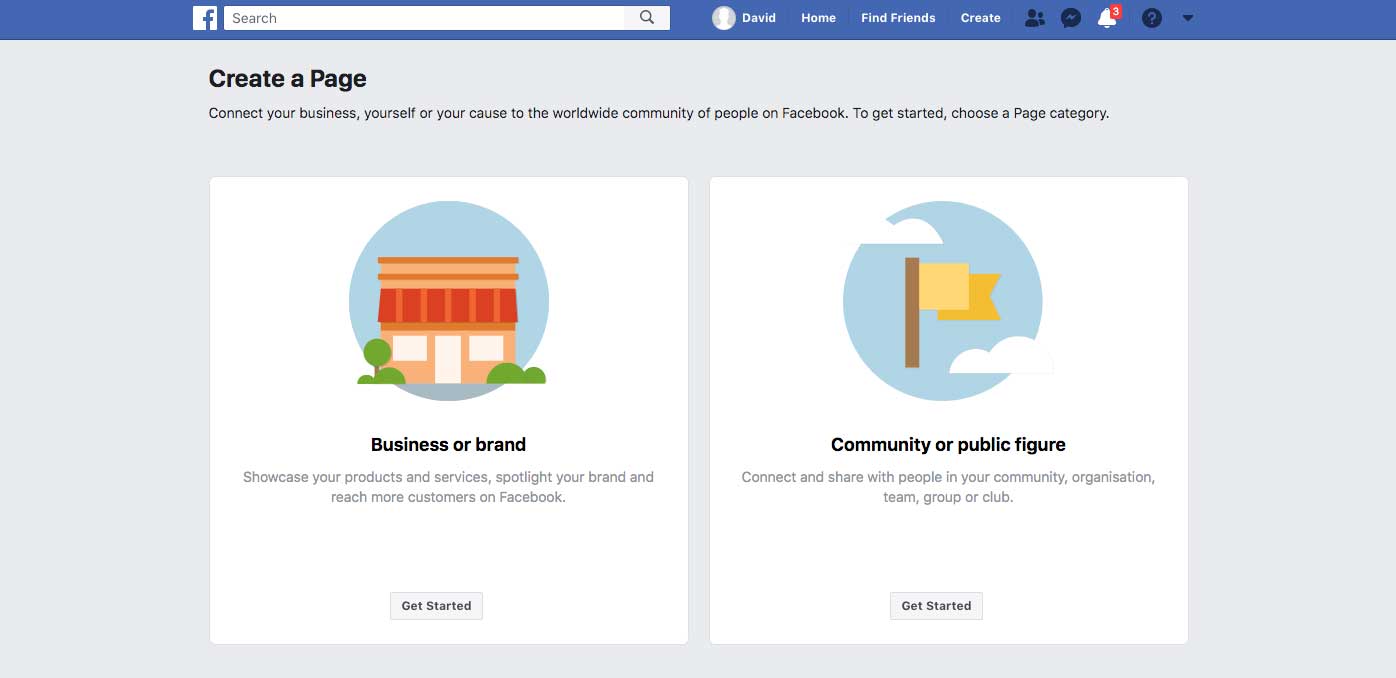
Linking Two Facebook Pages
If you want to link two Facebook pages, follow these steps:
- Check Requirements: Make sure both pages have the same name, represent the same object, and have the same administrator.
- Access Facebook: Go to Facebook.Com and log in with your admin account.
- Merge Pages: Click on this link to access the merge page tool.
- Confirm Deletion: Confirm that you want to delete the original page after merging.
Using Business Manager
If you’re using Facebook’s Business Manager, follow these steps:
- Access Business Manager: Go to business.Facebook.Com and log in with your admin account.
- Merge Duplicate Pages: Click on this link to access the merge tool for duplicate pages.
- Confirm Deletion: Confirm that you want to delete the original page after merging.
Conclusion
Linking two Facebook accounts or pages can be a convenient way to manage your online presence. By following these steps, you can merge your profiles into one account and avoid having multiple separate accounts. Remember to always follow Facebook’s guidelines and terms of service when linking or merging accounts.
Faqs
- Q: Can I Link Two Facebook Accounts if They Have Different Names?
A: No, both accounts must have the same name and represent the same object. - Q: What Happens to my Followers When I Merge Accounts?
A: Your followers will be transferred to the new account, but you may lose some engagement metrics. - Q: Can I Link Two Facebook Pages if They Are Not Related?
A: No, both pages must have the same name and represent the same object. - Q: Will Linking my Accounts Affect my Ads Performance?
A: Yes, merging your accounts may affect your ad performance, so be sure to monitor your metrics after linking.
I hope this article has helped you understand how to link two Facebook accounts or pages!


