
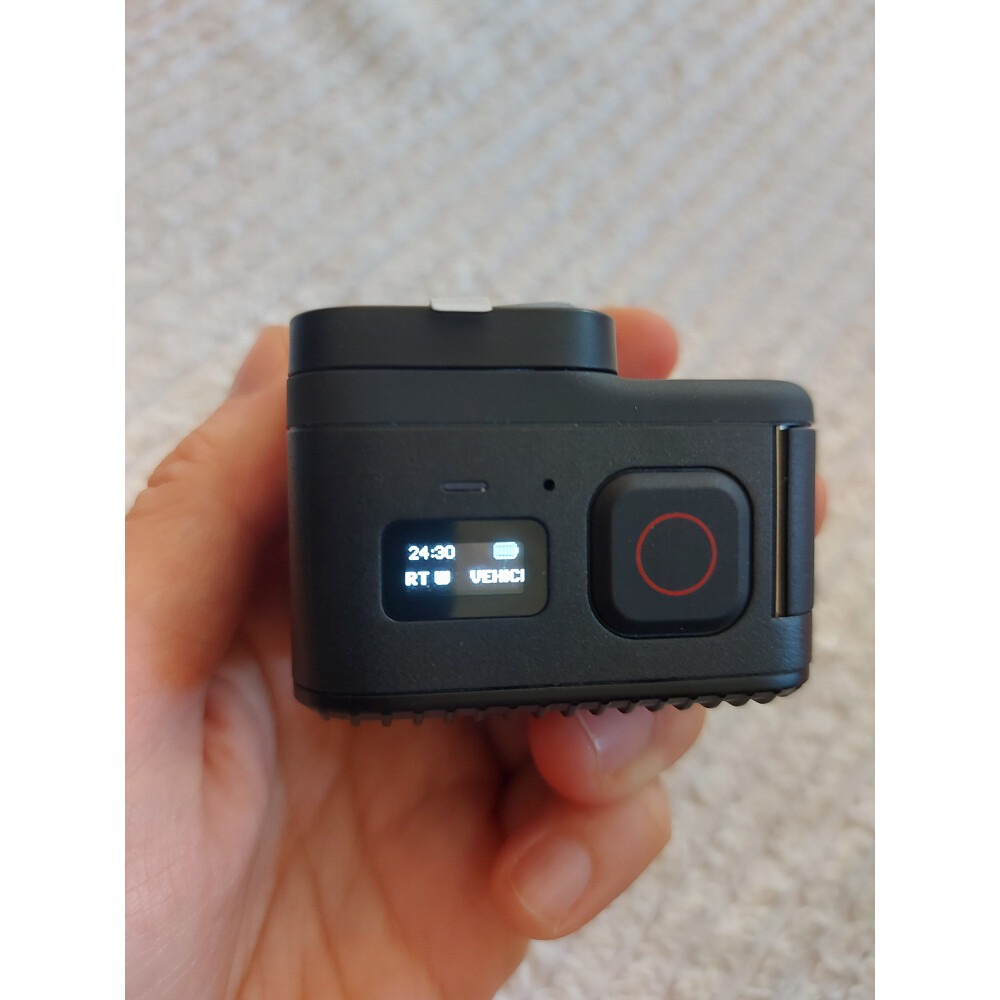
The Ultimate Guide to Turning Off Your Gopro: A Step-by-step Tutorial
Are you tired of wondering how to turn off your GoPro? Look no further! In this comprehensive guide, we’ll walk you through the different ways to shut down your GoPro camera, including the standard procedure, alternative solutions, and troubleshooting tips.
Understanding Your Gopro’s Standard Procedure
Before we dive into the specifics, it’s essential to understand that the standard procedure for turning off your GoPro is nearly identical across all models. To turn off your GoPro, simply press and hold the power button (also known as the mode dial or shutter button) for a few seconds. This will shut down the camera.
How to Turn Off Your Gopro Hero 7
If you have a GoPro HERO 7 Black, Silver, or White, follow these steps:
- Locate the power button on the top of your GoPro.
- Press and hold the power button for 3 seconds.
- Release the power button when you hear a series of acoustic signs and see a red light flashing.
How to Turn Off Your Gopro Hero 6
If you have a GoPro HERO 6, follow these steps:
- Locate the power button on the right side of your GoPro.
- Press and hold the power button for 2 seconds.
- Release the power button when you hear a series of acoustic signs and see a red light flashing.
How to Turn Off Your Gopro Hero 5
If you have a GoPro HERO 5 Black, follow these steps:
- Locate the power button on the right side of your GoPro.
- Press and hold the power button for 2 seconds.
- Release the power button when you hear a series of acoustic signs and see a red light flashing.
How to Turn Off Your Gopro Hero 4 And Hero 3
If you have a GoPro HERO 4 or HERO 3, follow these steps:
- Locate the power button on the front of your GoPro.
- Press and hold the power button for 2 seconds.
- Release the power button when you hear a series of acoustic signs and see a red light flashing.
Turning Off Your Gopro With The Quikcapture Button
Another way to turn off your GoPro is by using the QuikCapture button, which can be found on some models, such as the HERO 4 Silver and Black. To do this:
- Locate the QuikCapture button on the top of your GoPro.
- Press and hold the button for around 3 seconds.
- Release the button when you hear a series of acoustic signs and see a red light flashing.
Turning Off Your Gopro With Voice Commands
If you have a GoPro that supports voice commands, such as the HERO 7, HERO 6 Black, Fusion, HERO 5 Black, or HERO 2018, you can turn off your device by saying “GoPro turned off.” To activate voice commands:
- Swipe down from the top of the screen to access the dashboard.
- Tap on the Preferences icon.
- Select Command vocal and tap on Activation.
- Confirm that Italian is selected as the language.
Turning Off Your Gopro Automatically
If you want your GoPro to turn off automatically, you can set a timer for 5, 15, or 30 minutes of inactivity. To do this:
- Swipe down from the top of the screen to access the dashboard.
- Tap on the Preferences icon.
- Select General settings and then Auto-off.
- Choose the desired time interval.
Troubleshooting Tips
If you’re having trouble turning off your GoPro, try these troubleshooting tips:
- Make sure the battery is not dead.
- Check that the power button is working properly.
- Try restarting your GoPro by pressing and holding the power button for 10 seconds.
- If you have a GoPro with voice commands, try saying “GoPro turned off” again.
Conclusion
Turning off your GoPro is easier than you think! With this comprehensive guide, you should be able to shut down your camera using the standard procedure or one of the alternative methods. Remember to troubleshoot any issues by checking the power button and battery level. Happy shooting!


