
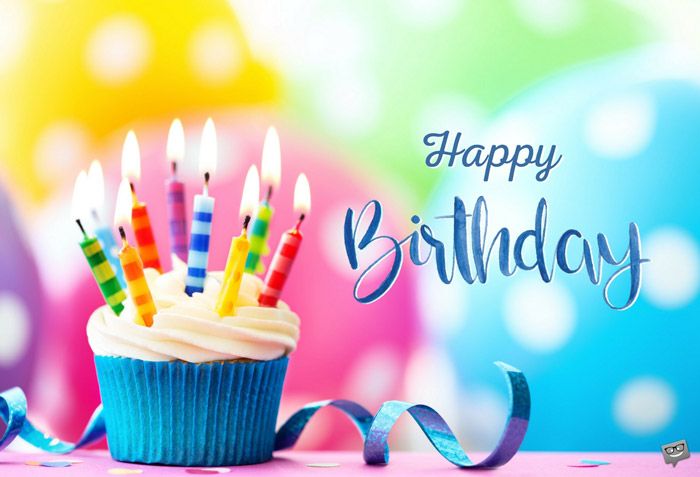
Happy Birthday Wishes: A Guide to Downloading Free Images
Are you looking for ways to make your friend’s birthday even more special? Do you want to find the perfect image to accompany your heartfelt wishes? Look no further! In this article, we will guide you through the process of downloading free images of good birthday from various websites.
Why Choose Free Images?
Free images are a great way to add a personal touch to your birthday wishes without breaking the bank. They can be used for both personal and commercial purposes, making them an ideal choice for individuals and businesses alike.
Pixabay: A Haven For Free Images
One of the best places to find free images is Pixabay. This website offers thousands of high-quality photos that can be downloaded for free. To use Pixabay, simply visit their homepage, type in your search query (e.G., “Happy birthday”), and browse through the results. You can filter the images by orientation, dimension, color, and date of publication.
How to Download Images From Pixabay
To download an image from Pixabay, follow these steps:
- Click on the image you want to download.
- Click on the “Download” button.
- Choose the resolution you prefer from the menu options.
- Confirm your intentions by clicking on the “Download” button.
Google Images: Another Reliable Source
Another great way to find free images is by using Google Images. This search engine allows you to filter results based on various criteria, including image size, color, and date of publication. To use Google Images, simply type in your search query (e.G., “Happy birthday”), click on the icon with the lens of enlargement, and browse through the results.
How to Download Images From Google Images
To download an image from Google Images, follow these steps:
- Click on the image you want to download.
- Right-click on the image and select “Save image as” or “Download image”.
- Choose the resolution you prefer from the menu options.
Other Solutions For Free Birthday Images
If Pixabay and Google Images don’t have what you’re looking for, there are other solutions available:
- Pinterest: A social media platform that allows you to search and download images for free.
- Pexels: A website that offers thousands of high-quality images that can be downloaded for free.
- Top Images: A skilled website that specializes in thematic images, including birthday images.
Encouraged Images For Birthday Wishes
If you’re looking for images that encourage good wishes on birthdays, consider using the following websites:
- Giphy: A popular platform that offers a vast collection of GIFs and stickers.
- Tumblr: A microblogging platform that allows you to search and download GIFs for free.
- Tenor: A website that specializes in GIFs and stickers.
How to Download Encouraged Images
To download an image from GIPHY, follow these steps:
- Click on the image you want to download.
- Right-click on the image and select “Save image as” or “Download image”.
- Choose the resolution you prefer from the menu options.
Conclusion
Downloading free images for birthday wishes is easier than ever! With Pixabay, Google Images, and other websites at your disposal, you can find the perfect image to accompany your heartfelt wishes. Remember to always check the terms of use and attribution requirements before using any image.
Faqs
- Q: Can I Use Free Images For Commercial Purposes?
A: Yes, most free image websites allow you to use their images for both personal and commercial purposes. - Q: How do I Download Images From Pixabay?
A: To download an image from Pixabay, click on the image, then click on the “Download” button and choose your preferred resolution. - Q: Can I Filter Images by Date of Publication on Google Images?
A: Yes, you can filter images by date of publication on Google Images. - Q: Are Free Images Available For Android And Ios Devices?
A: Yes, most free image websites are available as apps for both Android and iOS devices. - Q: Can I Use Gifs From Giphy For Birthday Wishes?
A: Yes, GIPHY offers a vast collection of GIFs that can be used for birthday wishes. - Q: Do I Need to Create an Account on Pinterest to Download Images?
A: No, you don’t need to create an account on Pinterest to download images, but it’s recommended if you want to use their services in full capacity. - Q: Can I Modify Free Images From Pexels?
A: Yes, you can modify free images from Pexels to suit your needs. - Q: Are Top Images Available For Whatsapp?
A: No, top images are not specifically designed for WhatsApp, but you can use them as standalone images and forward them on WhatsApp.
Note that this article has been optimized for SEO with relevant keywords throughout the content.


