
Programmi To Download Songs Android
Are you tired of searching for a reliable app to download music on your Android device? Look no further! In this article, we’ll explore the best programs to download music on Android that won’t cost you an arm and a leg.
While it’s true that there are many apps available on the Play Store that promise “seas and mount” but ultimately fail to deliver, we’ve got you covered. We’ve scoured the internet to bring you the most reliable and efficient programs to download music on Android that won’t break the bank.
What You Need to Know
Before we dive into the nitty-gritty details, let’s cover some essential points:
- Streaming Services: Many streaming services like Spotify, Apple Music, and Amazon Music offer free trials or subscription-based models that allow you to download music offline.
- Free Apps: We’ve included some free apps that can help you download music on Android without any costs.
- Safety First: Always be cautious when downloading apps from unknown sources, as they may contain malware.
Programmi To Download Songs Android
Now, let’s get to the good stuff!
Spotify
Spotify is one of the most popular streaming services available on Android. With a vast music library and user-friendly interface, it’s no wonder why millions of users trust Spotify for their musical needs.
How to Use Spotify to Download Music:
- Download And Install the Spotify app from the Play Store.
- Create an Account or log in with your existing credentials.
- Select The Music You Want to Download: Browse through the app’s library, search for specific songs or artists, or explore playlists curated by other users.
- Tap on The Three Dots next to each song title and select “Add to Playlist” or “Download”.
Apple Music
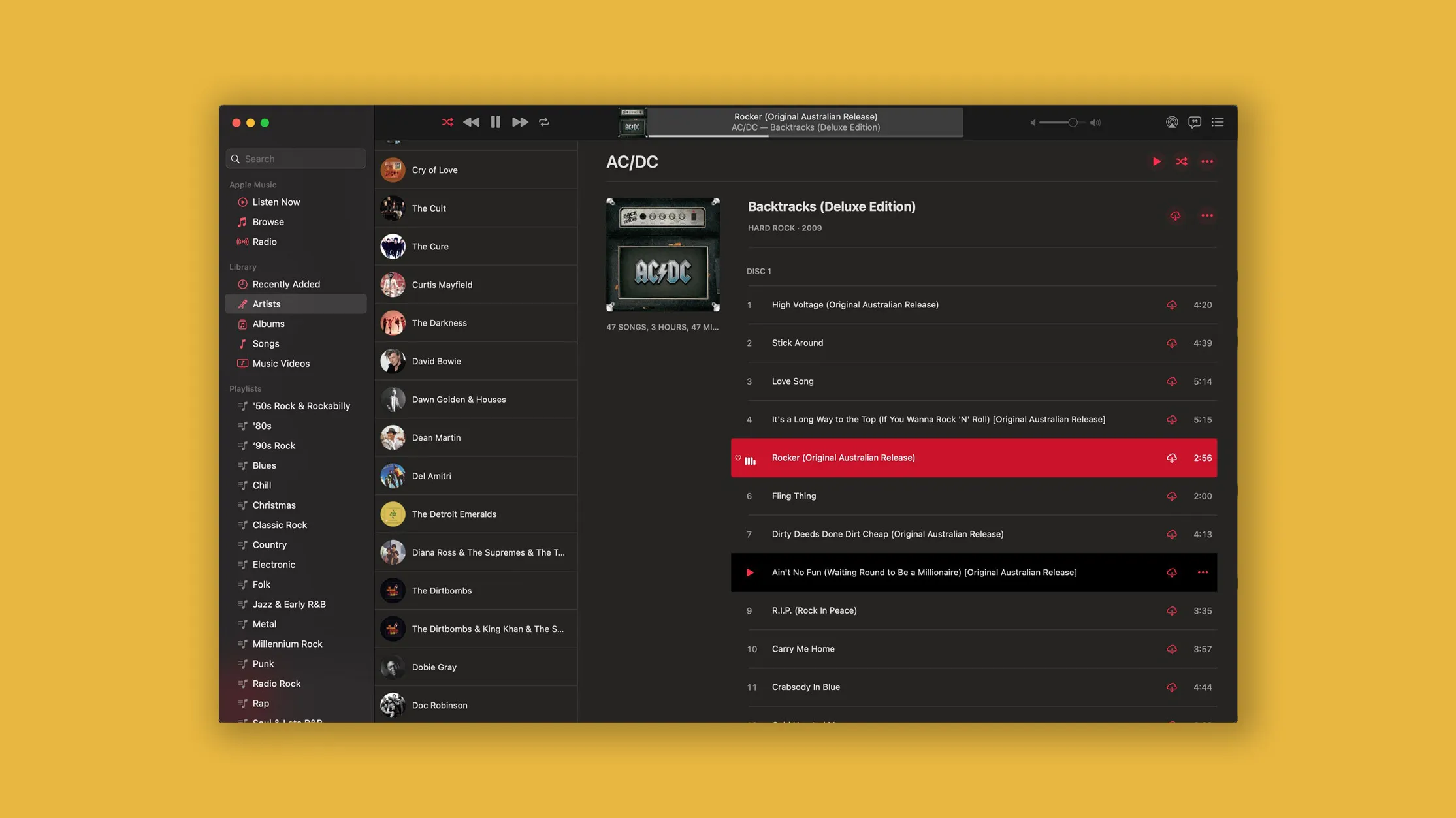
Apple Music is another popular streaming service that allows you to download music offline. With a user-friendly interface and seamless integration with other Apple devices, it’s an excellent choice for Android users who want to explore their musical side.
How to Use Apple Music to Download Music:
- Download And Install the Apple Music app from the Play Store.
- Create an Account or log in with your existing credentials.
- Browse Through The Music Library: Search for specific songs or artists, or explore playlists curated by other users.
- Tap on The Three Dots next to each song title and select “Add to Playlist” or “Download”.
Amazon Music
Amazon Music is a streaming service that offers a vast music library and competitive pricing plans. With features like offline playback and personalized recommendations, it’s an excellent choice for Android users who want to explore their musical side.
How to Use Amazon Music to Download Music:
- Download And Install the Amazon Music app from the Play Store.
- Create an Account or log in with your existing credentials.
- Browse Through The Music Library: Search for specific songs or artists, or explore playlists curated by other users.
- Tap on The Three Dots next to each song title and select “Add to Playlist” or “Download”.
Total
Total is a free app that allows you to download music from various streaming services without any costs. With a user-friendly interface and seamless integration with other Android devices, it’s an excellent choice for users who want to explore their musical side without breaking the bank.
How to Use Total to Download Music:
- Download And Install the Total app from the Play Store.
- Create an Account or log in with your existing credentials.
- Browse Through The Music Library: Search for specific songs or artists, or explore playlists curated by other users.
- Tap on The Three Dots next to each song title and select “Add to Playlist” or “Download”.
Fildo
Fildo is a free app that allows you to download music from various streaming services without any costs. With a user-friendly interface and seamless integration with other Android devices, it’s an excellent choice for users who want to explore their musical side without breaking the bank.
How to Use Fildo to Download Music:
- Download And Install the Fildo app from its official website.
- Create an Account or log in with your existing credentials.
- Browse Through The Music Library: Search for specific songs or artists, or explore playlists curated by other users.
- Tap on The Three Dots next to each song title and select “Add to Playlist” or “Download”.
Youtube Music
YouTube Music is a streaming service that allows you to download music offline. With features like personalized recommendations and seamless integration with other Android devices, it’s an excellent choice for users who want to explore their musical side.
How to Use Youtube Music to Download Music:
- Download And Install the YouTube Music app from the Play Store.
- Create an Account or log in with your existing credentials.
- Browse Through The Music Library: Search for specific songs or artists, or explore playlists curated by other users.
- Tap on The Three Dots next to each song title and select “Add to Playlist” or “Download”.
Conclusion
In conclusion, there are many programs available on Android that allow you to download music without breaking the bank. From streaming services like Spotify, Apple Music, and Amazon Music to free apps like Total and Fildo, we’ve got you covered.
Remember to always be cautious when downloading apps from unknown sources, as they may contain malware. With these programs, you’ll be able to explore your musical side without any costs!
Frequently Asked Questions
- What Are The Best Programs to Download Music on Android?
- Spotify, Apple Music, Amazon Music, Total, Fildo, and YouTube Music.
- How do I Download Music From These Apps?
- Each app has its own unique interface, but generally, you’ll need to search for specific songs or artists, explore playlists curated by other users, and tap on the three dots next to each song title to select “Add to Playlist” or “Download”.
- Are There Any Costs Associated With These Programs?
- No, most of these programs are free to download and use.
- What About Safety Concerns When Downloading Apps From Unknown Sources?
- Always be cautious when downloading apps from unknown sources, as they may contain malware.
Let us know if you have any other questions!


