
Which Modem Buy (September 2024)
Are you hesitant about buying a modem for your home network? Do you want to understand the differences between modems, routers, and modem-router devices? You’ve come to the right place! In this article, we’ll explore the world of modems, help you choose the best one for your needs, and provide detailed information on top-notch products from renowned brands.
Understanding Modems, Routers, And Modem-router Devices
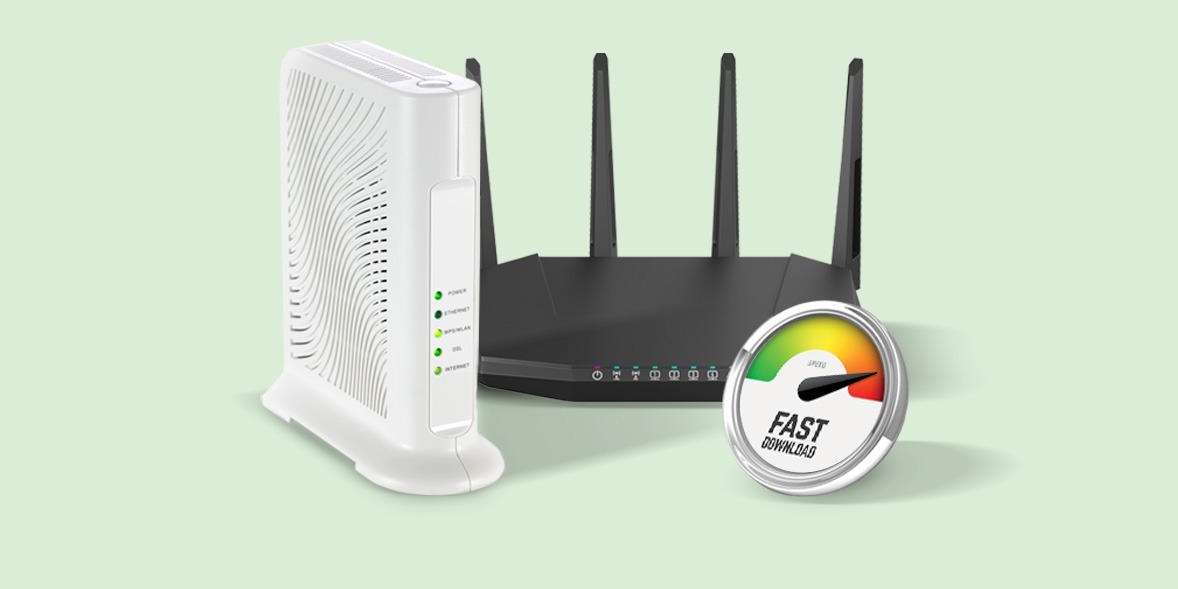
Before diving into the specifics of each product, let’s clarify the difference between modems, routers, and modem-router devices. A Modem takes the internet connection through a telephone line (ADSL) to connect a single device (e.G., Computer) to the internet. On the other hand, a Router distributes the internet connection among multiple devices via Ethernet cables or wireless connections.
A Modem-router is a combination of both, taking the internet connection and distributing it among multiple devices. When choosing between these options, consider your specific needs:
- If you need to connect only one device to the internet, a modem is sufficient.
- For multiple device connections, a router or modem-router would be more suitable.
Top-notch Modem-router Devices
Now that we’ve covered the basics, let’s dive into some top-notch products from respected brands:
1. Tp-link Archer Vr400
The TP-Link Archer VR400 is an excellent choice for those seeking a stable and swift internet connection. This device features a dual-band Wi-Fi AC1200Mbps design, ensuring seamless connectivity for daily navigation.
Key Features:
- Compatibility with VDSL2 Profile 17a, VDSL/FTTC/FTTS/ADSL
- Dual-band Wi-Fi technology (2.4GHz and 5GHz)
- Beamforming feature ensures optimal coverage
2. Avm Fritz!box 7510
The AVM FRITZ!Box 7510 is an advanced modem-router device that offers a range of features, including:
Key Features:
- Wi-Fi 6 technology for efficient internet distribution
- Support for up to 128 devices connected simultaneously
- Integrated server for multimedia file sharing
3. Asus Dsl-ax82u Ax5400
The ASUS DSL-AX82U AX5400 is a high-performance modem-router device that boasts:
Key Features:
- Dual-band Wi-Fi technology with speeds of up to 5,400 Mbps
- MU-MIMO technology for efficient data transfer
- Compatibility with various ISPs and connection types
4. Linksys E5350
The Linksys E5350 is a reliable router that offers excellent performance and features:
Key Features:
- Dual-band Wi-Fi technology with speeds of up to 1,733 Mbps
- MU-MIMO technology for efficient data transfer
- Parental control feature for safe browsing
5. Digicom 8E4568
The Digicom 8E4568 is a versatile modem-router device that offers:
Key Features:
- Support for ADSL, VDSL, and mobile internet connections (3G/4G)
- VPN support for secure remote access
- QoS and virtual LAN features for efficient traffic management
6. Alice Gate 2 Plus
The Alice Gate 2 Plus is a reliable modem-router device that offers:
Key Features:
- Support for ADSL, VDSL, and mobile internet connections (3G/4G)
- VPN support for secure remote access
- QoS and virtual LAN features for efficient traffic management
Choosing The Right Modem-router Device
When selecting a modem-router device, consider your specific needs and requirements. Here are some factors to keep in mind:
- Speed: Look for devices with high-speed capabilities (e.G., Wi-Fi 6, dual-band) to ensure seamless connectivity.
- Range: Consider devices with extended coverage areas to minimize dead zones.
- Security: Opt for devices with robust security features (e.G., WPA3, SPI firewall) to protect your network from potential threats.
- Compatibility: Ensure the device is compatible with your internet service provider and connection type.
Conclusion
Choosing the right modem-router device can be overwhelming, but by considering your specific needs and requirements, you’ll find the perfect fit for your home or office network. With top-notch products like TP-Link Archer VR400, AVM FRITZ!Box 7510, ASUS DSL-AX82U AX5400, Linksys E5350, Digicom 8E4568, and Alice Gate 2 Plus, you can rest assured that your internet connection will be stable, fast, and secure.
Frequently Asked Questions (FAQs)
Here are some frequently asked questions about modem-router devices:
- What is The Difference Between a Modem And a Router?
A modem takes the internet connection through a telephone line to connect a single device to the internet, while a router distributes the internet connection among multiple devices.
- Do I Need a Modem or a Router For my Home Network?
Consider your specific needs: If you only need to connect one device to the internet, a modem is sufficient; for multiple device connections, a router or modem-router would be more suitable.
- What Are The Key Features of a Good Modem-router Device?
Look for devices with high-speed capabilities, extended coverage areas, robust security features, and compatibility with your internet service provider and connection type.
- Can I Use a Modem-router Device With my Existing Router?
Yes, you can connect a modem-router device to your existing router using the Ethernet ports.
- How do I Set up And Configure my Modem-router Device?
Refer to the user manual or contact customer support for assistance.


