
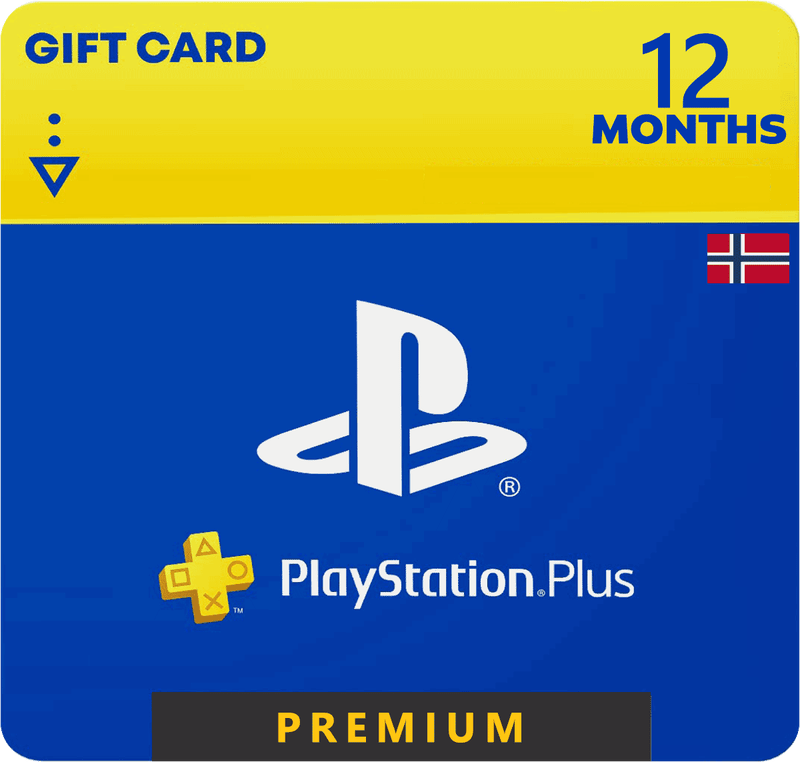
Unlocking The World of Playstation Plus: A Comprehensive Guide
Are you ready to elevate your gaming experience? Look no further than PlayStation Plus, the ultimate subscription service for PS4 and PS5 owners. In this article, we’ll delve into the world of PlayStation Plus, exploring its benefits, pricing plans, and how to activate a free trial or subscription.
What is Playstation Plus?
PlayStation Plus (PS Plus) is a premium subscription service offered by Sony that provides a range of benefits to gamers. The service was first introduced in 2012 and has since become an essential tool for PS4 and PS5 owners. With a PS Plus subscription, you can enjoy online multiplayer gaming, exclusive discounts on games, and access to free games every month.
Benefits of Playstation Plus
So, what exactly do you get with a PS Plus subscription? Here are some of the key benefits:
- Online Multiplayer: Play with friends and other gamers online, enjoying a seamless and lag-free experience.
- Exclusive Discounts: Get discounts on games, DLCs, and in-game purchases from the PlayStation Store.
- Free Games Every Month: Receive two free games every month, which can be downloaded and played for free.
- Cloud Gaming: Access your PS4 and PS5 games from anywhere, using the cloud gaming feature.
Pricing Plans
So, how much does a PS Plus subscription cost? Sony offers three pricing plans:
- Essential Plan: This plan costs €8.99 Per month or €24.99 Every 3 months.
- Extra Plan: This plan costs €13.99 Per month or €39.99 Every 3 months.
- Premium Plan: This plan costs €16.99 Per month or €49.99 Every 3 months.
Activating a Free Trial or Subscription
So, how do you activate a free trial or subscription? Here are the step-by-step instructions:
Activating From Your Console
- Go to the PlayStation Store on your PS4 or PS5 console.
- Select the “PS Plus” icon from the menu.
- Choose the pricing plan that suits you best.
- Follow the prompts to complete the transaction.
Activating From Your PC
- Go to the official website of PlayStation Plus.
- Click on the “Sign Up” button.
- Fill out the registration form with your details.
- Select the pricing plan that suits you best.
- Follow the prompts to complete the transaction.
Activating From Your Smartphone or Tablet
- Download and install the PlayStation App on your smartphone or tablet.
- Launch the app and sign in with your PSN account credentials.
- Click on the “PS Plus” icon from the menu.
- Choose the pricing plan that suits you best.
- Follow the prompts to complete the transaction.
How to Activate Playstation Plus on Two Accounts
Do you have multiple accounts and want to share the benefits of PS Plus? You can activate PS Plus on two accounts, but there are some limitations to keep in mind:
- Shared Online Multiplayer: You can play online multiplayer games with friends using both accounts.
- Shared Discounts: You can enjoy exclusive discounts on games, DLCs, and in-game purchases from both accounts.
However, there are some features that you cannot share between accounts, such as free games every month and cloud gaming.
How to Cancel a PS Plus Subscription
Are you no longer interested in using PS Plus? Don’t worry! You can cancel your subscription at any time. Here’s how:
Canceling From Your Console
- Go to the Settings menu on your PS4 or PS5 console.
- Select “Account Management” and then “Subscriptions”.
- Choose the PS Plus subscription you want to cancel.
- Follow the prompts to complete the cancellation.
Canceling From Your PC or Smartphone/tablet
- Go to the official website of PlayStation Plus.
- Click on the “Sign In” button.
- Select the account you want to cancel the subscription for.
- Follow the prompts to complete the cancellation.
Frequently Asked Questions
Here are some frequently asked questions about PS Plus:
Q: What is the difference between the Essential, Extra, and Premium plans?
A: The Essential plan offers basic benefits like online multiplayer and exclusive discounts. The Extra plan adds free games every month, while the Premium plan includes cloud gaming and a classic game catalog.
Q: Can I share my PS Plus subscription with someone else?
A: Yes, you can share your subscription with another user, but there are limitations to keep in mind.
Q: How do I cancel my PS Plus subscription?
A: You can cancel your subscription from the PlayStation Store on your console or from the official website of PlayStation Plus.
Q: Will I be charged for cancelling a free trial or subscription?
A: No, you won’t be charged if you cancel a free trial or subscription before the promotional period ends.
Q: Can I activate PS Plus on two accounts and share benefits?
A: Yes, you can activate PS Plus on two accounts and share online multiplayer gaming, exclusive discounts, and more.
Q: How do I contact PlayStation support for help with my subscription?
A: You can contact PlayStation support through their official website or by calling their customer service number.
Conclusion
PlayStation Plus is a fantastic service that offers a range of benefits to gamers. Whether you’re looking to enhance your online gaming experience, enjoy exclusive discounts, or access free games every month, PS Plus has something for everyone. We hope this comprehensive guide has helped you understand the world of PlayStation Plus and how to activate a subscription. Happy gaming!


