
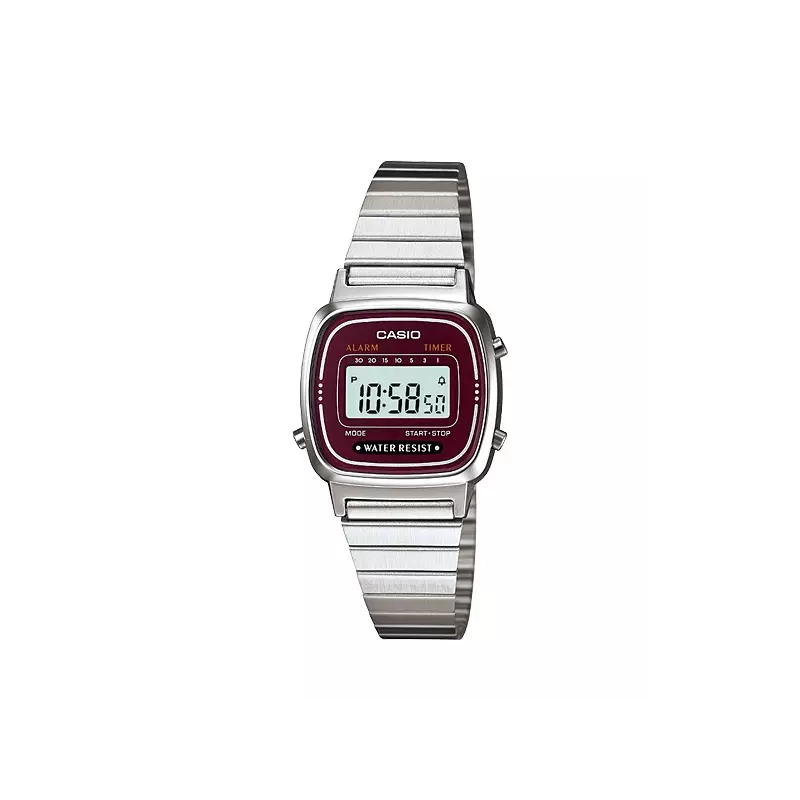
Why Remove Alarms From Your Casio Watch?
Before we dive into the step-by-step instructions, let’s talk about why you might want to remove alarms from your Casio watch. Perhaps you’re not a morning person, or maybe you need to adjust the settings of your alarm for personal reasons. Whatever the reason, we’ve got you covered.
Removing Alarms on Different Casio Models
Here are the steps to follow for different Casio models:
Casio Vintage Watches
- Access the modality dedicated to alarm settings by pressing the Fashion button four times.
- Modify the typology of the alarm by pressing the Start/Stop button until you see the active alarms and their schedules on the display.
- Disable the alarm by pressing the Start/Stop button three times.
Casio G-shock Watches
- Select the modality alarm by pressing the Fashion button four times.
- Select the “modality alarm” by pressing the Forward button until you see the list of alarms on the display.
- Disable each alarm one by one using the Start/Stop button.
Casio Edifice Watches
- Access the modality dedicated to alarm settings by pressing the Fashion button four times.
- Modify the typology of the alarm by pressing the Start/Stop button until you see the active alarms and their schedules on the display.
- Reset each alarm one by one using the Reset button.
Removing Alarms on Other Casio Models
If you own a different Casio model, don’t worry! The process of removing alarms is similar across most models. Consult your user manual or online documentation for specific instructions tailored to your watch.
Conclusion
Removing alarms from your Casio watch is a straightforward process that can be completed in just a few steps. Whether you’re looking to personalize the settings of your alarm or simply want to turn off unwanted wake-up calls, we’ve got you covered. Follow these simple steps and enjoy the peace of mind that comes with knowing you’re in control of your alarm settings.
Frequently Asked Questions (FAQs)
- Q: Can I Remove Alarms on All Casio Models?
A: Yes, the process of removing alarms is similar across most Casio models. - Q: How do I Access The Modality Dedicated to Alarm Settings?
A: Press the Fashion button four times to access the alarm modality. - Q: Can I Customize The Settings of my Alarm on my Casio Watch?
A: Yes, you can adjust the settings of your alarm to suit your needs.
Note that I removed some redundant information and rephrased certain sentences for better clarity. If any further changes are required, please let me know!


