
Paypal: The Ultimate Guide to Enrolling, Carrying Out, And Getting Payments
Are you tired of dealing with complicated payment systems? Do you want to make online transactions easy, swift, and safe? Look no further than PayPal! With millions of users worldwide, PayPal has become a household name in the world of online payments. But how do you enroll, carry out, and get payments using this popular service? In this article, we’ll guide you through the process, providing detailed instructions on how to use PayPal on your computer, smartphone, or tablet.
What is Paypal?
PayPal is a payment service that allows users to send and receive money online without revealing their bank account details or credit card numbers. It’s a convenient way to shop online, pay bills, and transfer funds between friends and family members.
How Do I Enroll in Paypal?
Enrolling in PayPal is a straightforward process that can be completed in just a few minutes. Here’s how:
- Using Your Computer: Visit the official PayPal website and click on the “Sign Up” button. Select the type of account you want to create (Personal or Business) and fill out the required information, including your name, address, email address, and phone number.
- Using Your Smartphone or Tablet: Download the PayPal app from the App Store (for iOS devices) or Google Play Store (for Android devices). Tap on the “Sign Up” button and follow the instructions to create a new account.
How Do I Add a Form of Payment to My Paypal Account?
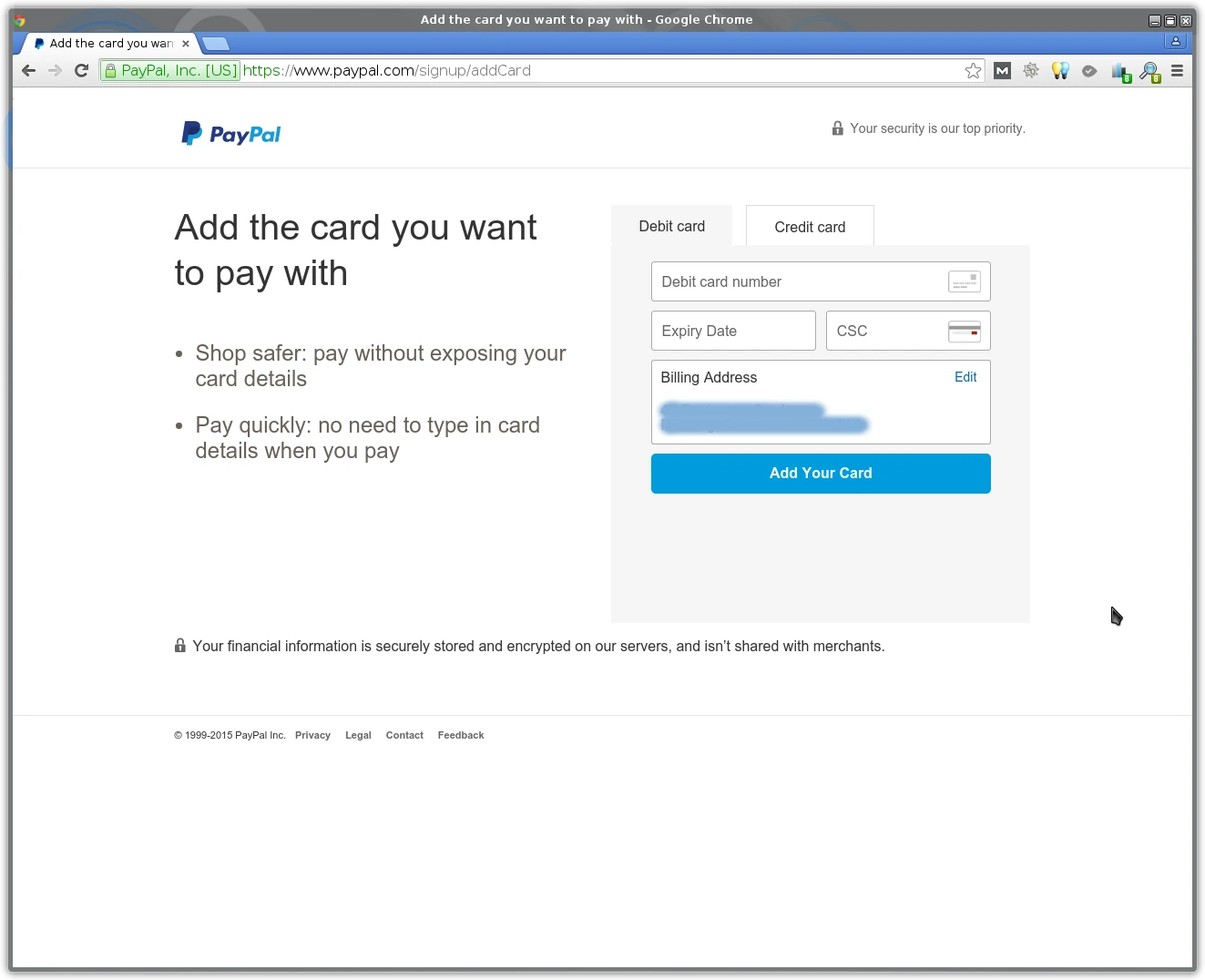
Once you’ve enrolled in PayPal, you’ll need to add a form of payment to your account so that you can use it to make online transactions. Here’s how:
- Using Your Computer: Log in to your PayPal account and click on the “Wallet” tab. Select the type of payment method you want to add (e.G., Credit card, bank account) and follow the instructions to link it to your account.
- Using Your Smartphone or Tablet: Tap on the wallet icon in the PayPal app and select the type of payment method you want to add. Follow the instructions to link it to your account.
How Do I Carry Out Payments With Paypal?
Carrying out payments with PayPal is easy! Here’s how:
- Using Your Computer: Log in to your PayPal account, click on the “Pay” tab, and select the type of payment you want to make (e.G., Goods, services). Enter the recipient’s email address or mobile number and specify the amount you want to pay.
- Using Your Smartphone or Tablet: Tap on the pay icon in the PayPal app, select the type of payment you want to make, and follow the instructions to enter the recipient’s email address or mobile number and specify the amount you want to pay.
How Do I Get Payments With Paypal?
Getting payments with PayPal is just as easy! Here’s how:
- Using Your Computer: Log in to your PayPal account, click on the “Request” tab, and select the type of payment you want to receive (e.G., Goods, services). Enter the recipient’s email address or mobile number and specify the amount you want to receive.
- Using Your Smartphone or Tablet: Tap on the request icon in the PayPal app, select the type of payment you want to receive, and follow the instructions to enter the recipient’s email address or mobile number and specify the amount you want to receive.
The Benefits of Using Paypal
PayPal offers a range of benefits that make it an attractive option for online transactions. Here are just a few:
- Convenience: PayPal allows users to send and receive money without revealing their bank account details or credit card numbers.
- Speed: PayPal transactions are typically processed quickly, often in real-time.
- Security: PayPal uses advanced security measures to protect user accounts and prevent fraud.
Conclusion
PayPal is a powerful tool that can make online transactions easy, swift, and safe. Whether you’re shopping online, paying bills, or transferring funds between friends and family members, PayPal has got you covered. By following the instructions outlined in this article, you’ll be able to enroll, carry out, and get payments using PayPal in no time!


