
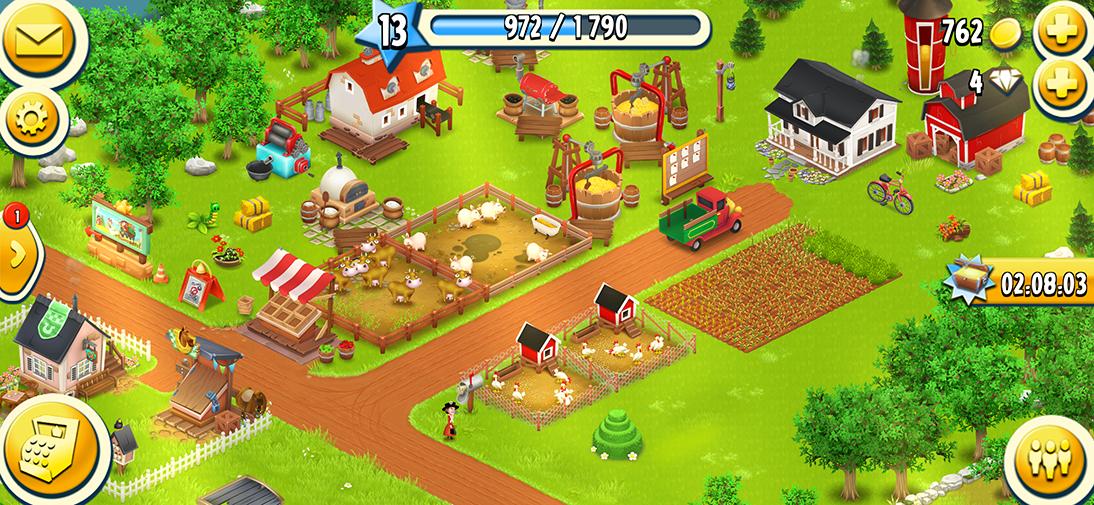
The Ultimate Guide to Deleting Your Supercell Id: A Step-by-step Tutorial
Are you tired of dedicating hours to your favorite Supercell games, only to realize that you’ve lost progress or can’t access them anymore? Do you want to start fresh with a new account or delete your existing one altogether? Look no further! In this article, we’ll guide you through the process of deleting your Supercell ID and explain what happens when you do.
What Happens When You Delete Your Supercell Id?
Before we dive into the tutorial, it’s essential to understand what happens when you delete your Supercell ID. Deleting your account will not only remove access to your progress in all Supercell games but also eliminate any associated data, such as gems, coins, and other purchases made using royal currency.
The Procedure: A Step-by-step Guide
Deleting a Supercell ID is a relatively straightforward process that involves accessing the settings of each game developed by Supercell. Here’s how to do it:
1. Accessing The Settings of Each Game
To delete your Supercell ID, you’ll need to access the settings of each game developed by Supercell. This includes Brawl Stars, Clash Royale, Clash of Clans, Boom Beach, and Hay Day.
Deleting Your Supercell ID From Brawl Stars
- Open Brawl Stars on your device.
- Tap on the gear icon in the top-right corner.
- Select “Settings” and then tap on the “Supercell ID” option.
- If you’re connected to your Supercell ID, tap on the “Disconnect” button.
- If you want to delete your account, select “Delete Account” and follow the instructions.
Deleting Your Supercell ID From Clash Royale
- Open Clash Royale on your device.
- Tap on the gear icon in the top-right corner.
- Select “Settings” and then tap on the “Supercell ID” option.
- If you’re connected to your Supercell ID, tap on the “Disconnect” button.
- If you want to delete your account, select “Delete Account” and follow the instructions.
Deleting Your Supercell ID From Clash of Clans
- Open Clash of Clans on your device.
- Tap on the gear icon in the top-right corner.
- Select “Settings” and then tap on the “Supercell ID” option.
- If you’re connected to your Supercell ID, tap on the “Disconnect” button.
- If you want to delete your account, select “Delete Account” and follow the instructions.
Deleting Your Supercell ID From Boom Beach
- Open Boom Beach on your device.
- Tap on the gear icon in the top-right corner.
- Select “Settings” and then tap on the “Supercell ID” option.
- If you’re connected to your Supercell ID, tap on the “Disconnect” button.
- If you want to delete your account, select “Delete Account” and follow the instructions.
Deleting Your Supercell ID From Hay Day
- Open Hay Day on your device.
- Tap on the gear icon in the top-right corner.
- Select “Settings” and then tap on the “Supercell ID” option.
- If you’re connected to your Supercell ID, tap on the “Disconnect” button.
- If you want to delete your account, select “Delete Account” and follow the instructions.
What Happens After You Delete Your Supercell Id?
After deleting your Supercell ID, all associated data will be eliminated. This includes progress in all Supercell games, purchases made using royal currency, and other related information.
Conclusion
Deleting your Supercell ID is a simple process that involves accessing the settings of each game developed by Supercell. Remember to follow the instructions carefully, as deleting your account is permanent and cannot be undone.
Frequently Asked Questions (FAQs)
- What Happens When I Delete my Supercell Id?
Deleting your Supercell ID will eliminate all associated data, including progress in all Supercell games, purchases made using royal currency, and other related information. - Can I Recover my Deleted Account?
No, deleting your Supercell ID is permanent and cannot be undone. - How do I Delete my Supercell ID From Multiple Games at Once?
Unfortunately, you’ll need to access the settings of each game individually to delete your Supercell ID. - Will I Lose All my Progress if I Delete my Account?
Yes, deleting your Supercell ID will eliminate all associated data, including progress in all Supercell games. - Can I Use a New Email Address to Create a New Account?
Yes, you can create a new account using a different email address.
We hope this guide has been helpful! If you have any further questions or concerns, feel free to ask.


