
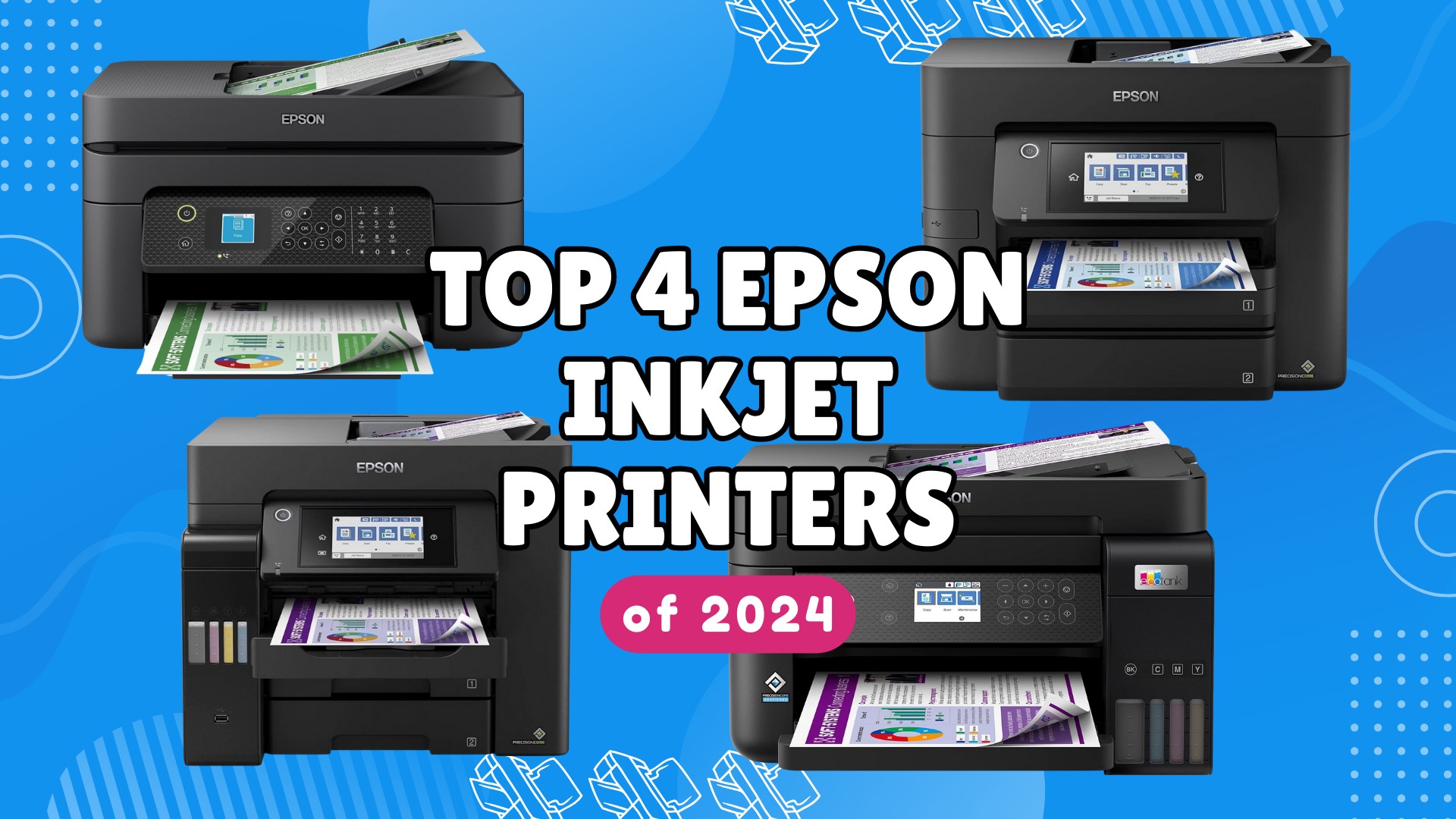
The Best Epson Printers: A Guide to Buying (2024)
Are you in the market for a new printer, but not sure which one to choose? Look no further! In this article, we’ll guide you through the world of Epson printers, highlighting their key features and benefits.
Why Choose an Epson Printer?
Epson is one of the leading manufacturers of printers worldwide. Their range of products includes inkjet and laser printers, multifunction devices, and portable printers. Whether you’re a home user or a business professional, Epson has something to offer.
How to Choose The Right Printer For You
Before we dive into the best Epson printers on the market, let’s take a step back and consider what you need from your printer. Here are some factors to think about:
- Budget: What is your budget for the printer?
- Print quality: Do you need high-quality prints for professional use or personal projects?
- Connectivity: Do you want a wireless printer that can connect to multiple devices at once?
- Size and weight: Will you be moving the printer around frequently, or will it be staying in one place?
Types of Epson Printers
Epson printers come in various shapes and sizes, each with its unique features. Here are some common types:
- Inkjet printers: These use ink cartridges to print documents and photos.
- Laser printers: These use laser technology to produce high-quality prints quickly.
- Multifunction printers: These can print, scan, copy, and fax documents.
- Portable printers: These are compact and lightweight, perfect for travel or office use.
The Best Epson Printers on The Market
Now that we’ve covered the basics, let’s take a look at some of the best Epson printers available:
- Epson Workforce Wf-110w
- A portable inkjet printer ideal for home and office use.
- Compact design with integrated battery for mobile printing.
- Epson Workforce Wf-7310dtw
- A high-quality multifunctional printer for professional use.
- Fast print speeds and excellent print quality.
- Epson Expression Home Xp-2100
- A 3-in-1 inkjet printer with scanner, copier, and fax capabilities.
- Compact design with wireless connectivity.
- Epson Ecotank Et-m1170
- A high-quality inkjet printer with excellent print quality and low running costs.
- Integrated Wi-Fi and Auto-Duplex features.
- Epson Workforce Wf-2830dwf
- A 4-in-1 multifunctional printer for home and office use.
- Fast print speeds, wireless connectivity, and compact design.
What to Look For in an Epson Printer
When choosing the right Epson printer for your needs, consider the following factors:
- Print quality: Look for high-quality prints with crisp text and vibrant colors.
- Connectivity: Ensure the printer has the necessary connections (e.G., USB, Ethernet, Wi-Fi) for your devices.
- Size and weight: Choose a printer that fits comfortably in your workspace or home office.
- Budget: Set a budget and stick to it – Epson printers range from affordable to high-end.
Conclusion
Epson offers a wide range of printers to suit various needs and budgets. Whether you’re a home user or a business professional, there’s an Epson printer out there for you. By considering your requirements and the features mentioned in this article, you’ll be well on your way to finding the perfect printer for your needs.
Frequently Asked Questions
- Q: What is The Best Epson Printer For Home Use?
A: The Epson WorkForce WF-110W or Expression Home XP-2100 are excellent choices for home use. - Q: Which Epson Printer Has The Fastest Print Speeds?
A: The Epson WorkForce WF-7310DTW offers fast print speeds, ideal for professional use. - Q: Are Epson Printers Energy-efficient?
A: Yes, many Epson printers are designed to be energy-efficient and have low running costs. - Q: Can I Connect my Epson Printer Wirelessly?
A: Yes, most Epson printers come with wireless connectivity options, such as Wi-Fi or Ethernet. - Q: What is The Average Lifespan of an Epson Printer?
A: The lifespan of an Epson printer varies depending on usage and maintenance, but with proper care, they can last for several years.
We hope this guide has helped you navigate the world of Epson printers!


