
Actuating The Cession of Called: A Comprehensive Guide
Are you tired of missing important calls because your phone is busy or out of range? Do you want to know how to redirect calls from your mobile number to another number? Look no further! In this article, we will guide you through the process of actuating the cession of called, a feature that allows you to divert calls to a different number.
What is Actuating The Cession of Called?
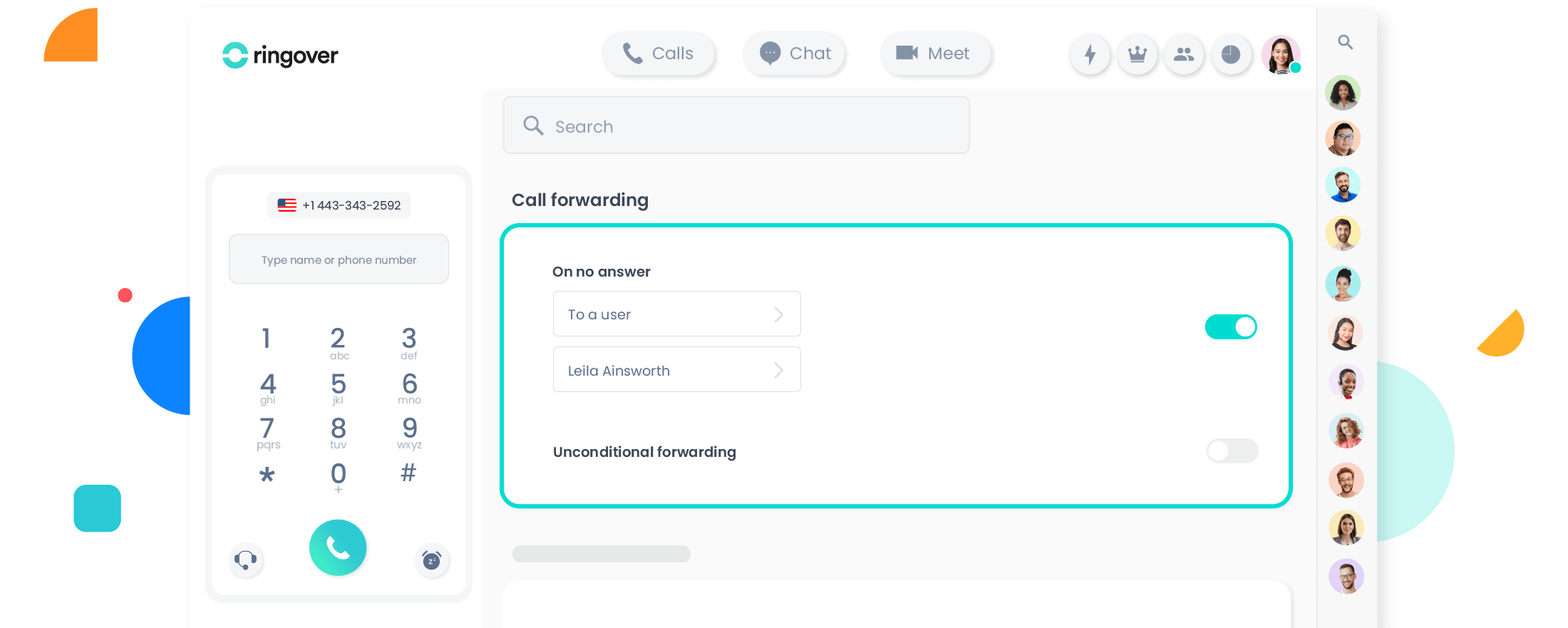
Actuating the cession of called is a service that enables you to redirect incoming calls from your mobile number to another number. This can be useful in various situations, such as when you are busy or out of range, and you want to ensure that important calls are not missed.
How to Actuate The Cession of Called: A Step-by-step Guide
Actuating the cession of called is a straightforward process that requires minimal effort. Here’s a step-by-step guide on how to do it:
- Identify Your Phone Operator: First, you need to identify your phone operator. This information can be found on your phone bill or by checking with your service provider.
- Choose The Type of Cession: Next, you need to choose the type of cession you want to actuate. There are four types of cessations:
- Unconditioned Cession: All incoming calls will be diverted to the chosen number.
- Cession on Lack Answered: Calls that go unanswered will be diverted to the chosen number.
- Cession on Busy: Calls made while you are busy or engaged in another conversation will be diverted to the chosen number.
- Cession if No Raggiungibile: Calls made when your phone is out of range or turned off will be diverted to the chosen number.
- Enter The Destination Number: Once you have chosen the type of cession, you need to enter the destination number where calls will be redirected.
- Activate The Cession: Finally, activate the cession by dialing a specific code provided by your phone operator.
Codes For Actuating The Cession of Called
Here are the codes for actuating the cession of called for various phone operators:
- Tim: Dial 21 + 39 (number of destination) to activate the unconditioned cession. To deactivate, dial #21#.
- Vodafone: Dial 21 + 39 (number of destination) to activate the unconditioned cession. To deactivate, dial ##21#.
- Windtre: Dial 21 + 39 (number of destination) to activate the unconditioned cession. To deactivate, dial #21#.
- Fastweb: Dial 22 + 39 (number of destination) to activate the cession on lack answered. To deactivate, dial ##22#.
Actuating The Cession of Called on Android And Iphone
If you have an Android or iPhone device, actuating the cession of called is a bit more complex. Here’s how to do it:
- Android: Go to Settings > Call settings > Call divert. Choose the type of cession and enter the destination number.
- Iphone: Go to Settings > Phone > Inoltra called. Choose the type of cession and enter the destination number.
Frequently Asked Questions (FAQs)
Here are some frequently asked questions related to actuating the cession of called:
Q: What is the cost of actuating the cession of called?
A: The cost varies depending on your phone operator.
Q: Can I actuate the cession of called on a fixed line phone?
A: Yes, but check with your service provider for availability and costs.
Q: How do I disable the cession of called?
A: Simply dial the deactivation code provided by your phone operator.
Conclusion
Actuating the cession of called is a useful feature that allows you to redirect incoming calls to another number. By following this guide, you can easily actuate the cession of called on various phone operators and devices. Remember to check with your service provider for availability and costs before activating the service.
Faqs
- Q: What is The Maximum Duration For Which I Can Divert Calls?
A: The maximum duration varies depending on your phone operator. - Q: Can I Divert Calls to a Landline Number?
A: Yes, but check with your service provider for availability and costs. - Q: How do I Know if my Call is Being Diverted?
A: You will receive an automated message indicating that the call has been diverted. - Q: Can I Actuate Multiple Types of Cessations at Once?
A: Yes, but check with your service provider for availability and costs. - Q: How do I Cancel The Cession of Called?
A: Simply dial the deactivation code provided by your phone operator. - Q: Is The Cession of Called Available on All Phone Operators?
A: No, not all phone operators offer this service. - Q: Can I Divert Calls to a Voip Number?
A: Yes, but check with your service provider for availability and costs. - Q: How do I Know if The Cession of Called is Active?
A: You will receive an automated message indicating that the service has been activated.


