
The Ultimate Guide to Finding Your Iphone
Are you tired of worrying about losing your iPhone? Do you wish there was a way to find it if it ever got lost or stolen? Well, worry no more! In this article, we will guide you through the process of finding your iPhone, even if it’s been turned off.
The Best Way to Find Your Iphone
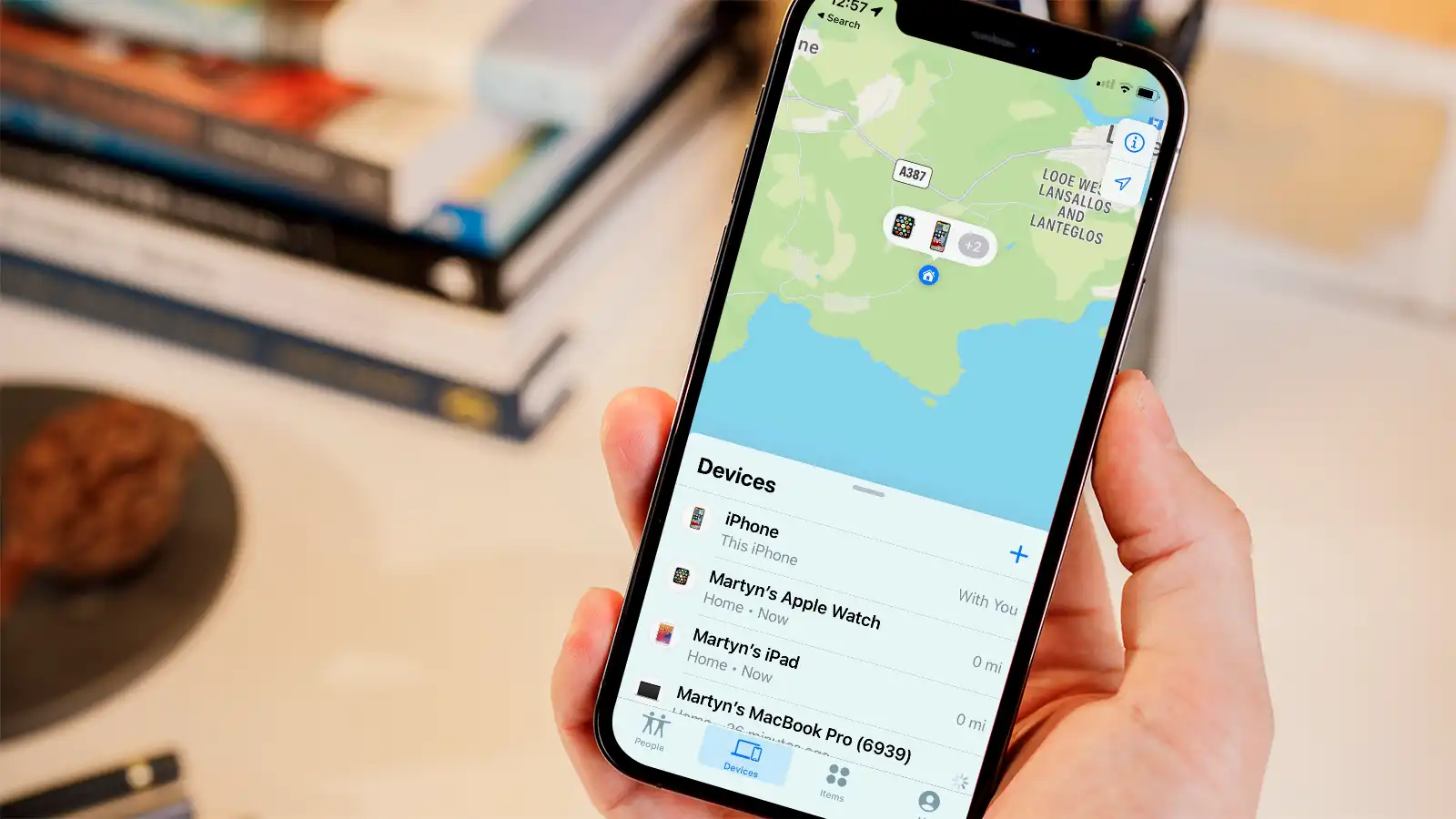
Before we dive into the details, let’s talk about the best way to find your iPhone. The answer is simple: Use Apple’s “Find My” feature. This feature allows you to locate your iPhone on a map, lock it remotely, and even erase all of its data if it falls into the wrong hands.
How to Use Find My
To use Find My, make sure that you have enabled the feature on your iPhone. To do this, go to Settings > [Your Name] > iCloud > Find My. Make sure that the switch next to “Find My iPhone” is turned on. If it’s not, tap the switch to turn it on.
Finding Your Iphone
Now that you’ve enabled Find My, let’s talk about how to find your iPhone if it gets lost or stolen. Here are the steps:
- Go to iCloud.Com/find on a computer or another iOS device.
- Sign in with your Apple ID and password.
- Click on “All Devices” at the top of the page.
- Select your iPhone from the list of devices.
- Click on “Locate” to see where your iPhone is on a map.
What If My Iphone Is Turned Off?
If your iPhone is turned off, don’t worry! You can still use Find My to locate it. However, if your iPhone has been turned off for more than 24 hours, you won’t be able to locate it using the “Locate” feature. But, you can still use other features like “Mark as Lost” and “Erase Data” to protect your device.
How to Find Your Iphone Without Find My
What if you haven’t enabled Find My on your iPhone? Don’t worry! There are other ways to find your iPhone without using the “Find My” feature. Here are a few options:
- Use an app like Prey or Lookout, which can help you locate your iPhone even if it’s been turned off.
- Contact your carrier and ask them to block your iPhone’s SIM card. This will prevent anyone from using your device.
- Use the IMEI (International Mobile Equipment Identity) number of your iPhone to contact your carrier and ask them to block your device.
How to Find Your Iphone Using Imei
The IMEI number is a unique 15-digit code that identifies your iPhone. You can find this code on the packaging or in the documentation that came with your device. To use the IMEI number, you’ll need to contact your carrier and ask them to block your device.
Here’s what you need to do:
- Find the IMEI number of your iPhone.
- Contact your carrier and explain the situation.
- Ask your carrier to block your iPhone’s SIM card using the IMEI number.
Conclusion
Finding your iPhone is easier than you think! With Apple’s “Find My” feature, you can locate your device on a map, lock it remotely, and even erase all of its data if it falls into the wrong hands. And, if your iPhone has been turned off or you haven’t enabled Find My, there are other options available to you.
Faqs
Q: What is Find My?
A: Find My is a feature that allows you to locate your iPhone on a map, lock it remotely, and even erase all of its data if it falls into the wrong hands.
Q: How do I enable Find My on my iPhone?
A: To enable Find My on your iPhone, go to Settings > [Your Name] > iCloud > Find My. Make sure that the switch next to “Find My iPhone” is turned on.
Q: What if my iPhone has been turned off for more than 24 hours?
A: If your iPhone has been turned off for more than 24 hours, you won’t be able to locate it using the “Locate” feature. But, you can still use other features like “Mark as Lost” and “Erase Data” to protect your device.
Q: Can I find my iPhone without using Find My?
A: Yes! You can use an app like Prey or Lookout to help you locate your iPhone even if it’s been turned off. You can also contact your carrier and ask them to block your iPhone’s SIM card.
Q: How do I find my iPhone using the IMEI number?
A: To find your iPhone using the IMEI number, you’ll need to contact your carrier and explain the situation. Ask your carrier to block your iPhone’s SIM card using the IMEI number.
Q: Is it possible to recover my lost or stolen iPhone?
A: Unfortunately, no! Once your iPhone has been stolen or lost, there’s a slim chance of recovering it.
Q: Can I use Find My to track someone else’s iPhone?
A: No, you can only use Find My to locate your own iPhone.


