
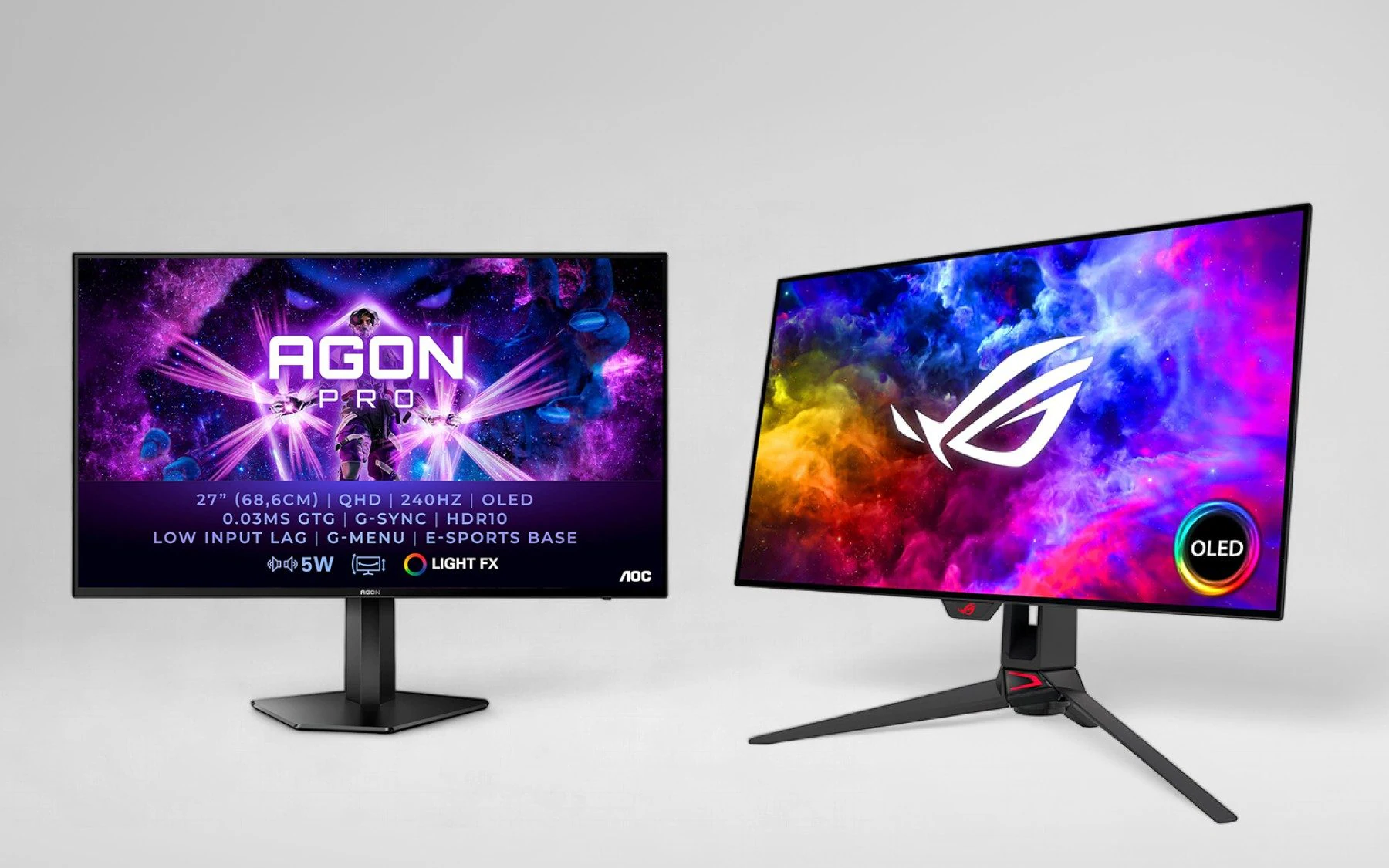
Better Gaming Monitors: A Guide to Choosing The Best One (September 2024)
Are you ready to take your gaming experience to the next level? If so, then a good gaming monitor is an essential investment. But with so many options available in the market, choosing the right one can be overwhelming.
In this article, we will guide you through the process of selecting the best gaming monitor for your needs. We’ll cover everything from the type of panel to consider, to the features that matter most, and even provide some tips on how to get the most out of your new monitor.
Understanding The Types of Panels
Before diving into the world of gaming monitors, it’s essential to understand the different types of panels available. The three primary options are:
- Ips (In-Plane Switching): IPS panels offer excellent color accuracy and wide viewing angles. They’re ideal for gamers who want a smooth and immersive experience.
- TN (Twisted Nematic): TN panels have faster response times and higher refresh rates than IPS panels. However, they may not provide the same level of color accuracy and can be prone to ghosting.
- VA (Vertical Alignment): VA panels offer better contrast ratios and deeper blacks than IPS and TN panels. They’re a good option for gamers who want an immersive experience with enhanced visuals.
Key Features to Consider
When choosing a gaming monitor, there are several key features to consider:
- Resolution: A higher resolution means more detailed graphics and a smoother gaming experience.
- Refresh Rate: A higher refresh rate ensures that the image remains stable and smooth, even during fast-paced games.
- Response Time: Faster response times reduce ghosting and ensure a more immersive gaming experience.
- Connectivity Options: Ensure that your monitor has the necessary connectivity options, such as HDMI or DisplayPort.
- Ergonomic Design: A comfortable and ergonomic design is essential for extended gaming sessions.
Gaming Monitors to Consider
Some of the best gaming monitors on the market include:
- Philips 271V8L: This monitor offers a 27-inch IPS panel, a 1ms response time, and a 75Hz refresh rate.
- LG 27GR75Q Ultragear: This monitor features a 27-inch TN panel, a 1ms response time, and a 144Hz refresh rate.
- Gawfolk 27 Inches Curvo Gaming Monitor: This monitor boasts a 27-inch VA panel, a 5ms response time, and a 100Hz refresh rate.
Conclusion
Choosing the right gaming monitor can be overwhelming, but by considering your needs and preferences, you can find the perfect one for your gaming experience. Remember to look for features such as high resolution, fast refresh rates, and responsive times, and don’t forget to consider the type of panel that best suits your needs.
Frequently Asked Questions
- Q: What is the best type of panel for a gaming monitor?
A: The best type of panel depends on individual preferences. IPS panels offer excellent color accuracy, while TN panels have faster response times. - Q: What is the ideal refresh rate for a gaming monitor?
A: The ideal refresh rate varies depending on the game and personal preference. However, 144Hz or higher is recommended for smooth and immersive experiences. - Q: How important is ergonomic design in a gaming monitor?
A: Ergonomic design is crucial for extended gaming sessions, as it ensures comfort and reduces eye strain.
Ultimate Gaming Monitors Faq
- Q: What are the best gaming monitors of 2024?
A: Some of the top-rated gaming monitors include:
• Philips 271V8L
• LG 27GR75Q UltraGear
• Gawfolk 27 Inches Curvo Gaming Monitor - Q: What is the best resolution for a gaming monitor?
A: A higher resolution (such as QHD or 4K) provides more detailed graphics, but may require powerful hardware to run smoothly. - Q: How important is response time in a gaming monitor?
A: Faster response times reduce ghosting and ensure a smoother gaming experience, especially during fast-paced games.
I hope this helps you find the perfect gaming monitor for your needs!


